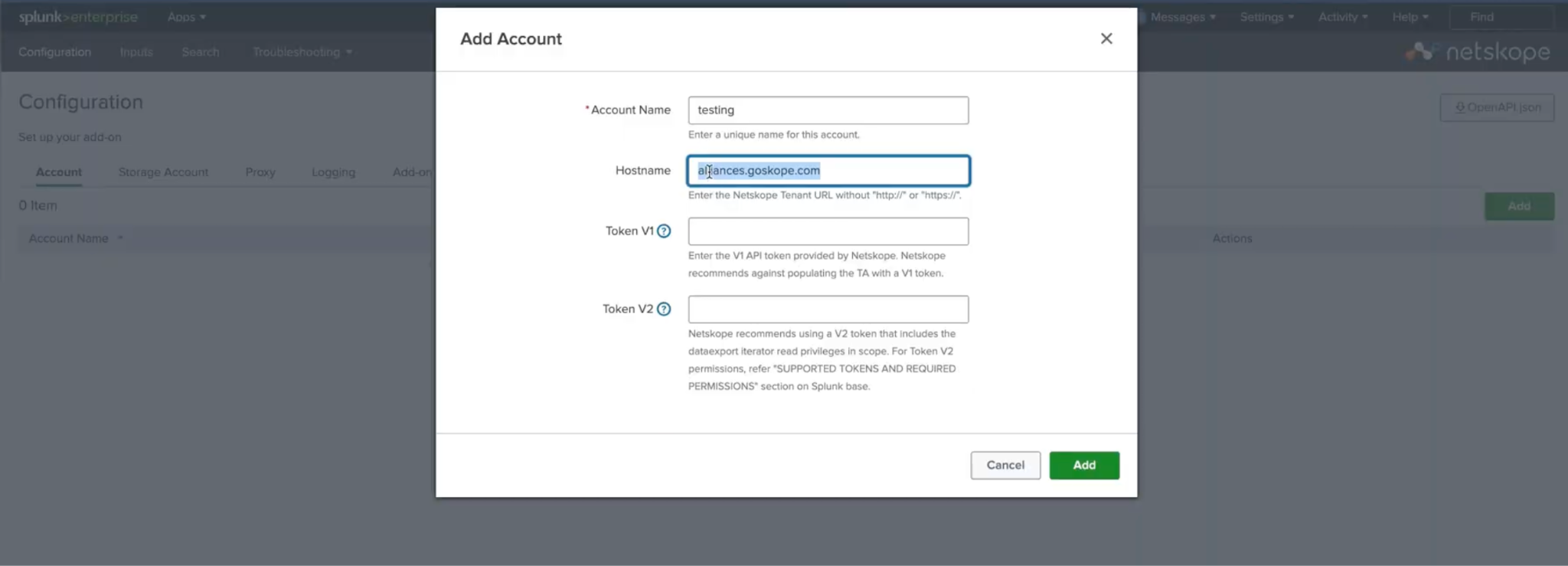
- On the Splunk Home Page, click Netskope Add-on for Splunk and go to the Configuration section.
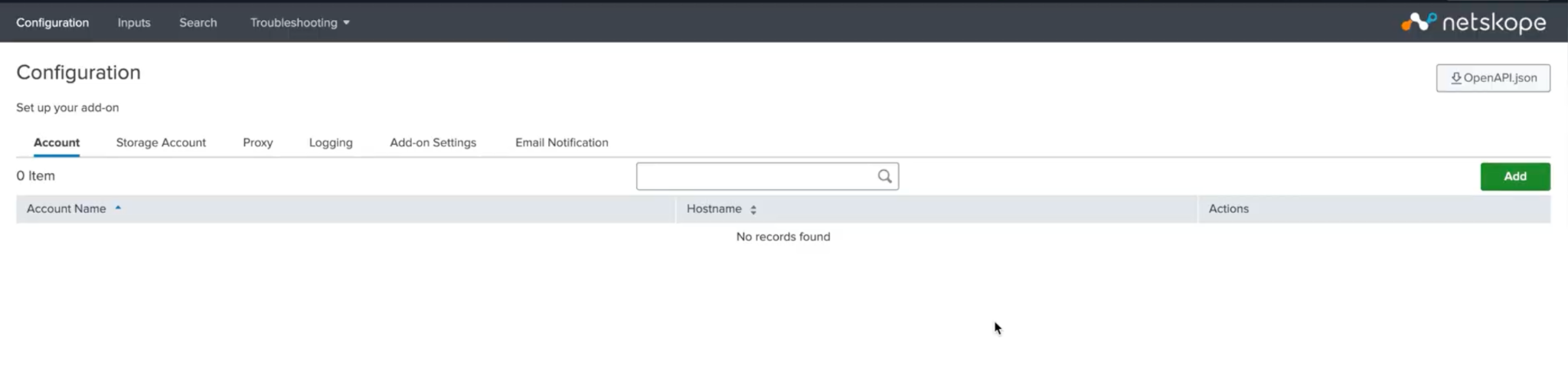
- On the Account tab, click Add to configure a new Account.
- Enter the required information, like Account Name (To uniquely identify accounts in Splunk), Netskope Tenant URL, Netskope API Token, and then click Save.