A Netskope API token is required to configure the Netskope Add-on in Splunk. You will need authorized credentials to log in to the Netskope Tenant.
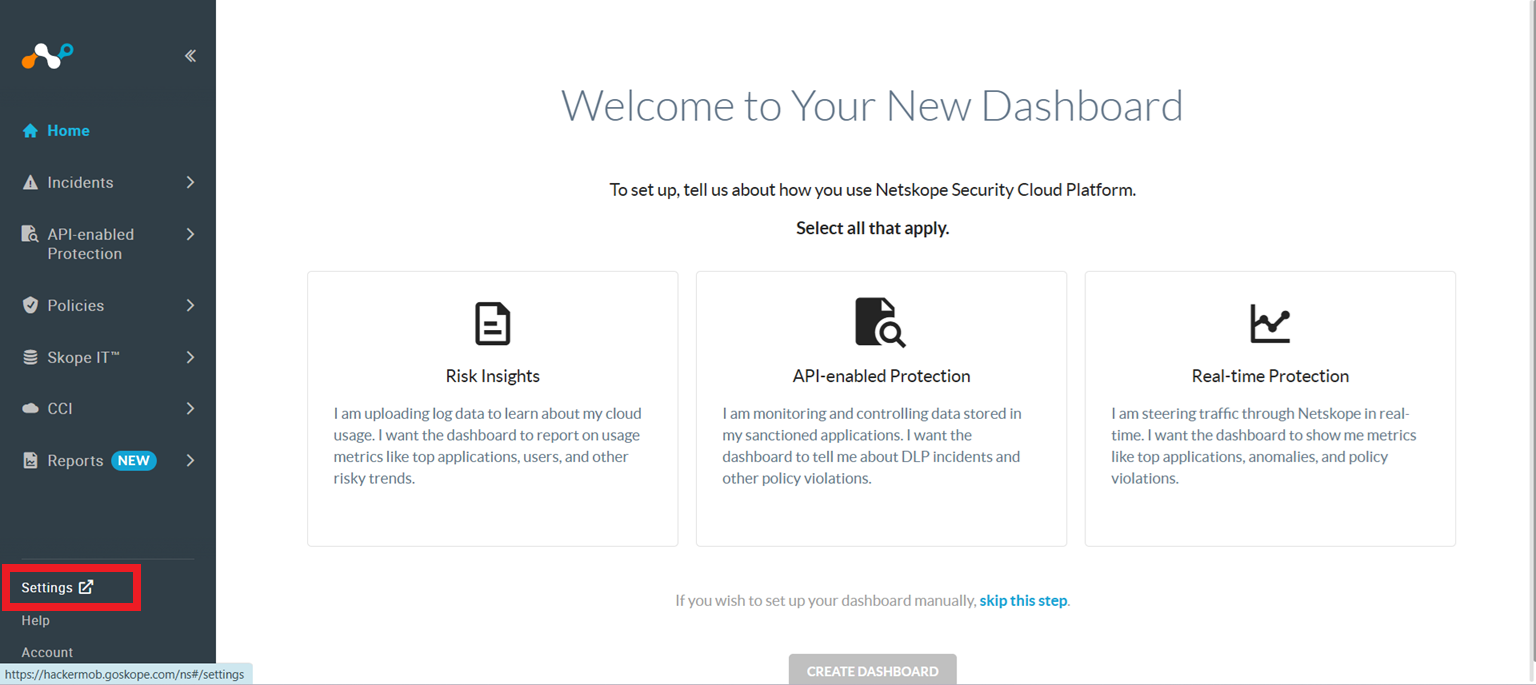
- In the Netskope tenant, go to Settings.
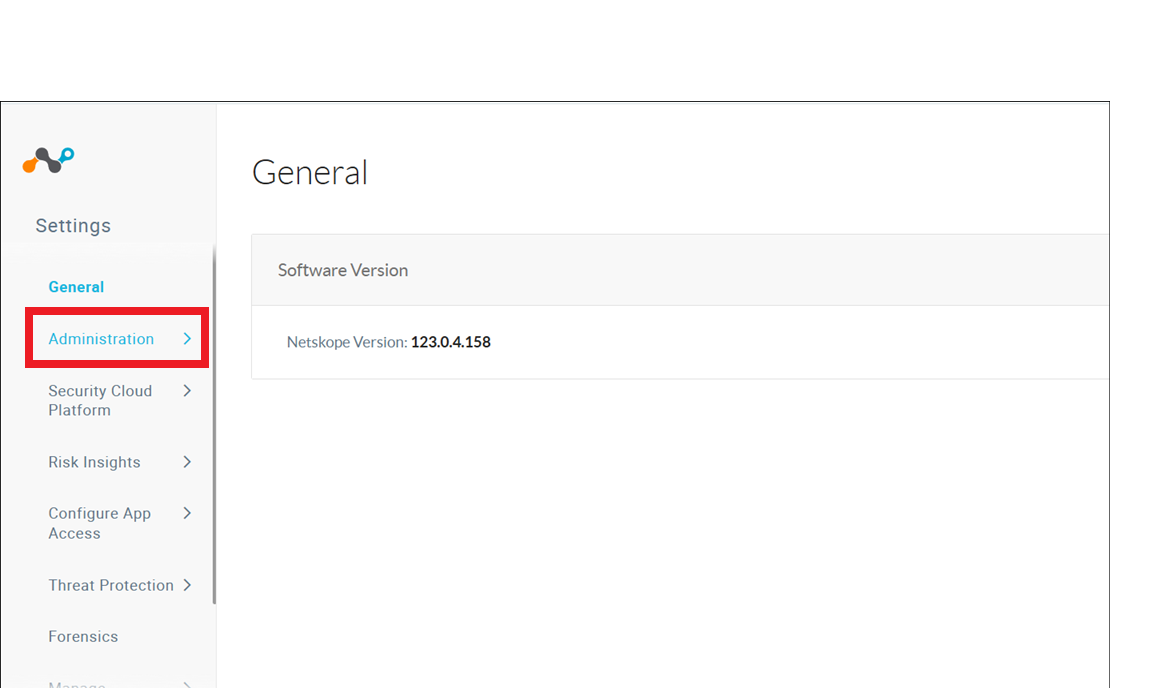
- Click Administration.
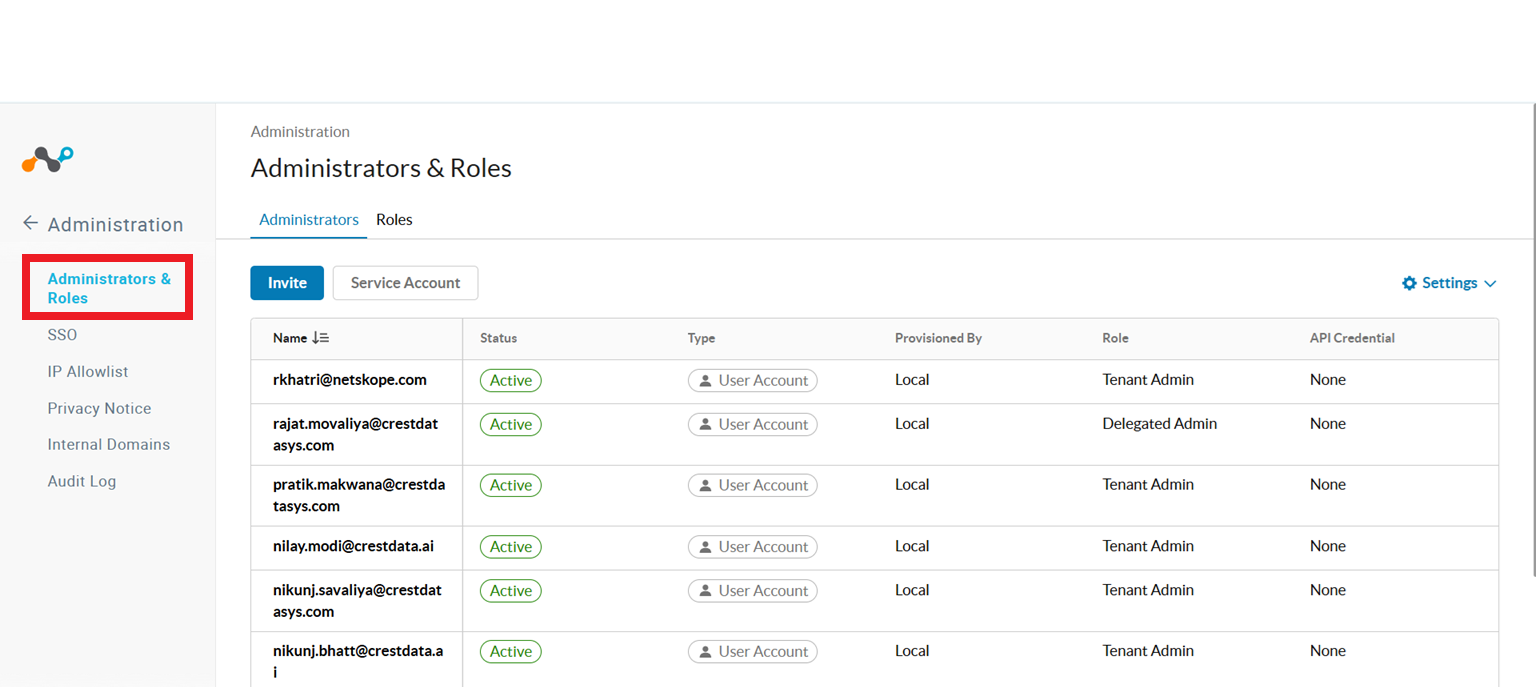
- Click Administrators & Roles.
- On the Roles tab, click New to create a new role with all required permissions.
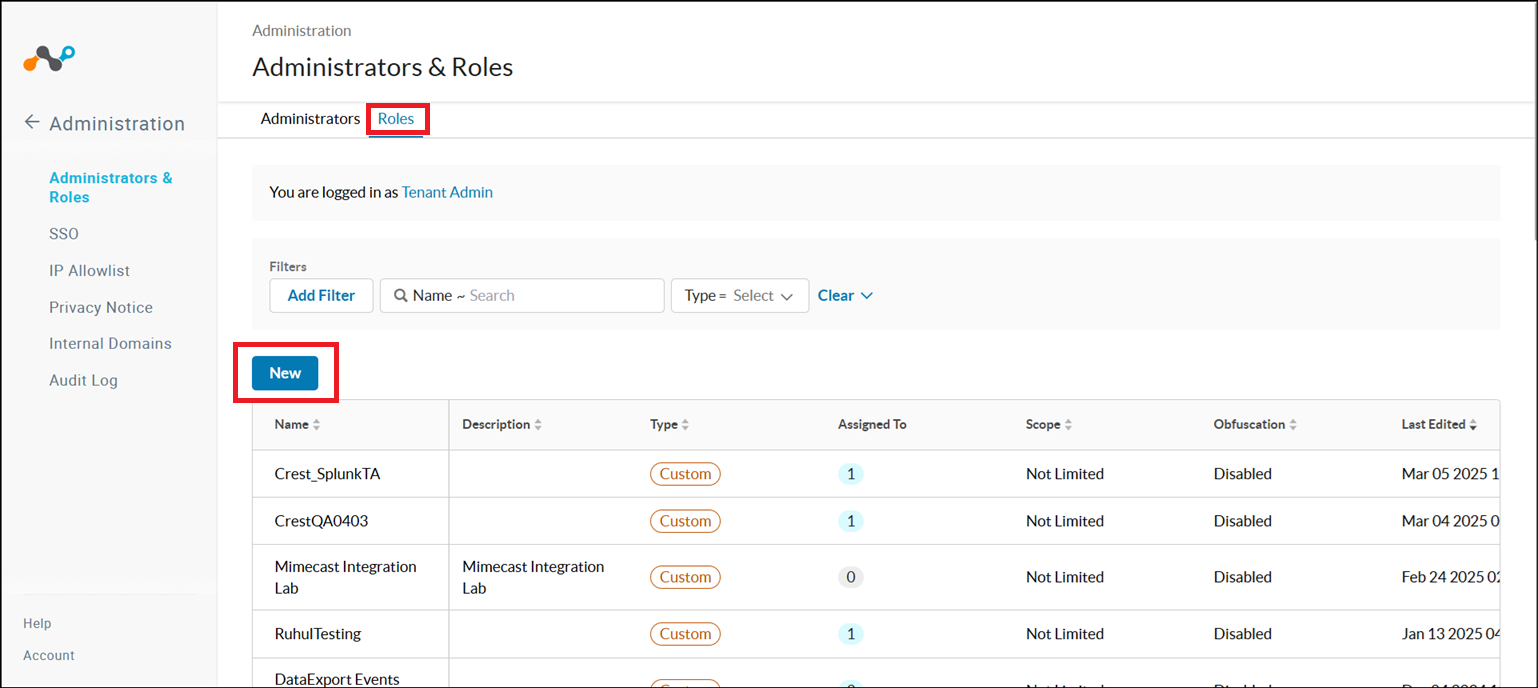
- Enter a Role Name and provide all the permissions.
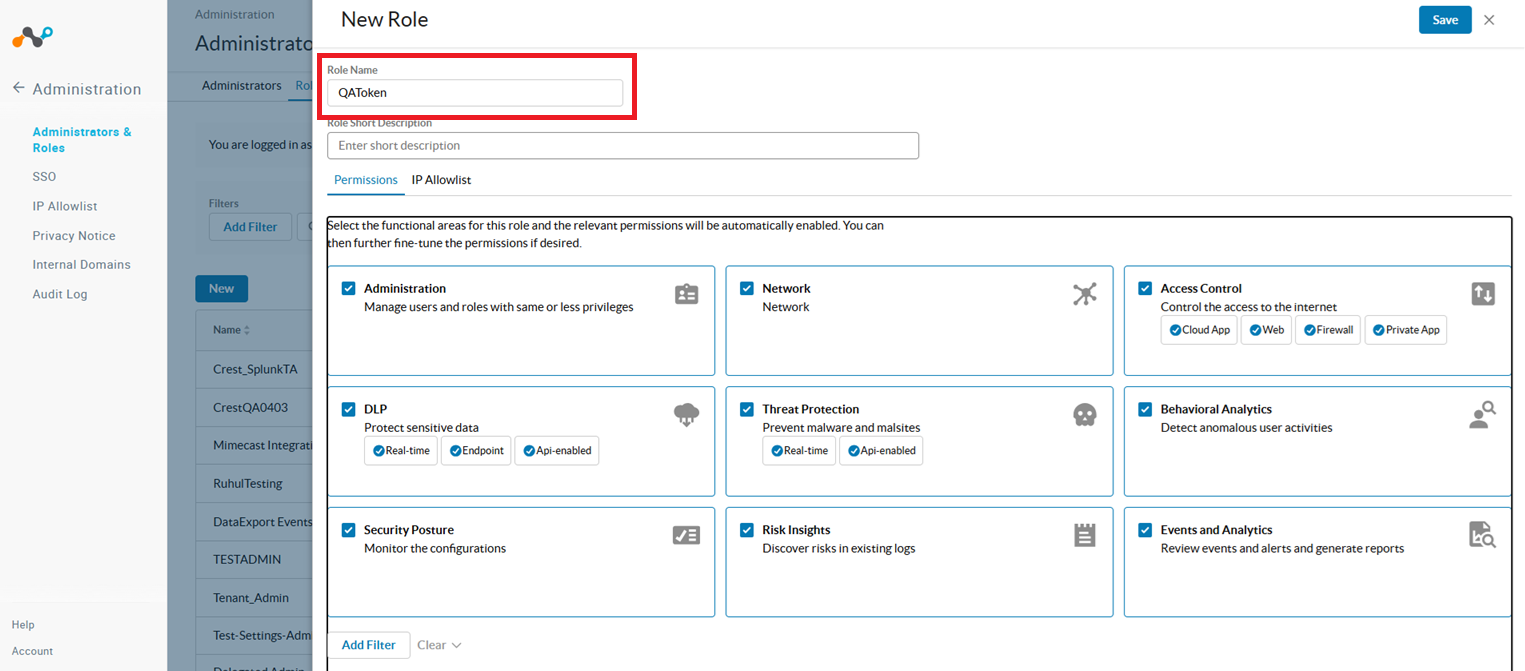 Here are the Functional Areas to be addressed. Review the table, find the functional area of the desired endpoint, search that functional area on the portal as shown below, and modify the permissions. This table shows the minimum access required for each functional area.
Permission Functional Area Access Administration Audit Log View DLP Incident
Infrastructure > Infrastructure logs
On-PremisesView
View
ViewAccess Control NS Client > Devices Manage Events and Analytics SkopeIT >AlertsApplication Events Endpoint Events
Network Events
Page Events
Transaction Events
View
View
View
View
View
View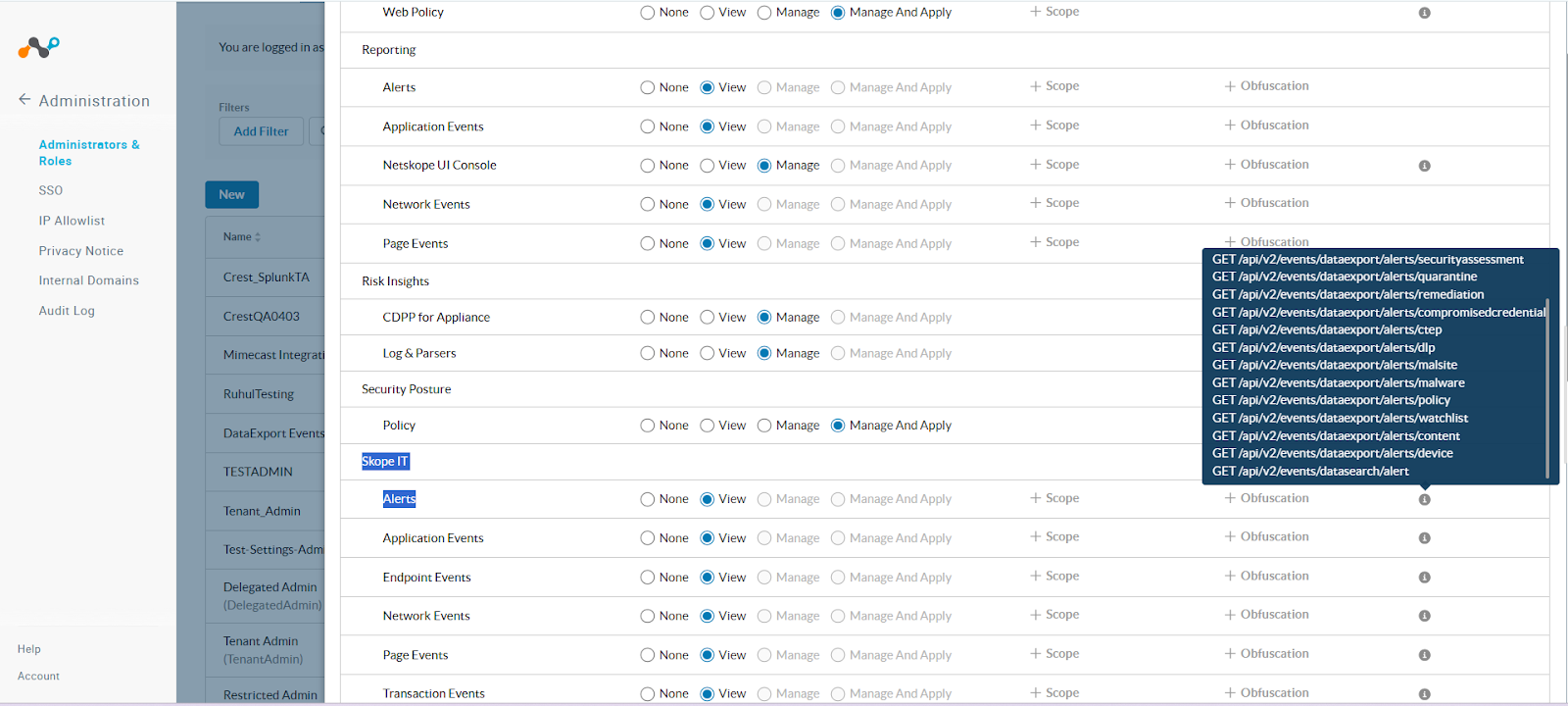
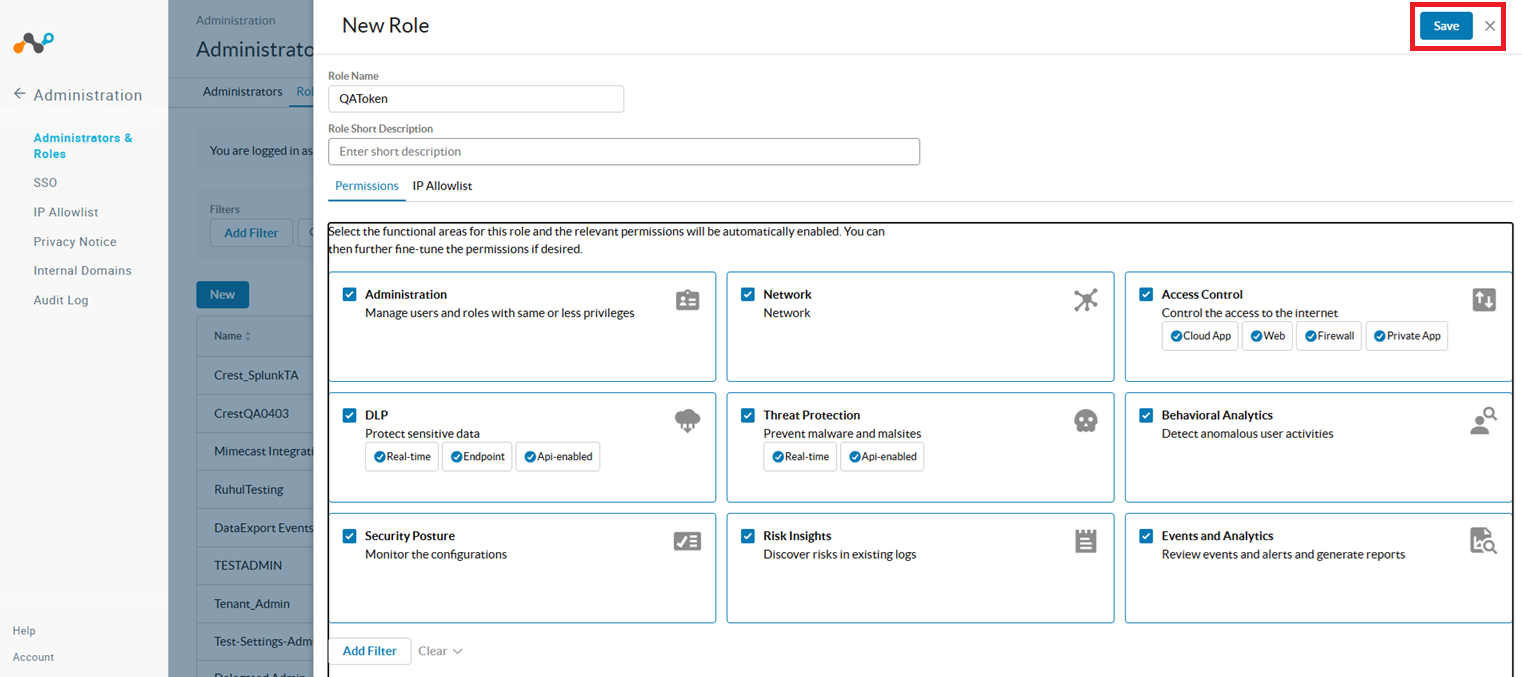
- Click Save.
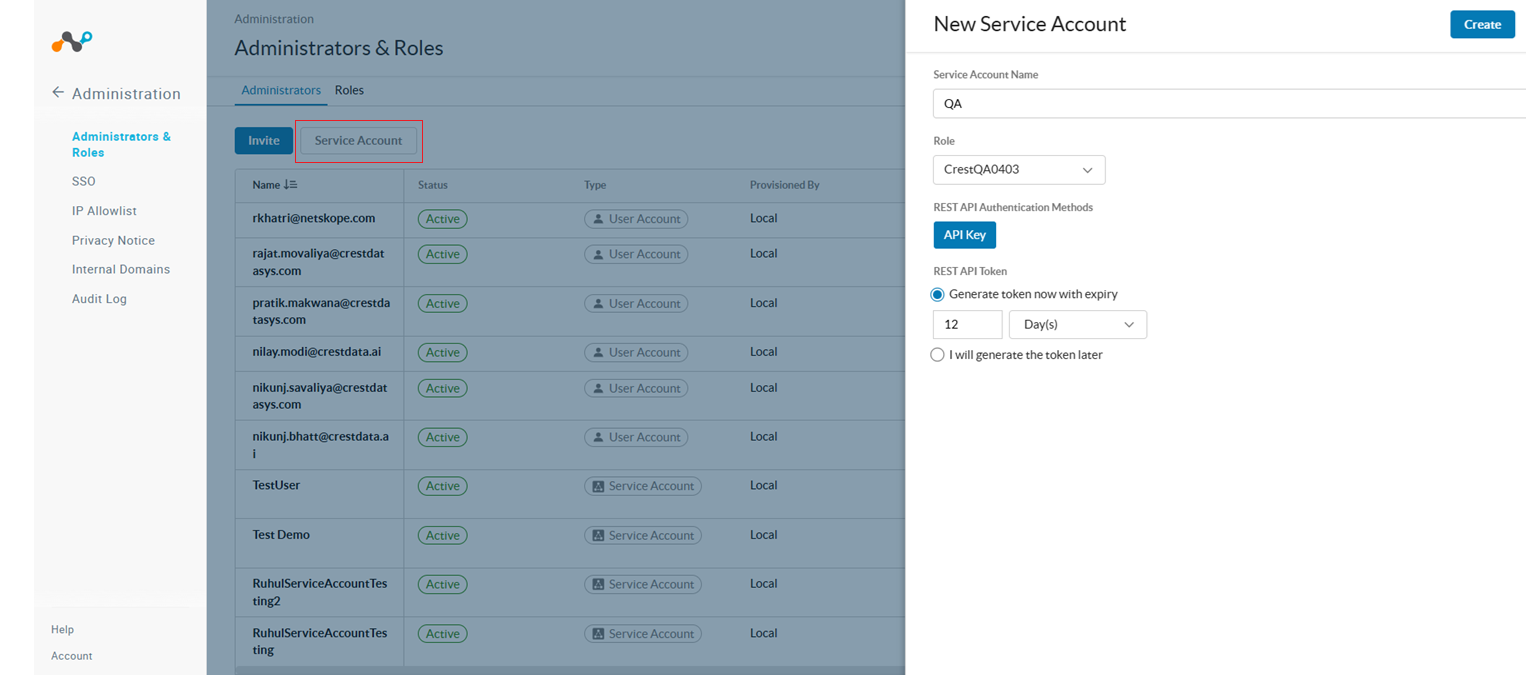
- On the Administrators tab, click Service Account.
- Enter a Service Account Name, select the Role you created, provide a time for Generate token now with expiry as desired, and then click Create.
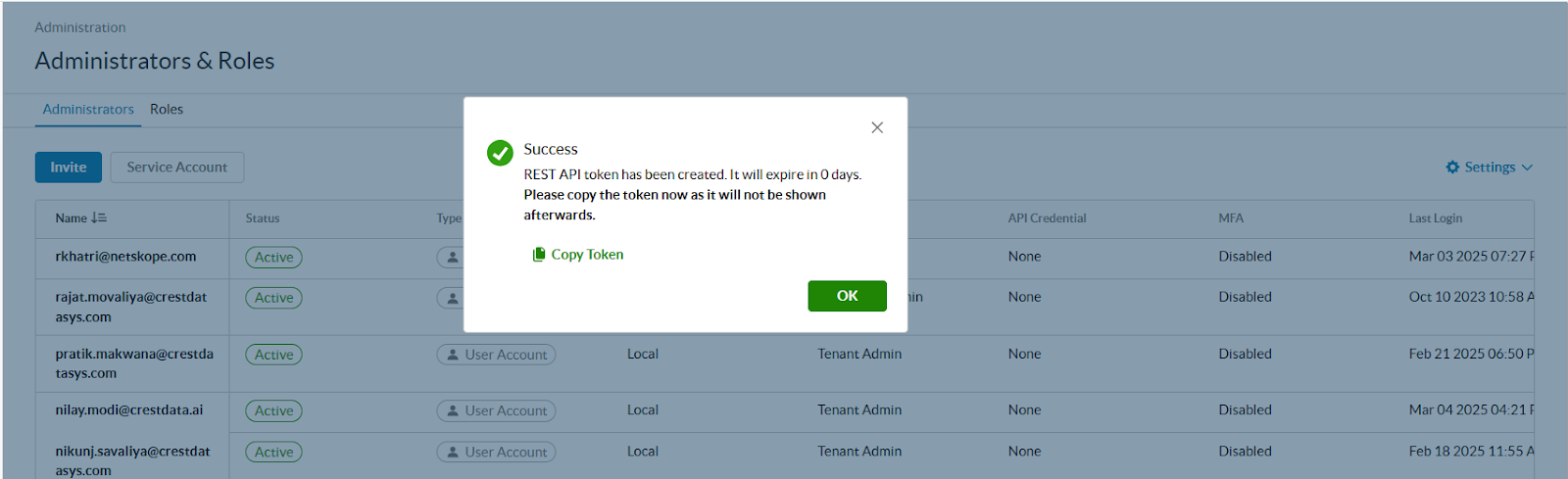
- Copy the token, as it will not be available after this pop-up is closed.