

Access Proxy profiles allow you to define sets of traffic based on explicit proxy configurations from end-user devices to include in policy scans. With these profiles, you can apply different policies to different explicit proxy settings on the same devices.
Currently, only HTTP proxy types are supported for Access Proxy profiles. The following features are not supported: steering exceptions, authentication, SOCKS Proxy, IPv6, explicit proxy, proxy chaining, and access methods related to edge proxy.
To create an Access Proxy profile:
- Go to Policies > Access Proxy.
- Click New Access Proxy. The New Access Proxy window appears.
- Enter a name for the Access Proxy profile.
- (Optional) Enter a description for the Access Proxy profile.
- Enter the ports or port ranges, separated by commas (e.g., 443, 80-90).
- Click Save.
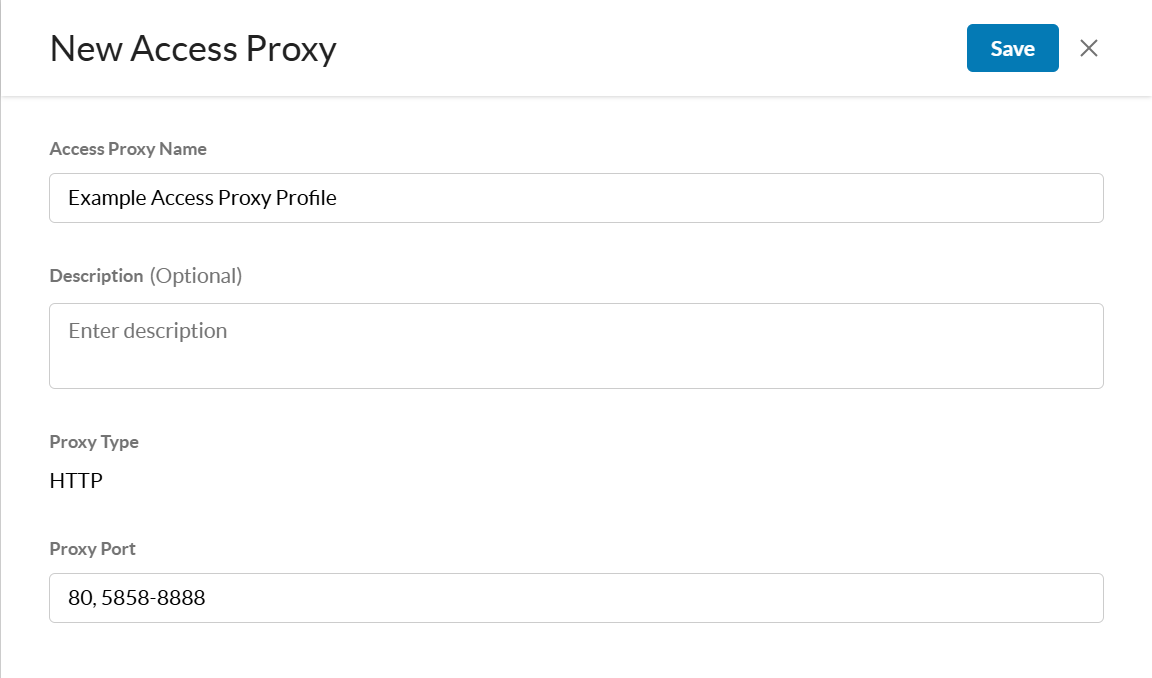
After you create an Access Proxy profile, you must add it to a Real-time Protection or SSL decryption policy.
Access Proxies API
A Netskope REST API is available for Access Proxy profiles. The Access Proxies API allows you to manage your Access Proxy profiles.
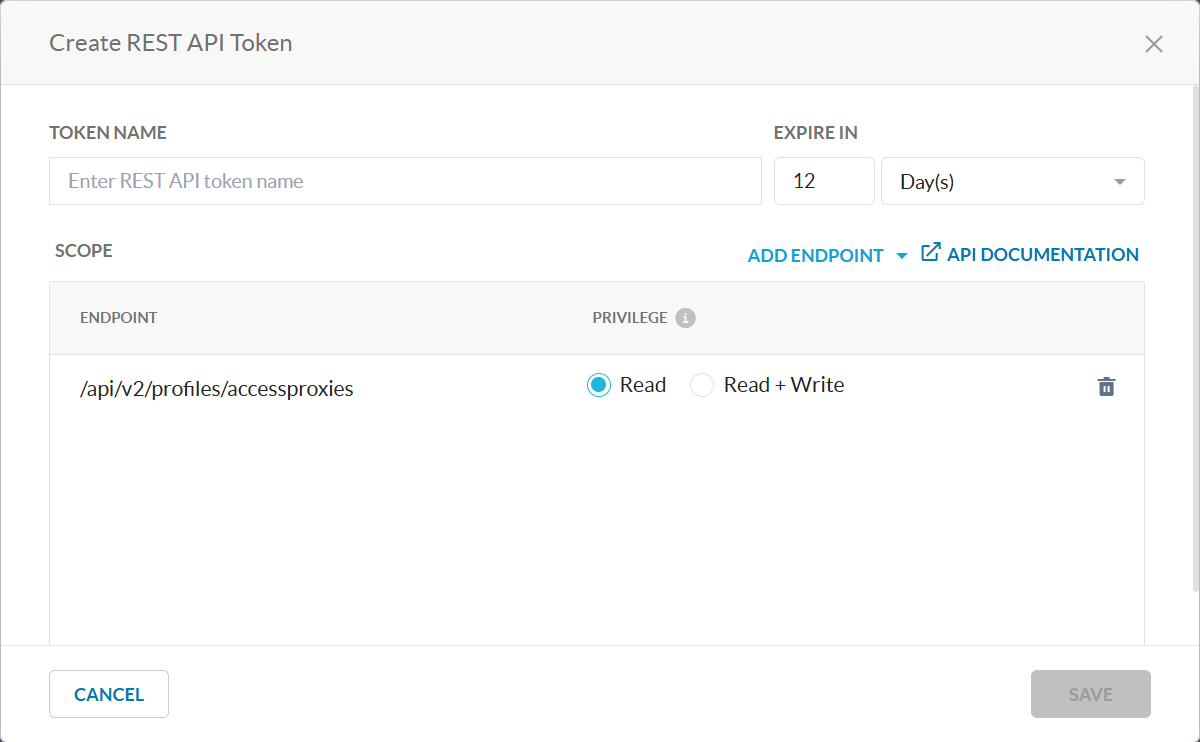
More information about this REST API is available in Swagger. In the UI, navigate to Settings > Tools > REST API v2 and click API Documentation to access the Swagger API documentation. To learn more about REST APIs, see REST API v2 Overview.