

The Netskope Admin Console provides a central interface for configuring the settings of every aspect and feature the Netskope Cloud Security Platform has to offer; including creating policies, reviewing reports, and managing incidents.
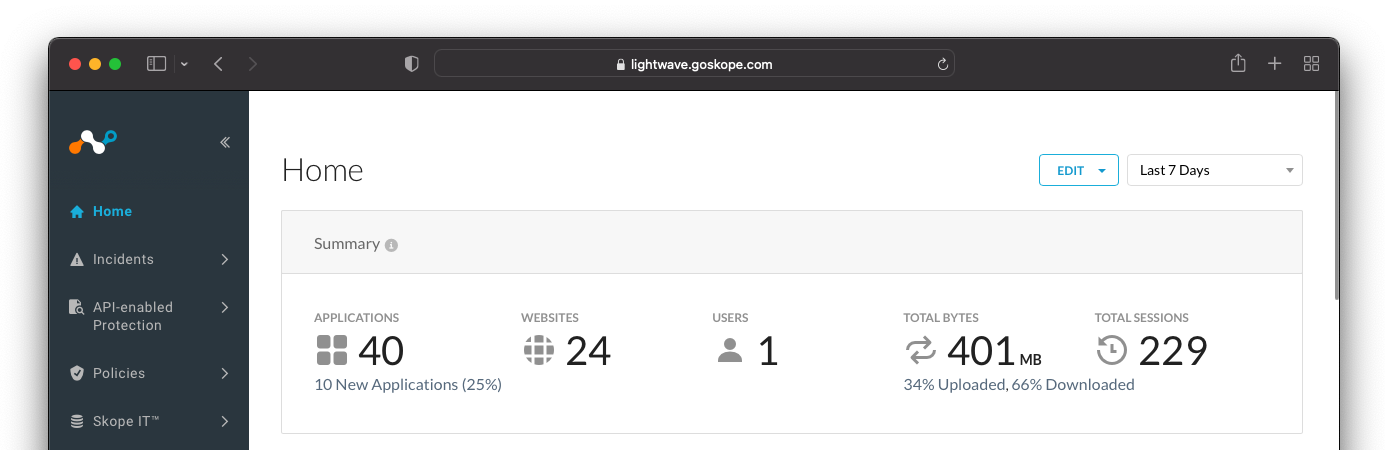 |
The login URL to the Admin Console is unique for your company and different for every Netskope tenant. URLs the form:
https://<tenant-name>.goskope.com
https://<tenant-name>.au.goskope.com
https://<tenant-name>.eu.goskope.com
For example, https://lightwave.goskope.com and https://lightwaveindustries.au.goskope.com.
You will receive your login URL along with administrator credentials from your Netskope account representative upon creation of your account by email. If you have not received these, please contact support or your Netskope account team partner.
To learn more: