Configured actions can be managed from Risk Exchange > Actions. An action can be mapped to a Risk Exchange business rule or to a unified mapping business rule created in the Universal Schema Builder; unified mapping business rules are shown with a [Unified Mapping] prefix.
Edit Actions
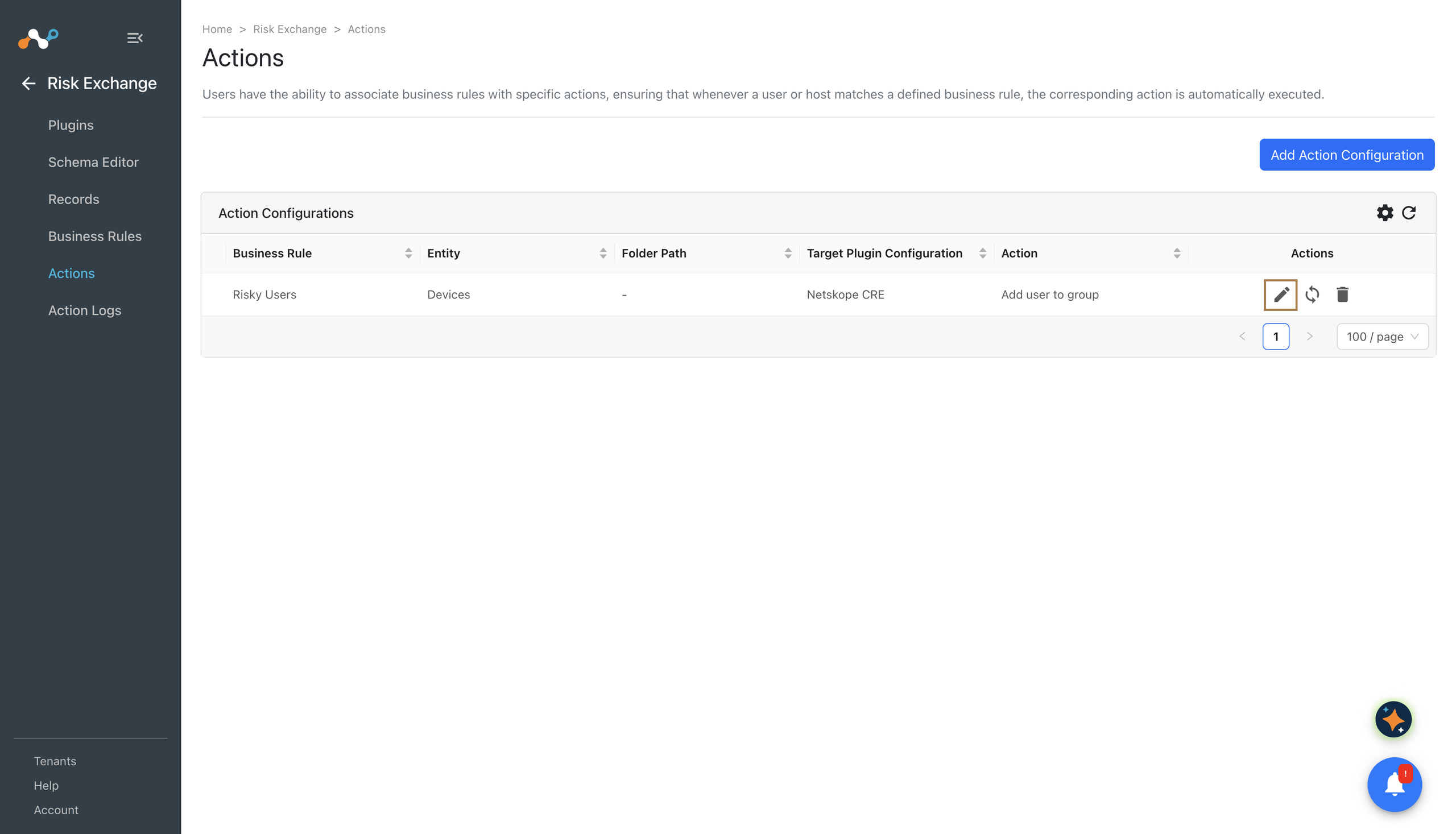
A write-access user can update an action or the parameters of an existing action.
- Click the Edit icon.
- Update required fields.
- Click Save.

Action parameters supports multiple source field selection from v7.0.0. When multiple sources are selected, action execution may take longer to complete.
Sync Actions
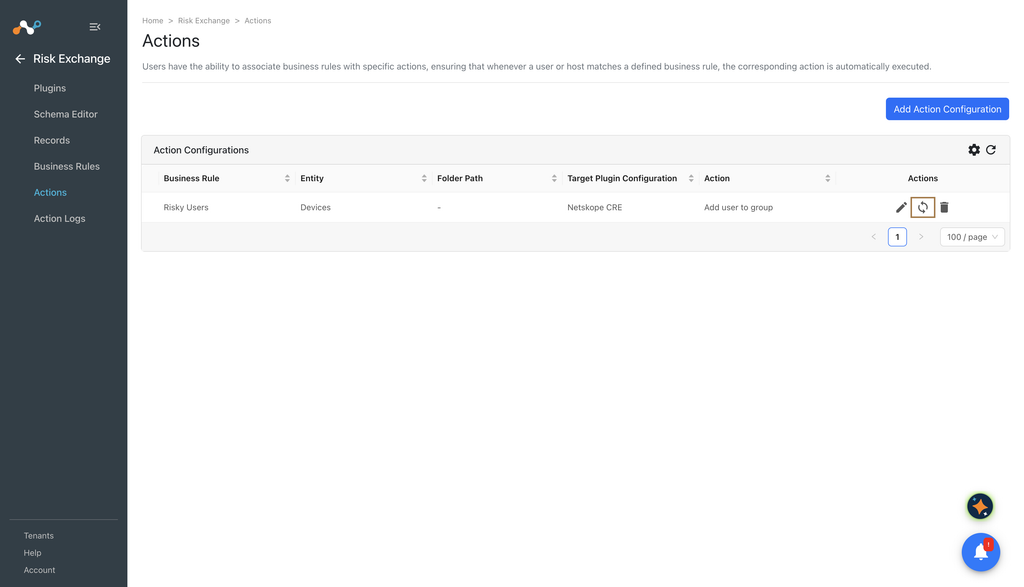
A write-access user can sync an already configured action. This will trigger a re-evaluation of all the existing records and the selected action will be performed for all the matching records. For an action mapped to a unified mapping business rule, the joined records of that mapping are re-evaluated.
- Click the Sync icon.
- Enter the Time Period (in days). Only the records updated during this period will be considered while evaluating the business rule. Checking the All Time will evaluate the records from last year. A manual sync re-performs the action on every record in the period, whether or not the action has already been performed on it, and it does not affect the scheduled run.
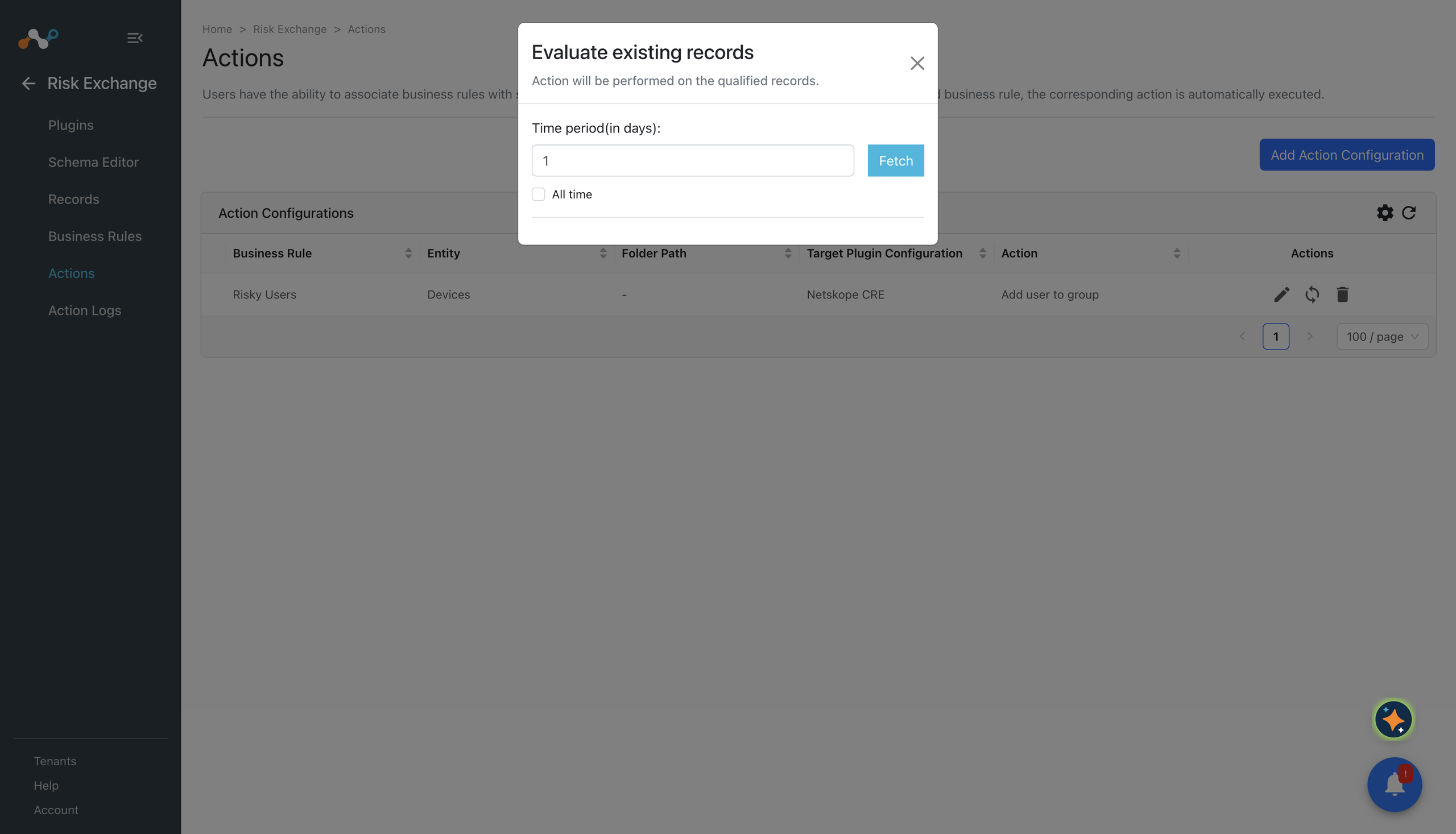
- Click Fetch. This will display the number of records this action will be performed on. Review this carefully as the next step cannot be undone from Risk Exchange.

- Click Sync.
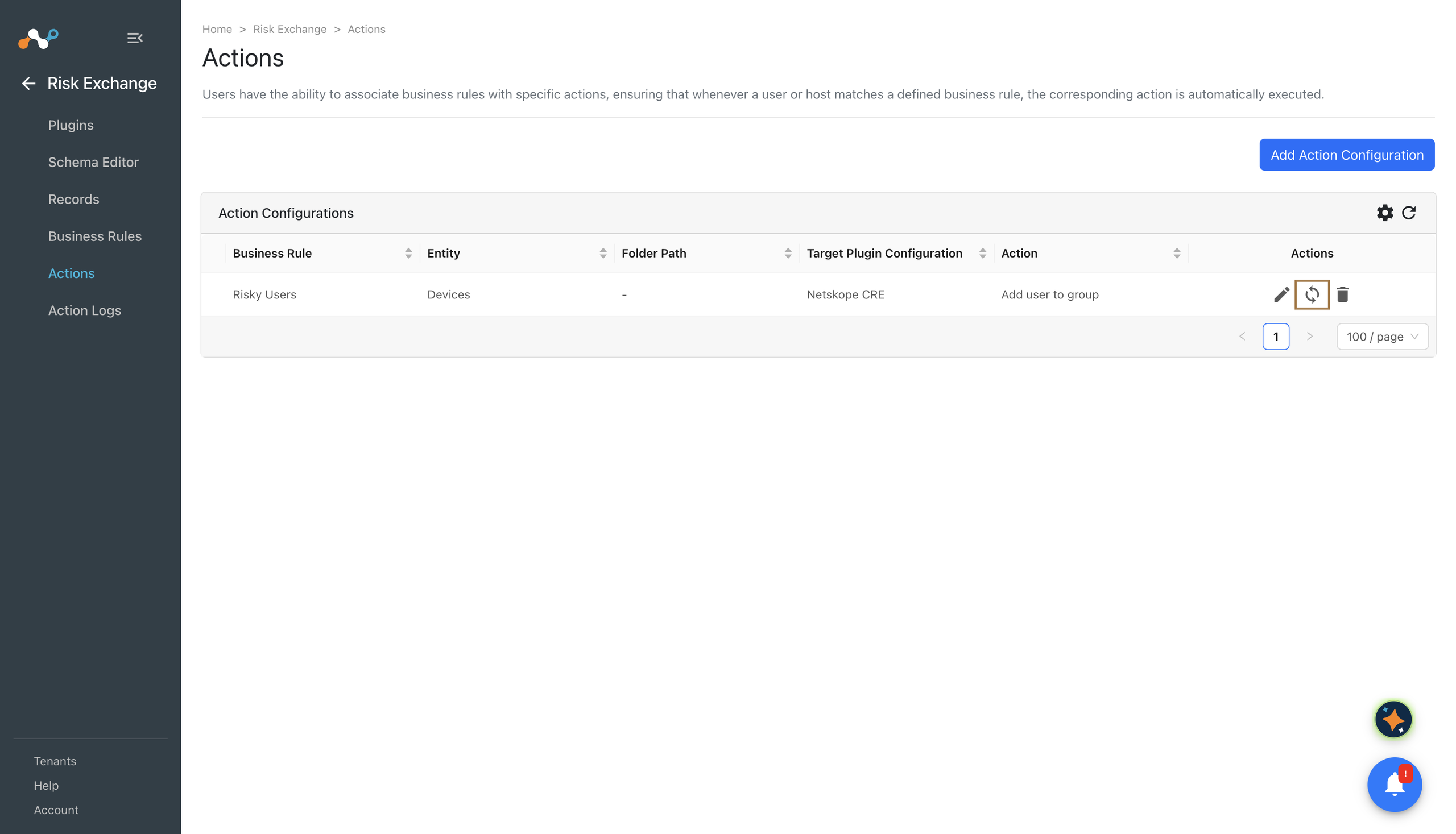
To sync an action mapped to a unified mapping business rule whose mapping joins the Threat Exchange indicators collection, you also need Threat Exchange read permission. The run reads the mapping’s joined records, even though the action itself is a Risk Exchange action.
Delete Actions
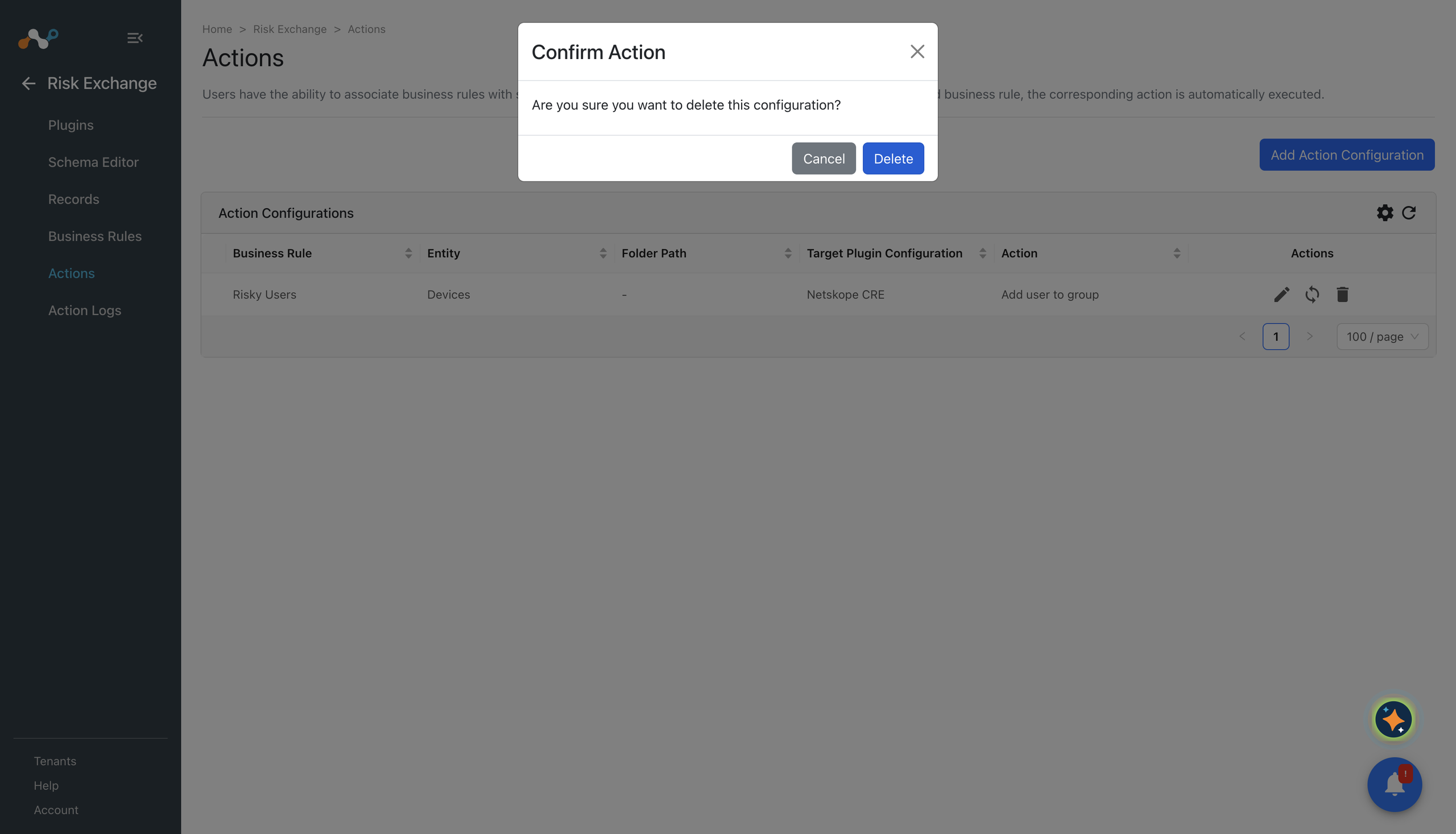
A write-access user can delete any of the existing configured actions.
- Click the Delete icon for the action you want to delete.
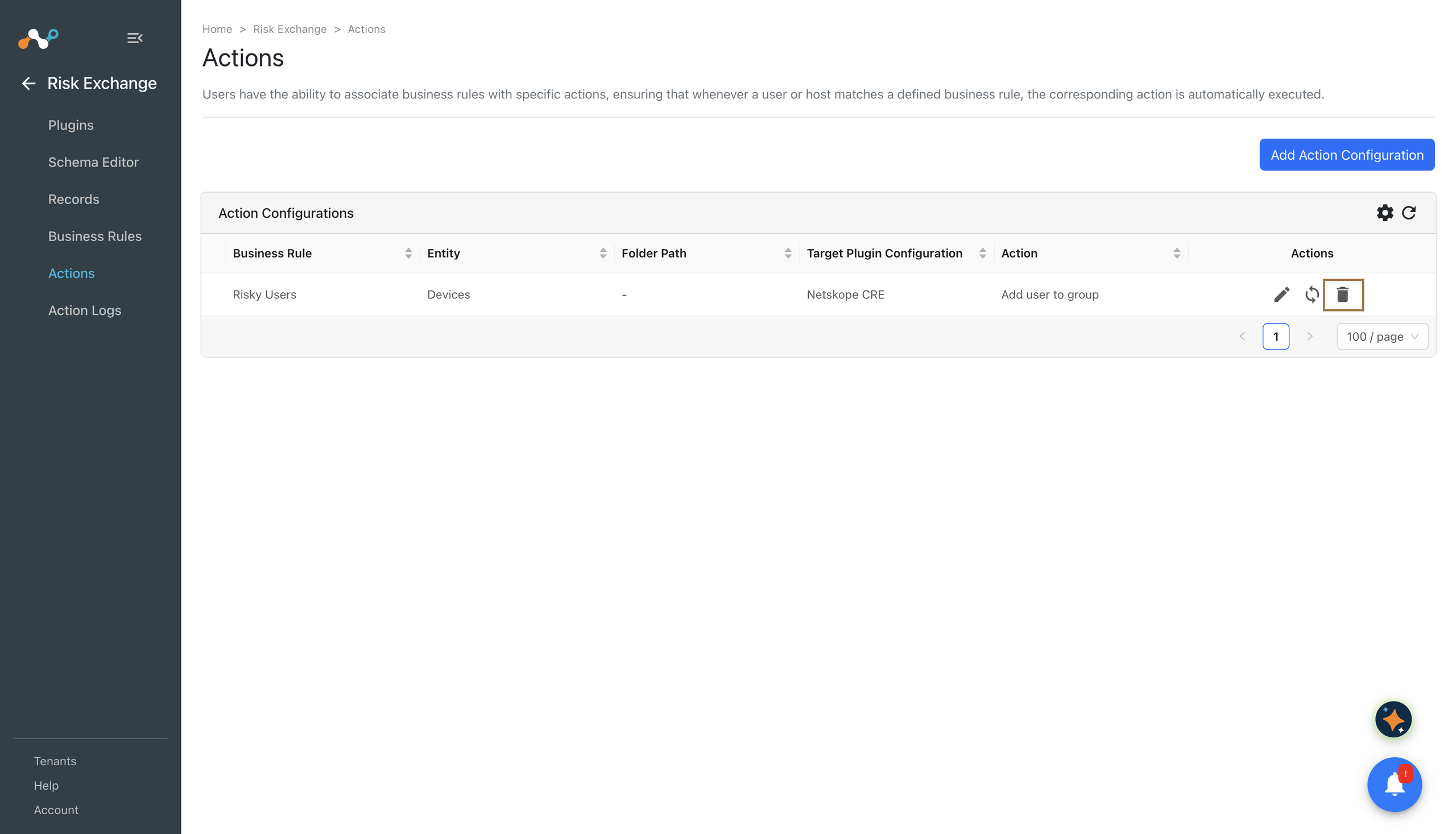
- Click Delete.