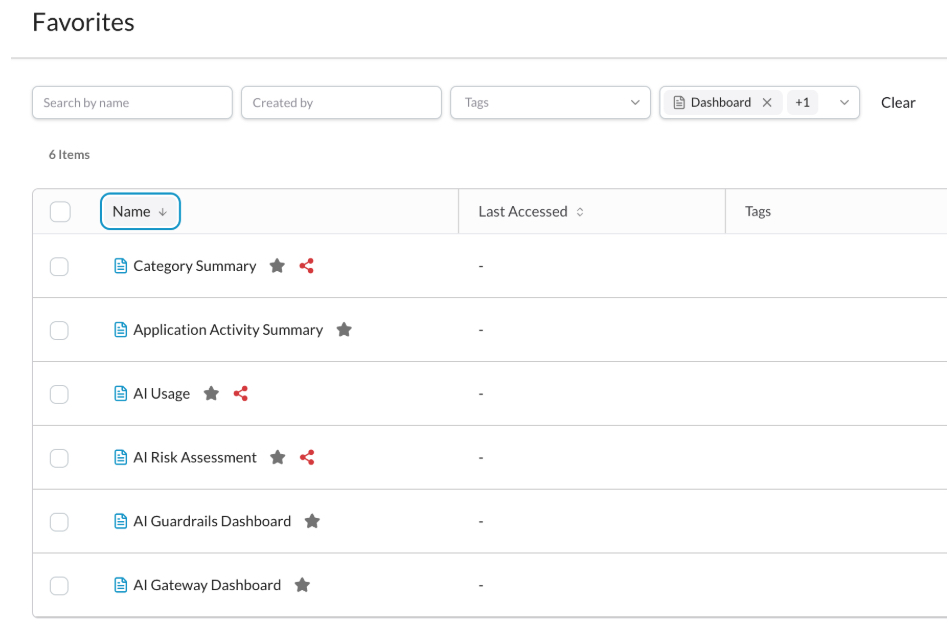
Admins can ‘favorite’ a dashboard; dashboards added as a ‘favorite’ are marked with a star icon. All dashboards (including those in the Netskope Library) can be added as a ‘favorite’. This enables you to organize and quickly locate frequently accessed dashboards.
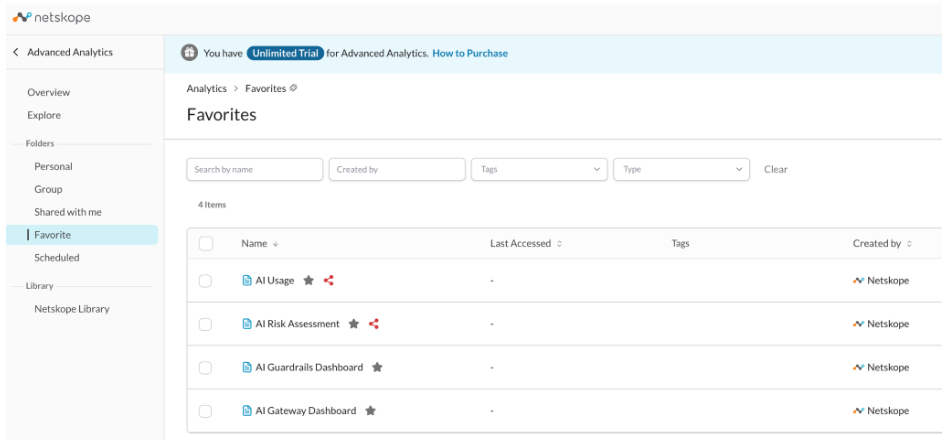
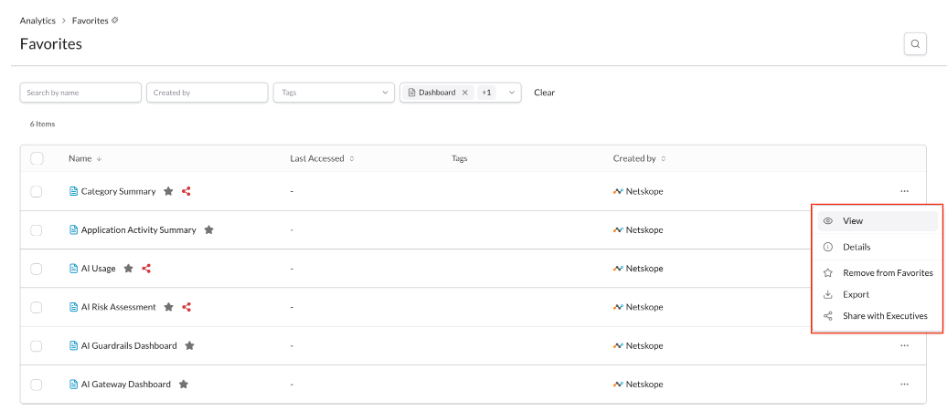
Favorite dashboards and widgets can be viewed in the Favorite folder, and are filterable based on the same filters available in your Personal and Group folders. In addition, you can directly manage dashboard and widget tags from this folder.
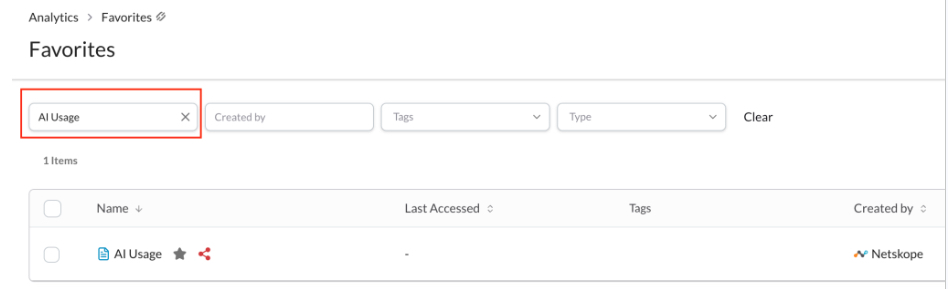
Use the toolbar to search dashboards and widgets by keywords.
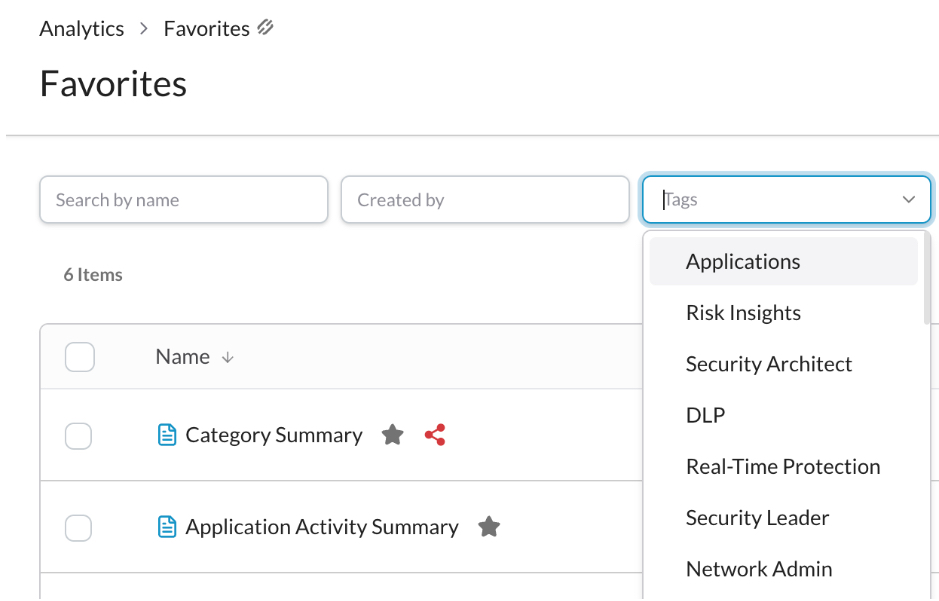
Use the toolbar to filter dashboards and widgets by tags.
Use the toolbar to filter items by types (dashboard and widget).

Click the ellipses to view the action menu. The following actions are accessible from the action menu:
-
View
-
Details
-
Remove from Favorites
-
Export
-
Share with Executives
After filtering, click the column to sort by returned items.