

Pausing and Resuming Transaction Events
Admins can pause / resume ingestion of transaction events into Advanced Analytics. Navigate to Advanced Analytics > Data Retention to access the UI control > Pause Ingestion.

The Data Retention dialog box appears. Click Pause Ingestion.

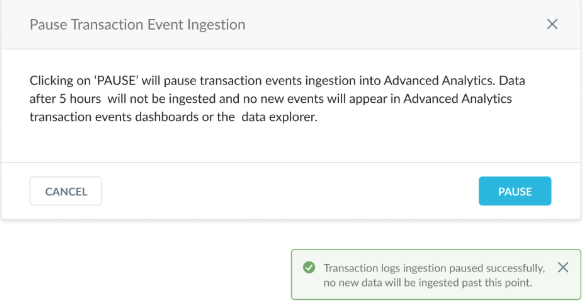
The Pause Transaction Event Ingestion dialog box appears. Click Pause. Transaction log ingestion will pause and you will see a confirmation in the UI. New Transaction logs will NOT be available in Advanced Analytics.
Inactive tenants (i.e. tenants that do not run any transaction events query, dashboards, or scheduled dashboards in the last 90 days) are automatically paused. Users can visit the Advanced Analytics UI in data explorer to resume ingestion if they wish to continue to use this data collection.
Click Resume to continue ingesting transaction events. It may take up to six hours to see your data in the data explorer. Data starts to accumulate when you select this option and continues until the data entitled retention period is reached.
