

The Agent Guardrails profile allows you to regulate and control the actions of an agent when accessing SaaS apps. You can configure profiles and then use them in Real-time Protection policies to prevent the agent from taking unintended actions.
To create an Agent Guardrails profile:
-
Go to Policies > Agent Guardrails.
-
Click New.
-
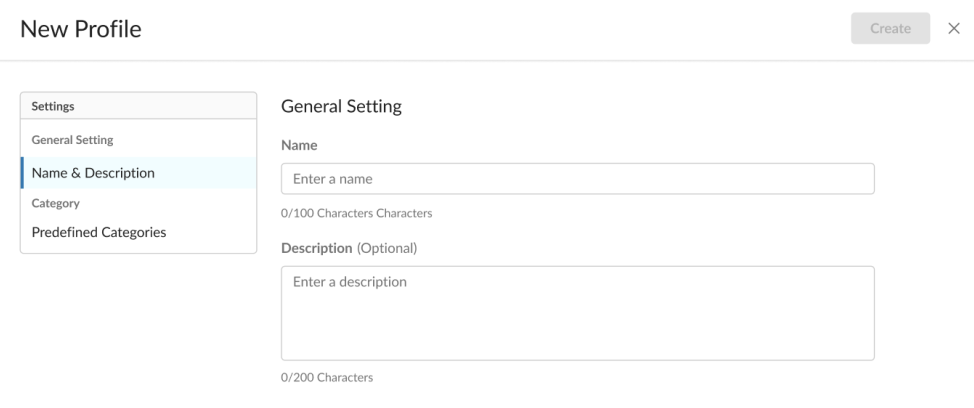
In Name & Description:
-
Name: Enter a name for the profile. This is a mandatory field with a 150 max character limit.
-
Description: (Optional) Enter comments or notes for the profile with a 200 character limit.
-
-
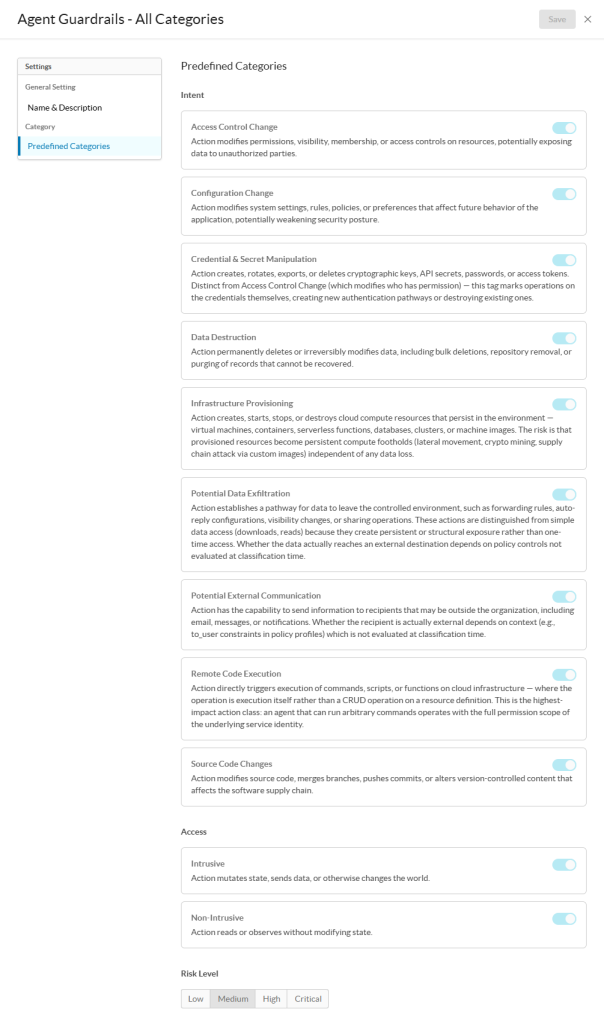
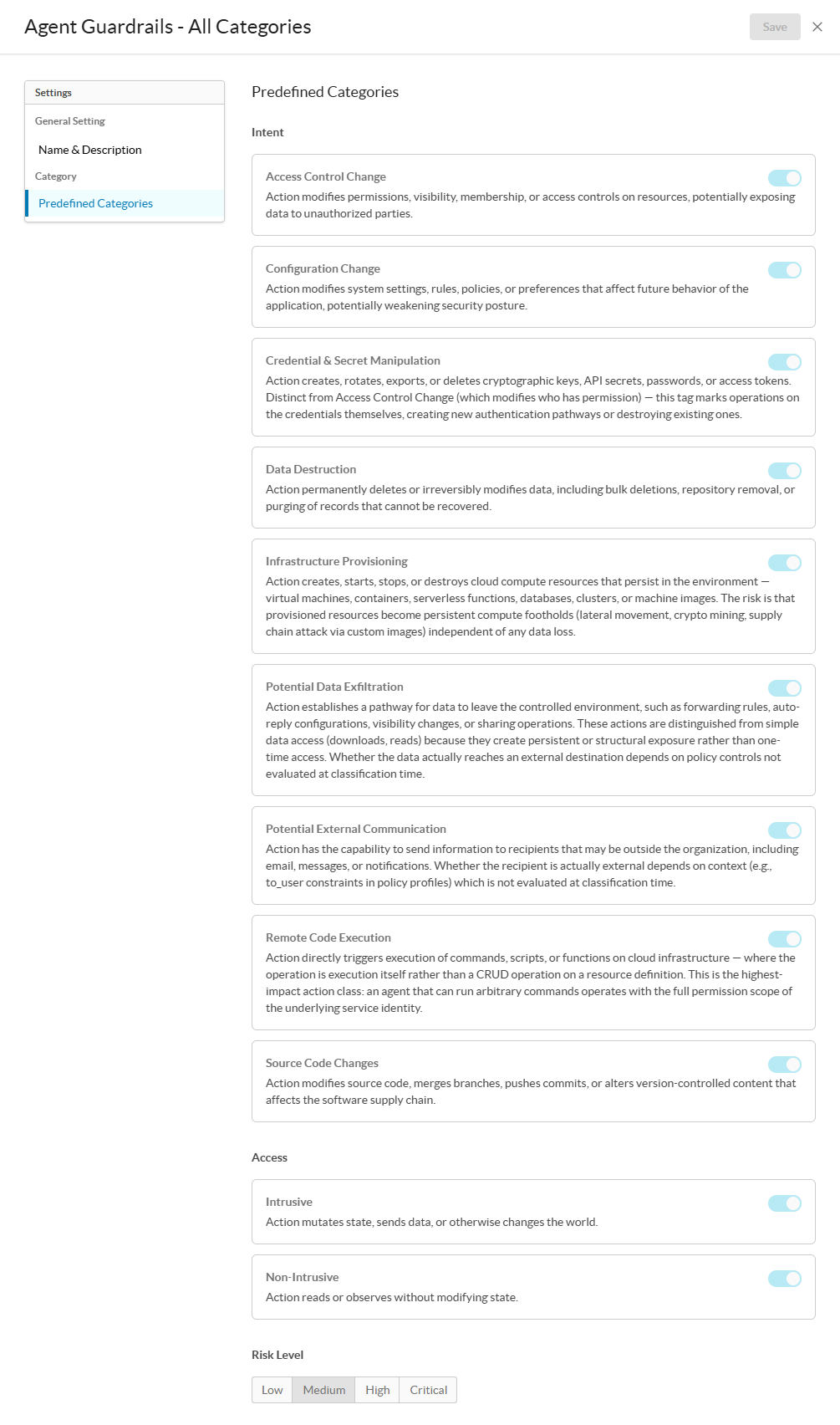
Predefined Categories: Depending on the policies in your organization, you can choose to restrict agents actions based on these category types: Intent, Access, and Risk Level.
-
Intent: Select the intent of the action the agent tries to perform.
-
Access Control Change: Flags action that modifies permissions, visibility, membership, or access controls on resources, potentially exposing data to unauthorized parties..
-
Configuration Change: Flags action that modifies system settings, rules, policies, or preferences that affect future behavior of the application, potentially weakening security posture.
-
Credential & Secret Manipulation: Flags action that creates, rotates, exports, or deletes cryptographic keys, API secrets, passwords, or access tokens—Distinct from Access Control Change (which modifies who has permission)—this tag marks operations on the credentials themselves, creating new authentication pathways or destroying existing ones.
-
Data Destruction: Flags action that permanently deletes or irreversibly modifies data, including bulk deletions, repository removal, or purging of records that cannot be recovered.
-
Infrastructure Provisioning: Flags action that creates, starts, stops, or destroys cloud compute resources that persist in the environment—virtual machines, containers, serverless functions, databases, clusters, or machine images. The risk is that provisioned resources become persistent compute footholds (lateral movement, crypto mining, supply chain attack via custom images) independent of any data loss.
-
Potential Data Exfiltration: Flags action that establishes a pathway for data to leave the controlled environment, such as forwarding rules, auto-reply configurations, visibility changes, or sharing operations. These actions are distinguished from simple data access (downloads, reads) because they create persistent or structural exposure rather than one-time access. Whether the data actually reaches an external destination depends on policy controls not evaluated at classification time.
-
Potential External Communication: Flags action that has the capability to send information to recipients that may be outside the organization, including email, messages, or notifications. Whether the recipient is actually external depends on context (e.g., to_user constraints in policy profiles), which is not evaluated at classification time.
-
Remote Code Execution: Flags action that directly triggers execution of commands, scripts, or functions on cloud infrastructure—where the operation is execution itself rather than a CRUD operation on a resource definition. This is the highest-impact action class because an agent that can run arbitrary commands operates with the full permission scope of the underlying service identity.
-
Source Code Changes: Flags action that modifies source code, merges branches, pushes commits, or alters version-controlled content that affects the software supply chain.
-
-
Access: Select the type of access you want Netskope to perform when detecting content in a prompt or response.
-
Intrusive: Categorizes prompts that actively seek to breach data privacy, access restricted databases, or probe the system’s memory for sensitive information.
-
Non-intrusive: Covers standard user interactions that do not attempt to bypass permissions or access restricted layers of the system architecture.
-
-
Risk Level: Select the type of risk level of the action that the agent tries to perform.
-
Low: Netskope triggers a detection when the action performed by the agent has a low risk.
-
Medium: Netskope triggers a detection when the action performed by the agent has a medium risk.
-
High: Netskope triggers a detection when the action performed by the agent has a high risk.
-
Critical: Netskope triggers a detection when the action performed by the agent has a critical risk.
-
-
-
Click Create.
-
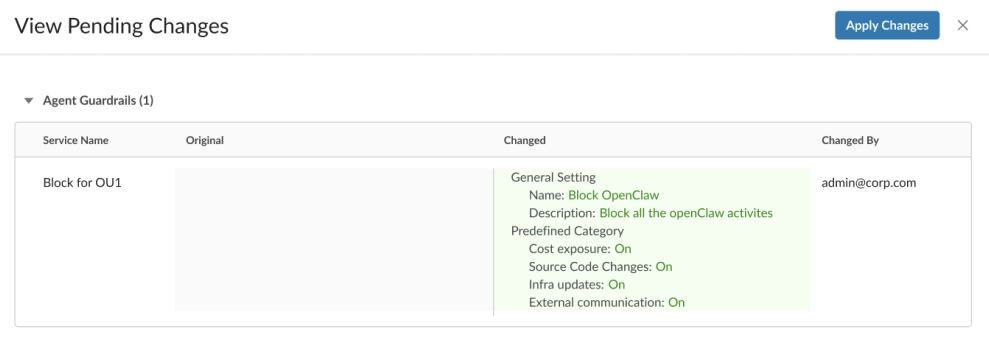
In the View Pending Changes window, review all pending profile changes, and then click Apply Changes.
After creating an Agent Guardrails profile, you must add it to a new Real-time Protection policy to apply it to your agents. To learn more: Create an Agent Guardrails Policy for Real-time Protection.