To use the Custom File Classifiers trained on the Netskope Tenant, you can configure a DLP Profile that can then be used in a Real-time Protection policy.
- Log in to your Netskope Tenant and go to Policies > DLP.
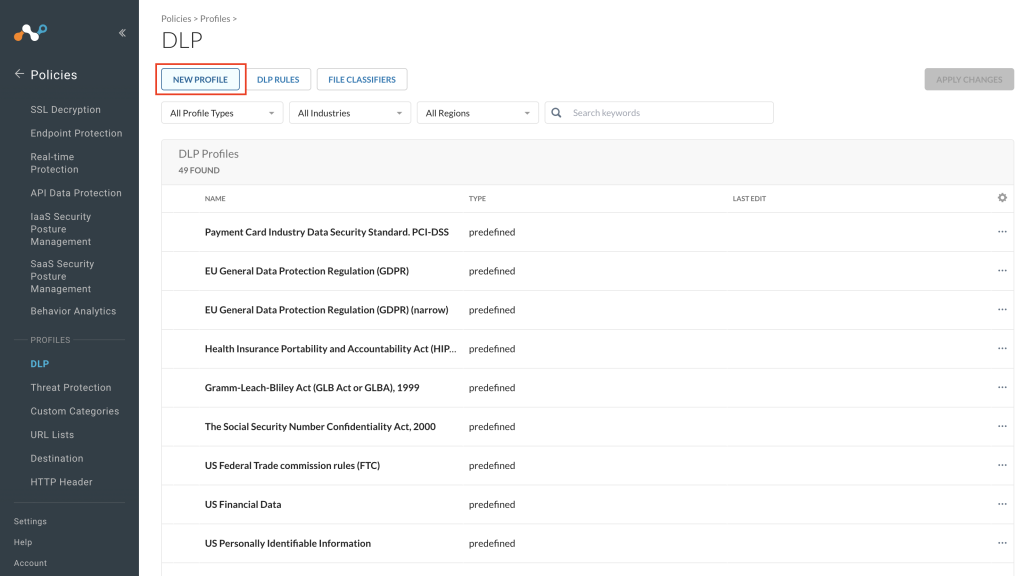
- Click New Profile.
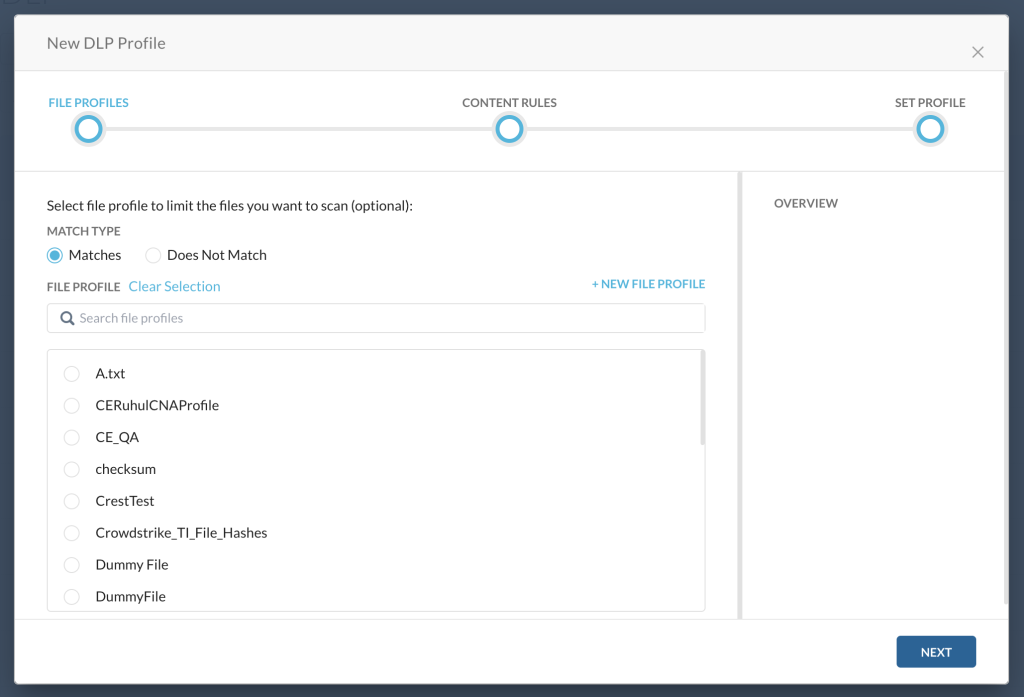
- Select a file profile from the list if required and click Next.
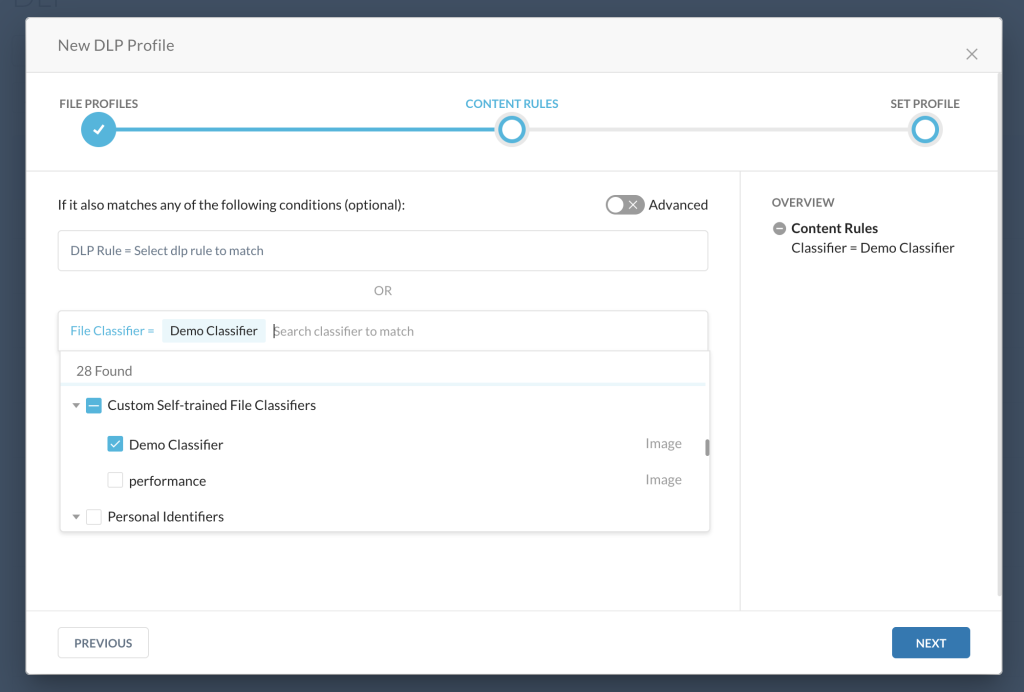
- In the DLP Rule or File Classifier section, select classifiers that were used in your Custom File Classification Sharing configuration. These custom file classifiers will be present in the Custom Self-Trained File Classifiers section. Click Next.
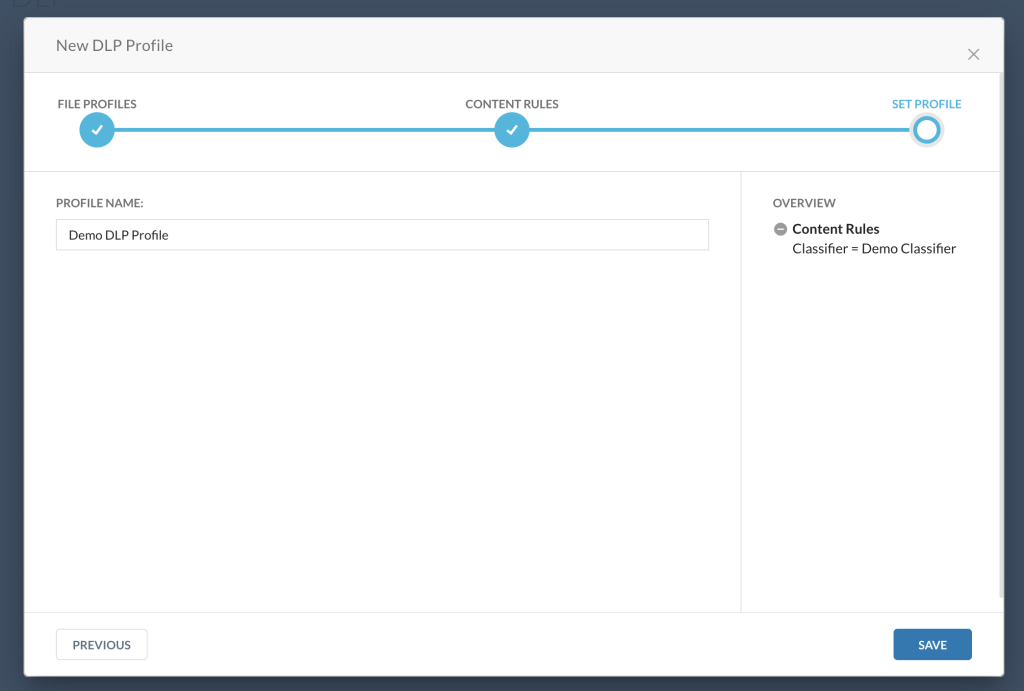
- Enter a DLP Profile Name and click Save.
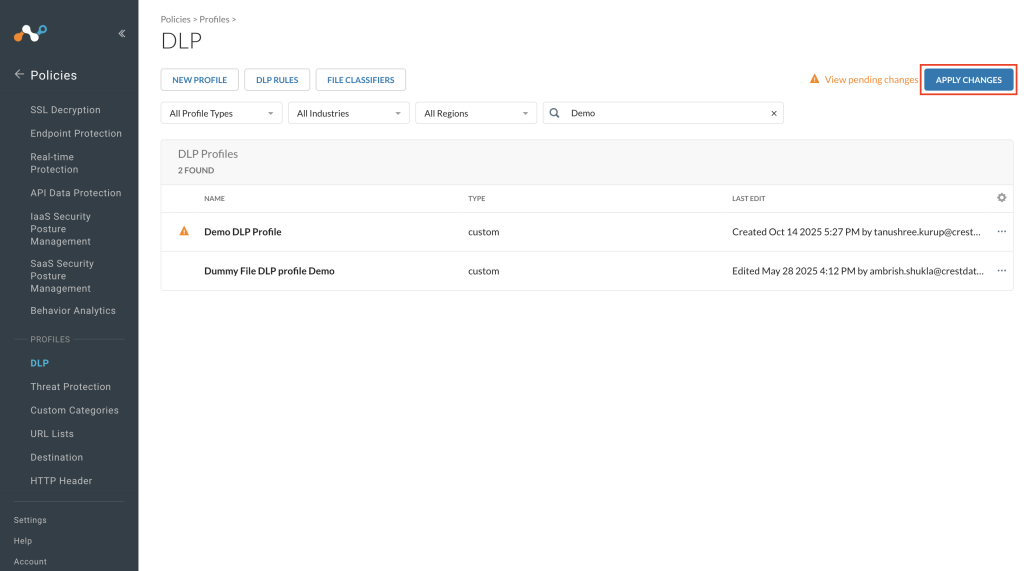
- To use the created DLP profile, click Apply Changes and then Apply.