The following sections explain how to configure the Add-on settings.
Add a Storage Account
- To use the Quarantine File Alert Action, a Storage Account is needed and can be configured from the Storage Account tab.
- In the Storage Account tab, click Add to configure a new account.
- Enter required details, like Account Name (To uniquely identify storage accounts in Splunk), Connection String, and Destination container name.
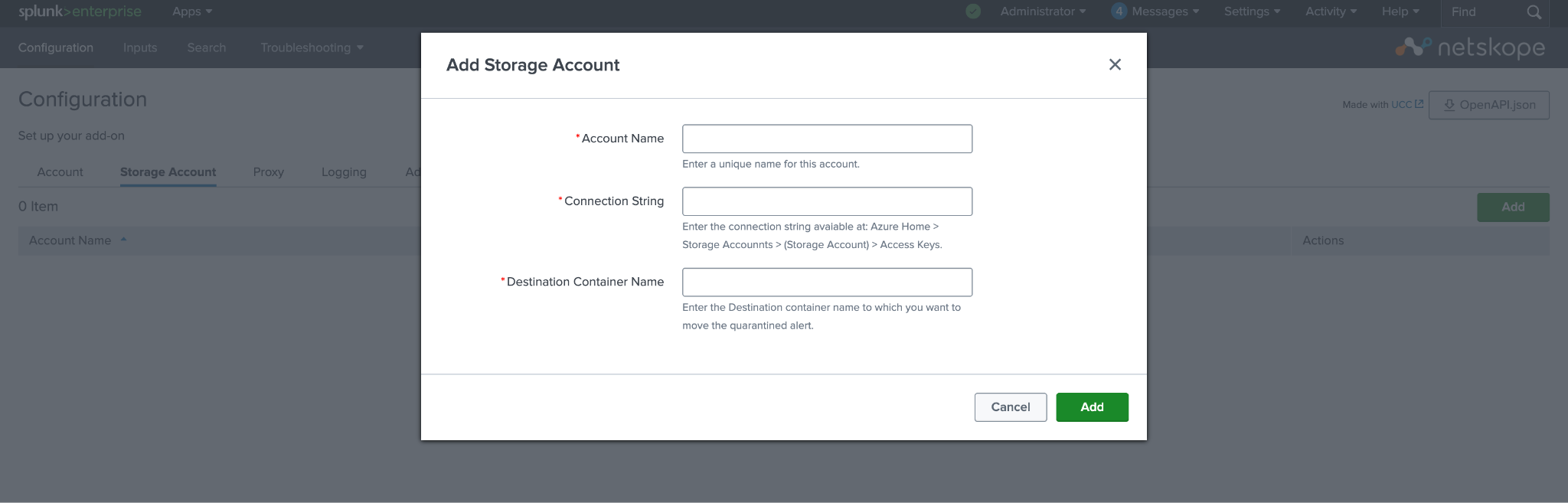
- Click Add.
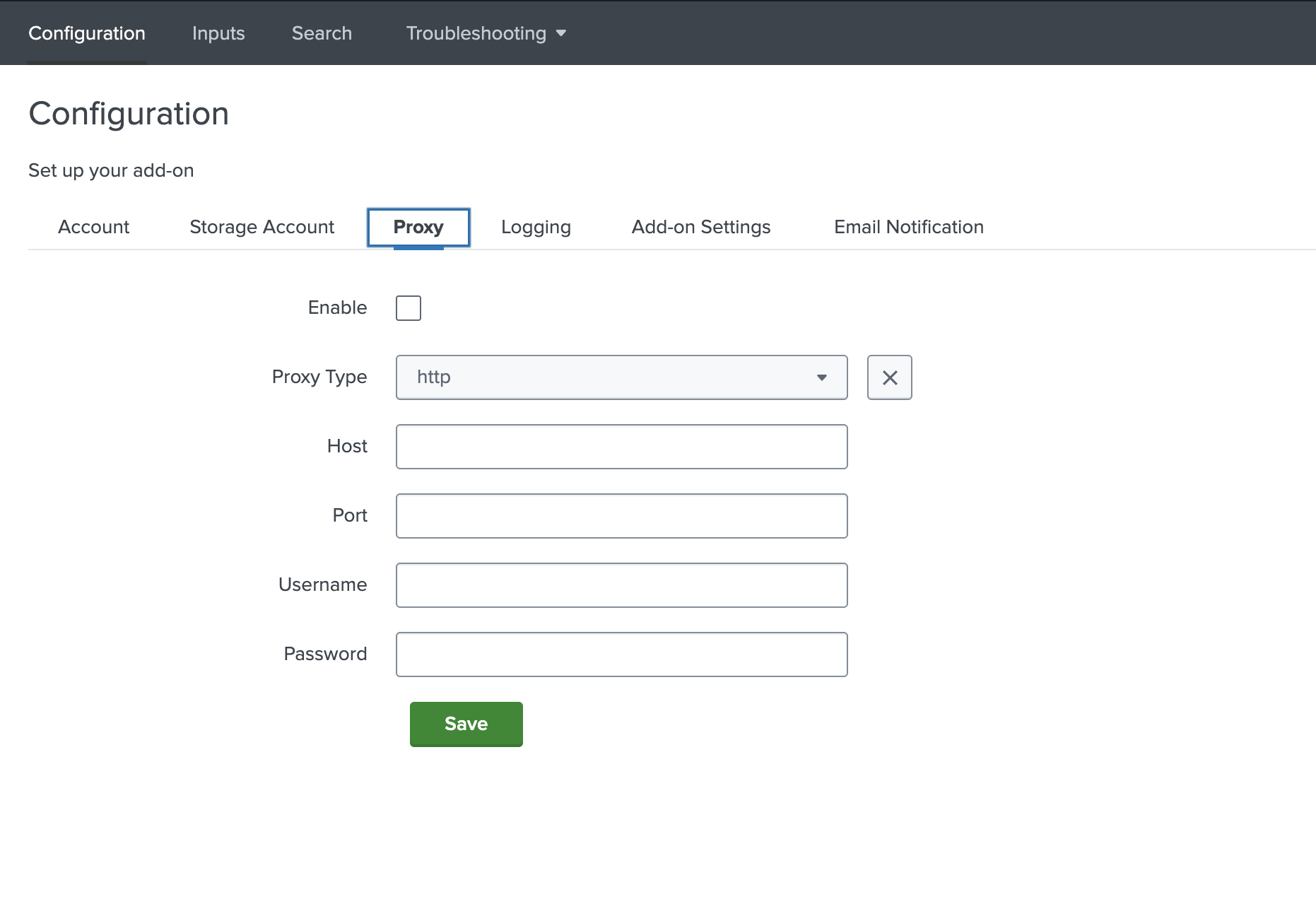
Add Proxy Details
To use a proxy as part of the connection to Netskope, go to the Proxy tab and provide the required details. Don’t forget to select the Enable option.
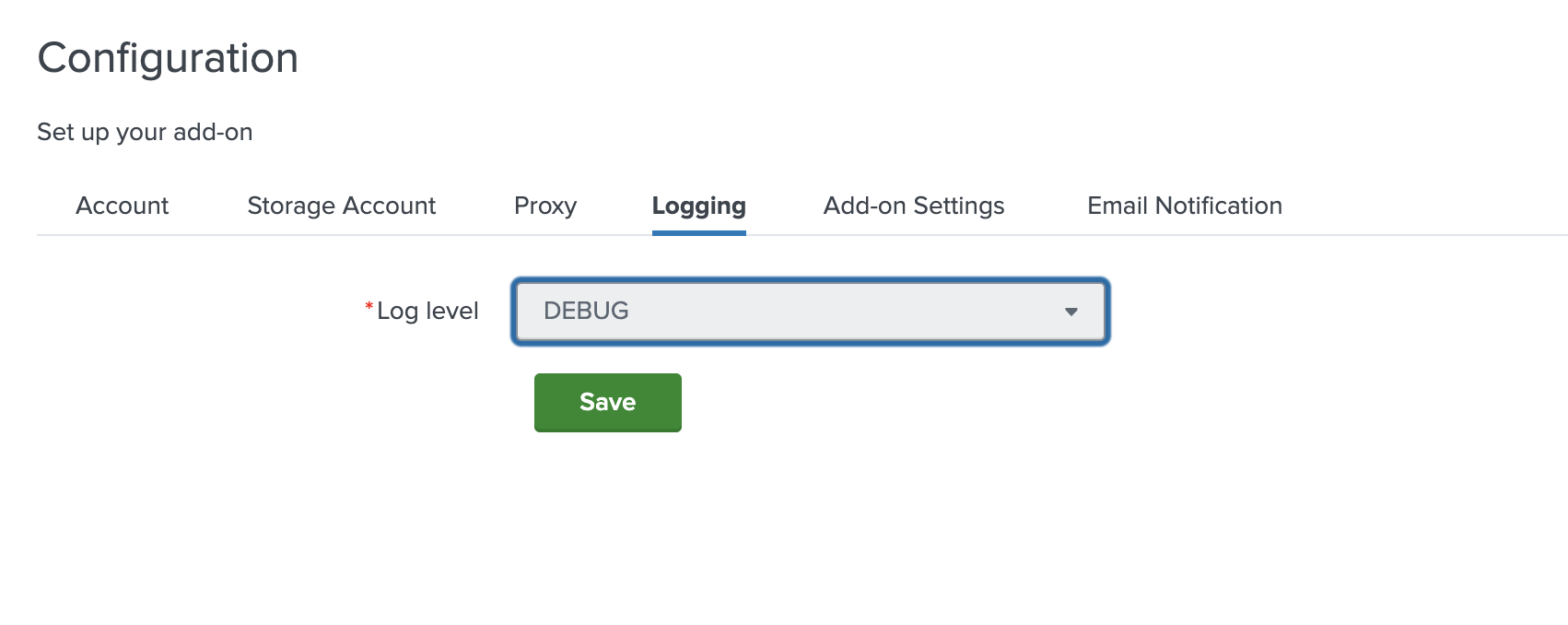
Configure the Log Level
To configure the Log Level, go to the Logging tab.
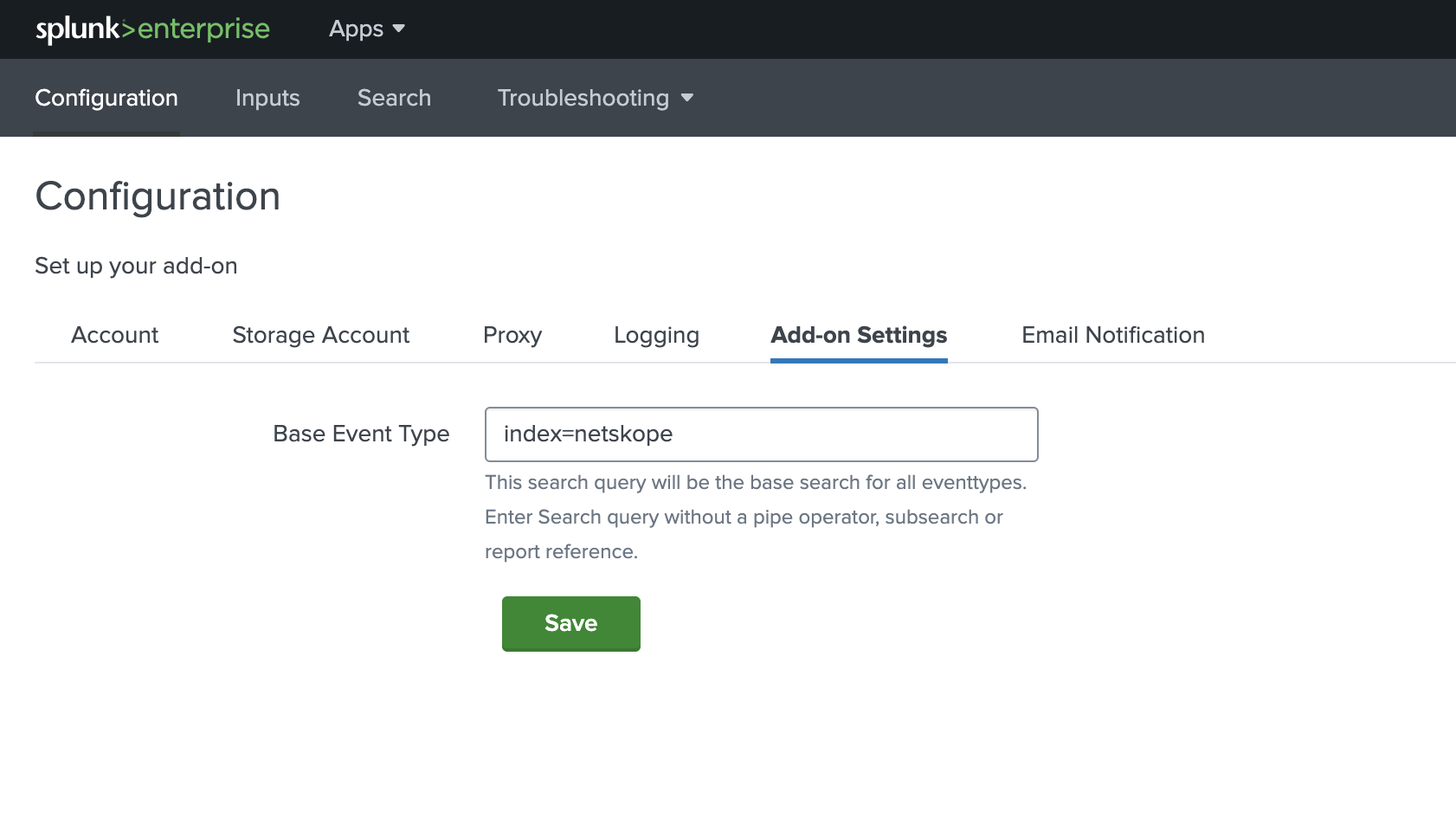
Update the Base Index
To change the Base Event Type, go to the Add-on Settings tab. It will be the base search for all event types (All the Dashboards of Netskope App for Splunk will refer to this Base Event Type to populate the data in the Dashboards).
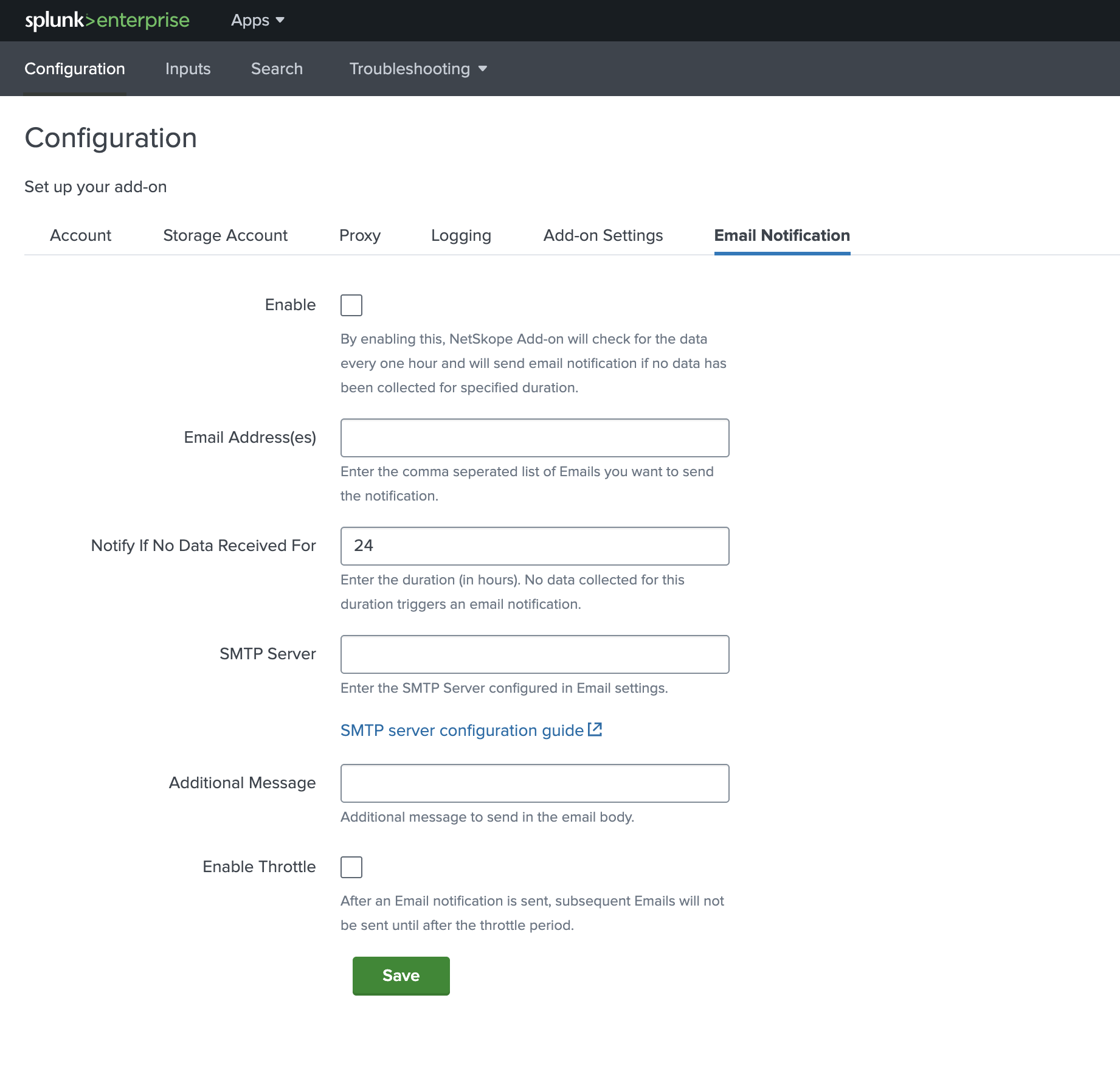
Enable Email Notifications
- This feature can be used to get notified for interruption in data collection via the Add-on. To use the Email Notification feature, configure the parameters in the Email Notification tab.
- Enter required details like Email Address(es), Notify After No Logs Received and valid SMTP Server.
- Select the Enable checkbox and click Save.
- To suppress the Email notification, select the Enable Throttle checkbox and enter the duration in the Suppress triggering for field for the time you want to suppress the email notification.
For more information, see the SMTP Server configuration guide:
Note
Valid configuration of the SMTP server is required for sending the Email notification.