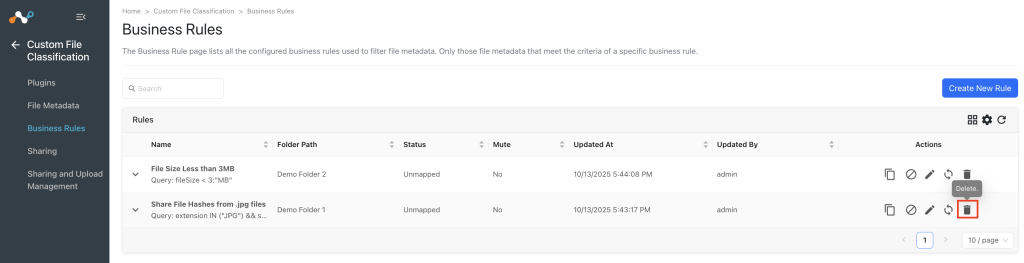
Add a Sharing Configuration
A write-access user can configure a sharing configuration to send the hashes to Netskope Tenant. This section explains how to configure Custom File Classification sharing between a 3rd-party plugin configuration and the Netskope Tenant. Make sure to identify the sharing requirements between systems in advance of the configuration.
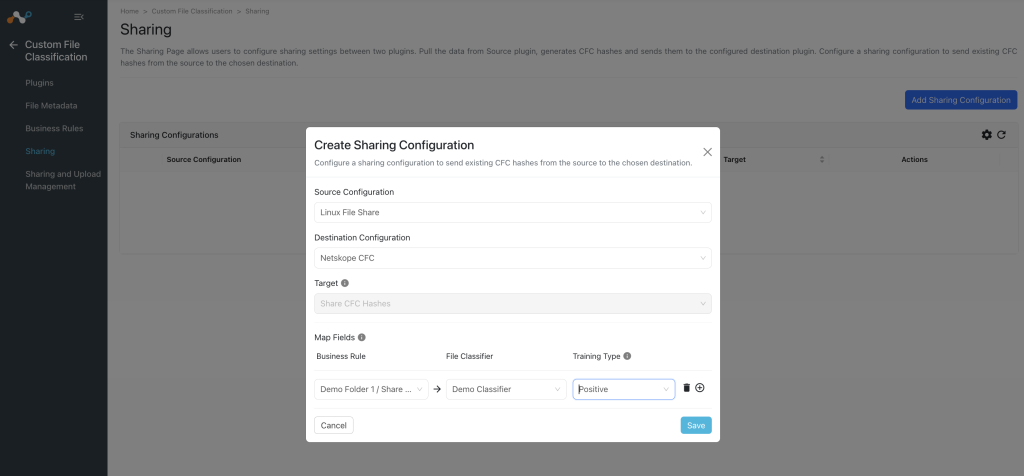
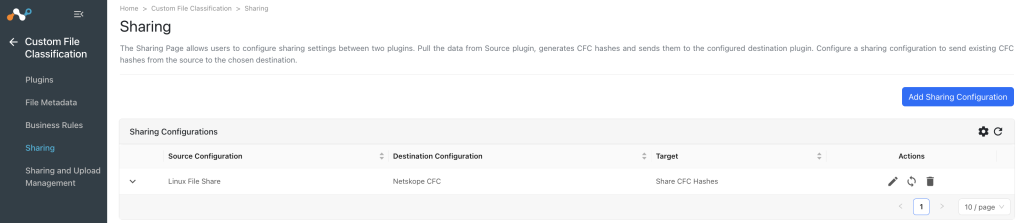
- Go to Custom File Classification > Sharing. The sharing page displays the existing sharing configurations in a grid view.
- Click Add Sharing Configuration.
- Select a Source Configuration and Destination Configuration.
- Netskope CFC supports one target action, sharing CFC hashes, which will be auto-selected in the Target field.
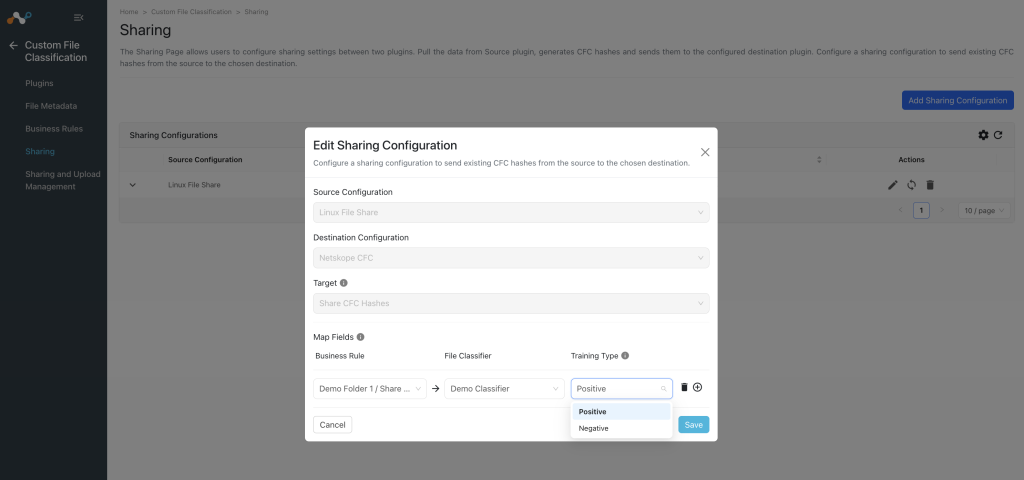
- Map Fields: Map these fields as per your use case:
- Business Rule: Select the Business Rule from the ones configured.
- File Classifier: Contains a dropdown with all the available File Classifiers present on the configured Netskope Tenant.
- Training Type: Positive/Negative. Positive training data helps train the model to identify files that are similar to the ones being uploaded. Negative training data helps train the model to identify what is not considered a match to the classifier’s model.
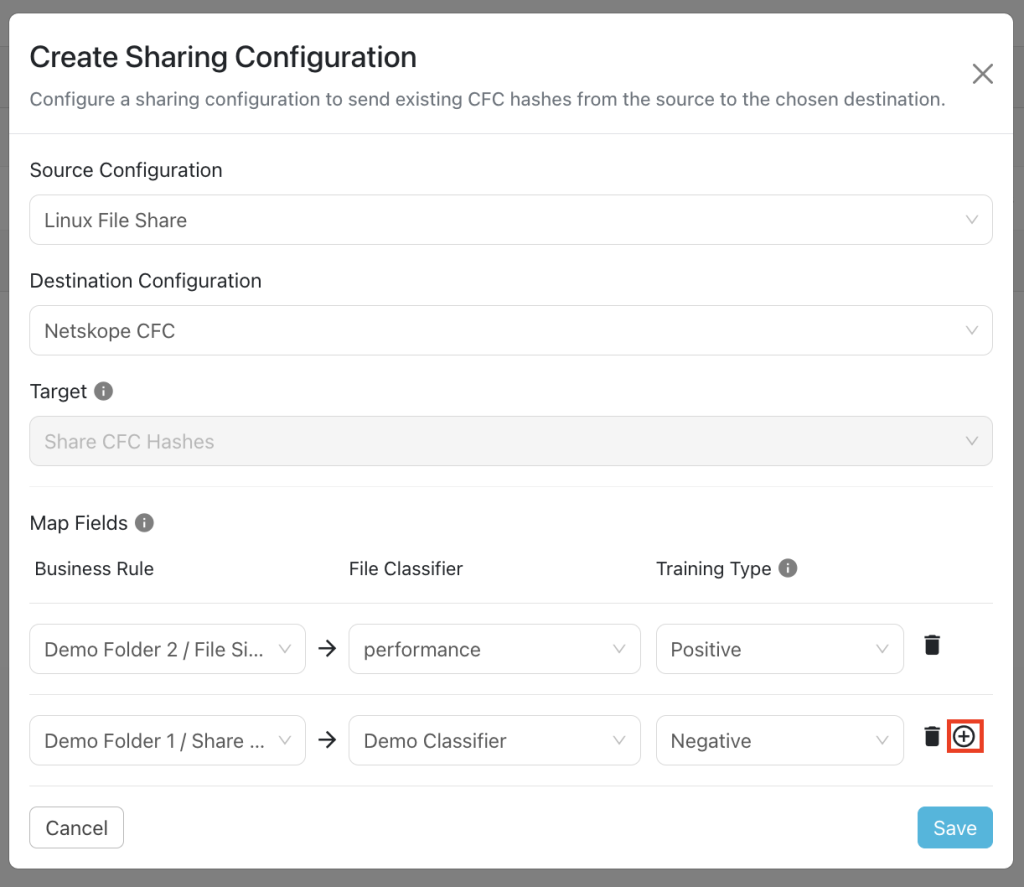
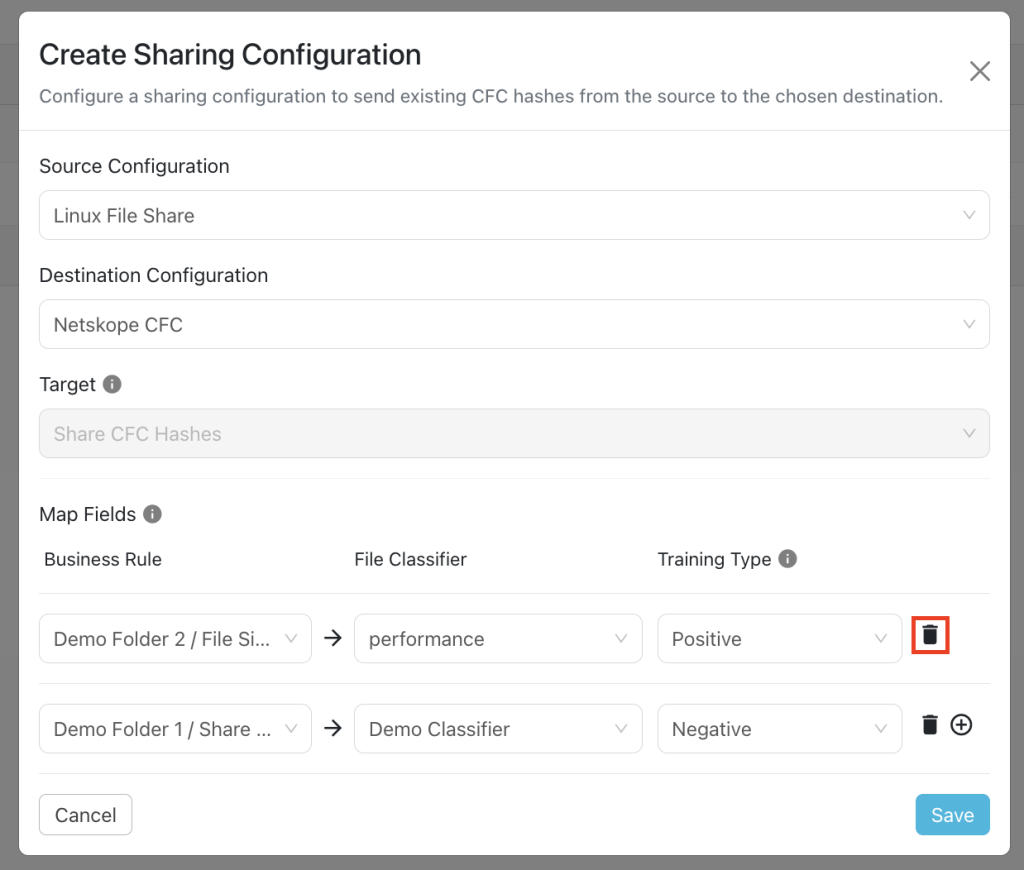
- Provide at least one mapping in the map fields. You can add new map fields or delete an already added map field row using the add/delete icons.
- Click Save. Adding a new sharing configuration on the active source poll will share the existing File Metadata of the source configuration to the destination configuration. Whenever a new sharing configuration is built, all the active File Metadata will also be considered for sharing if they match the source/destination combination.


Manage a Sharing Configuration
Each configuration supports three actions: edit, sync, and delete. A write-access user can manage sharing configurations.
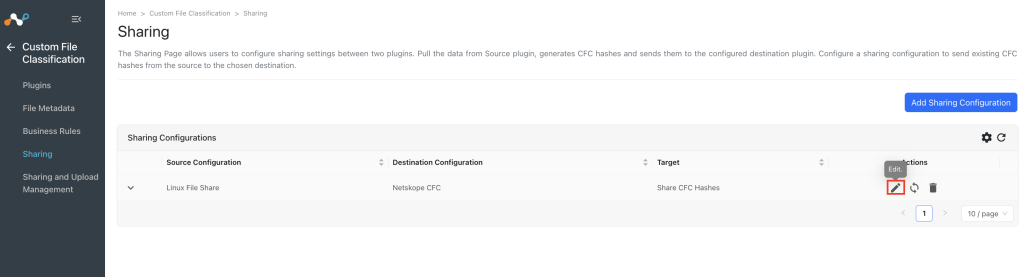
- Edit Sharing: Click the Edit icon under Actions to edit the sharing configuration. You can edit the Map Fields.
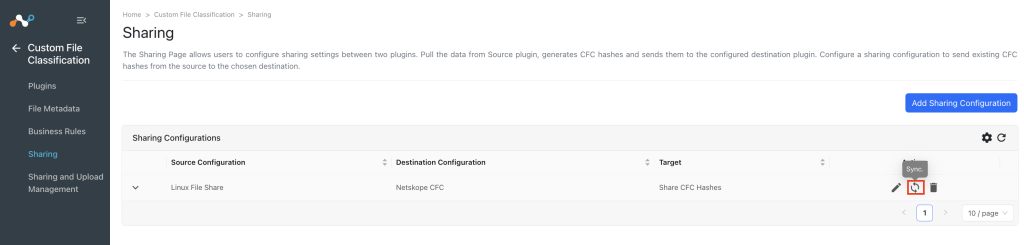
- Sync Sharing: Click the Sync icon under Actions for the sharing configuration for which you want to share the CFC hashes. This will immediately start the plugin lifecycle, which will pull the files data from the source, create hashes and share with the destination configuration irrespective of the sync interval time of the source configuration.
- Delete Sharing: Click the Delete icon under Actions for the sharing configuration that you want to delete.