

If the LLM service behind an HTTPS GATEWAY upload the appropriate certificate for server validation and secure communication.
-
In the AI Guardrails Service page, select Configure AI Guardrails Service Certificate.
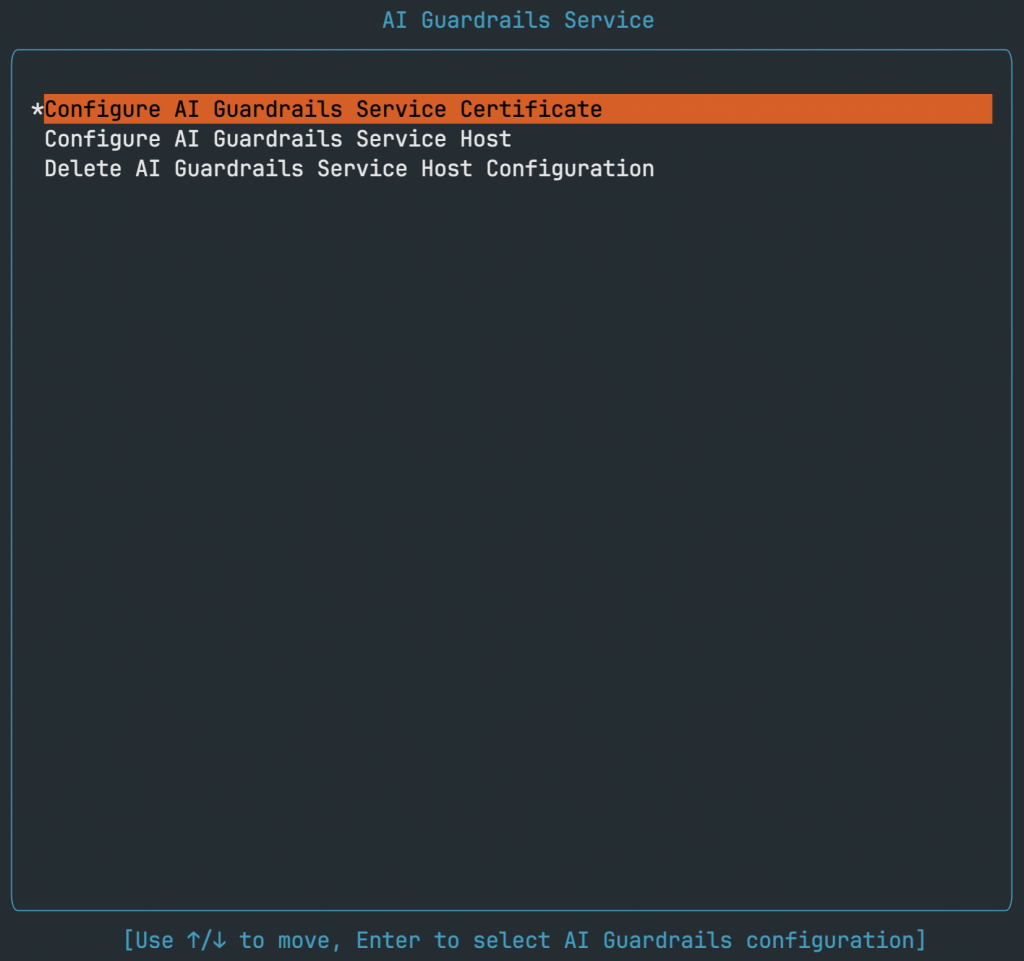
-
In the Configure AI Guardrails Service Certificate page, copy the certificate under the Enter new certificate prompt.
Ensure you copy the certificate within the header “—–BEGIN CERTIFICATE—–” and the footer “—–END CERTIFICATE—–”.

-
Press Enter to submit the certificate.
When the certificate is valid, the system displays the certificate details. If validation fails, press R to retry the configuration.
