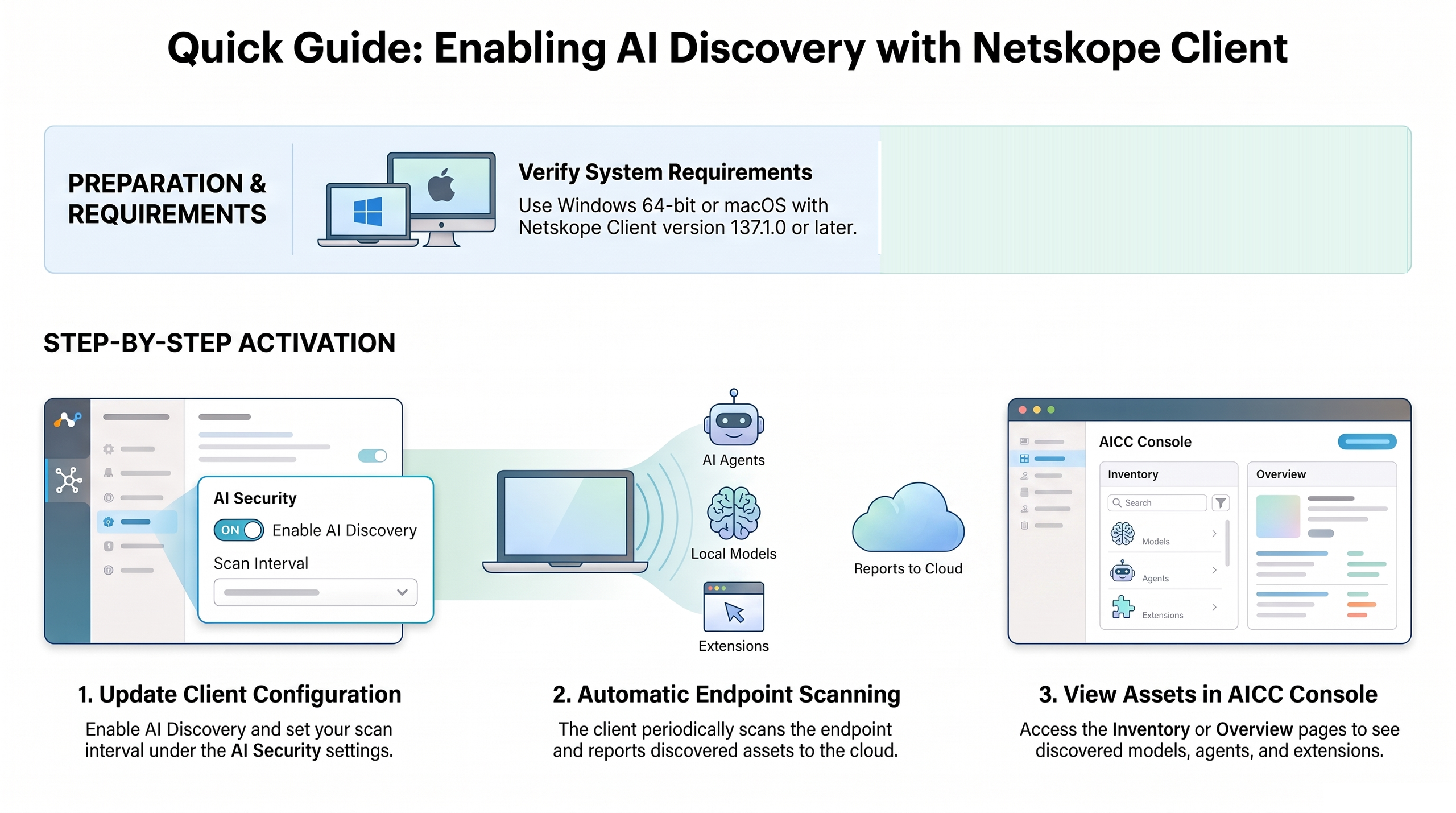
AI Command Center (AICC) discovers AI assets that run on managed endpoints through the Netskope Client. When AI Discovery is enabled, the Netskope Client periodically scans each endpoint and reports the discovered assets to AICC, where they appear in the Inventory and Overview pages.
The Netskope Client discovers AI agents, locally running large language models (LLMs), local MCP servers, and AI browser and IDE extensions. For the full list of detected asset types and the data collected, see Assets Detected During AI Discovery in the Netskope Client documentation.
Prerequisites
- Supported operating system: Windows (64-bit) or macOS.
- Netskope Client version 138 or later deployed on managed endpoints.
Enable AI Discovery on the Netskope Client
To configure the Netskope Client to discover AI assets on your managed endpoints, enable AI Discovery in your client configuration profile. For the steps, refer to the Netskope Client documentation:
- To enable AI Discovery and set the scan interval, see AI Security settings in Netskope Client Configuration.
- For prerequisites, detected assets, and limitations, see Netskope Client AI Discovery.
After the Netskope Client completes a scan, it reports the discovered assets to the Netskope cloud, and they become available in AICC.
View discovered assets in AICC
After the Netskope Client reports discovered assets, you can view them in AICC:
- On the Inventory page, the Assets section lists discovered Agents and Models, and shows a Footprint count on the AI Applications and MCP Servers tables indicating the number of endpoints where each asset was detected. To learn more, see AI Inventory.
- On the Overview page, the Discovery section includes Agents and Models panels. To learn more, see AI Asset Overview.
- To see the network traffic that discovered agents generate, open an agent on the Inventory page. The agent detail panel shows the internet destinations and local models that the agent connects to.