

Netskope provides an option to create a real-time protection policy for unknown (unauthenticated or unidentified) users when the user identity is not available or received by the Netskope cloud. For example, a shared IP scenario like using a terminal server or multiple sessions with the same IP address.
This feature can help you ensure that lack of authentication does not lead to an unnecessary block of user traffic.
The following applies when configuring a policy for unauthenticated users:
- Apply policies based on category or native app flows and apply actions based on the policy. However, User justification caching per app, MFA caching per app is not supported.
- Apply policies based on the application name for native apps. In addition, app activity is supported.
To configure a policy for unauthenticated users:
- Create a Real-time Protection policy as usual. To learn more: Real-time Protection Policies
- When selecting a source, select the Unknown checkbox for User.
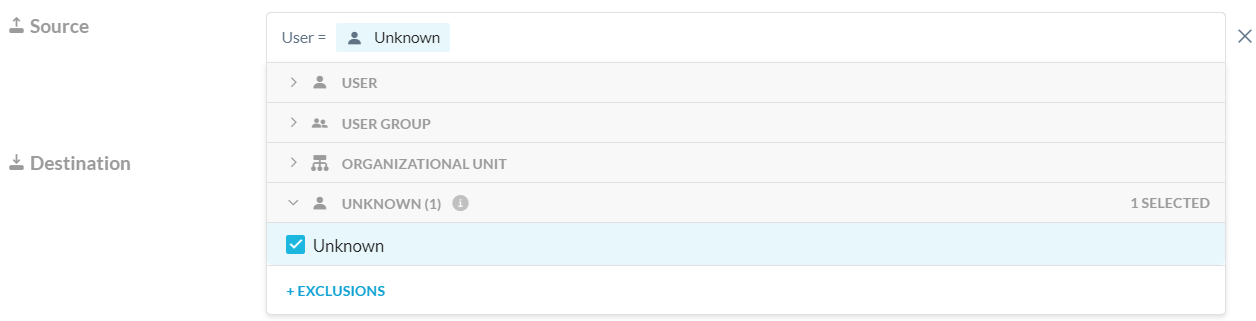
Optionally, you can also click + EXCLUSIONS and then select the Unknown checkbox to exclude the unknown user from the policy.

- Complete your other policy variable choices.
- Save your policy.
Skope IT Events
Skope IT Events user field displays “unknown” to reflect unknown traffic.

If this feature is not enabled, the user field displays “IP Address”.
The Application Event Details shows “unknown” in the User field to reflect unknown traffic.
