

The Inventory > Global Search page in DataSec Command Center (DCC) allows you to search across your entire DCC inventory using filters and keywords.
Search Categories
You can search across four categories:
- Managed Data Stores
- Unmanaged Destinations
- Sensitive Objects
- Identity
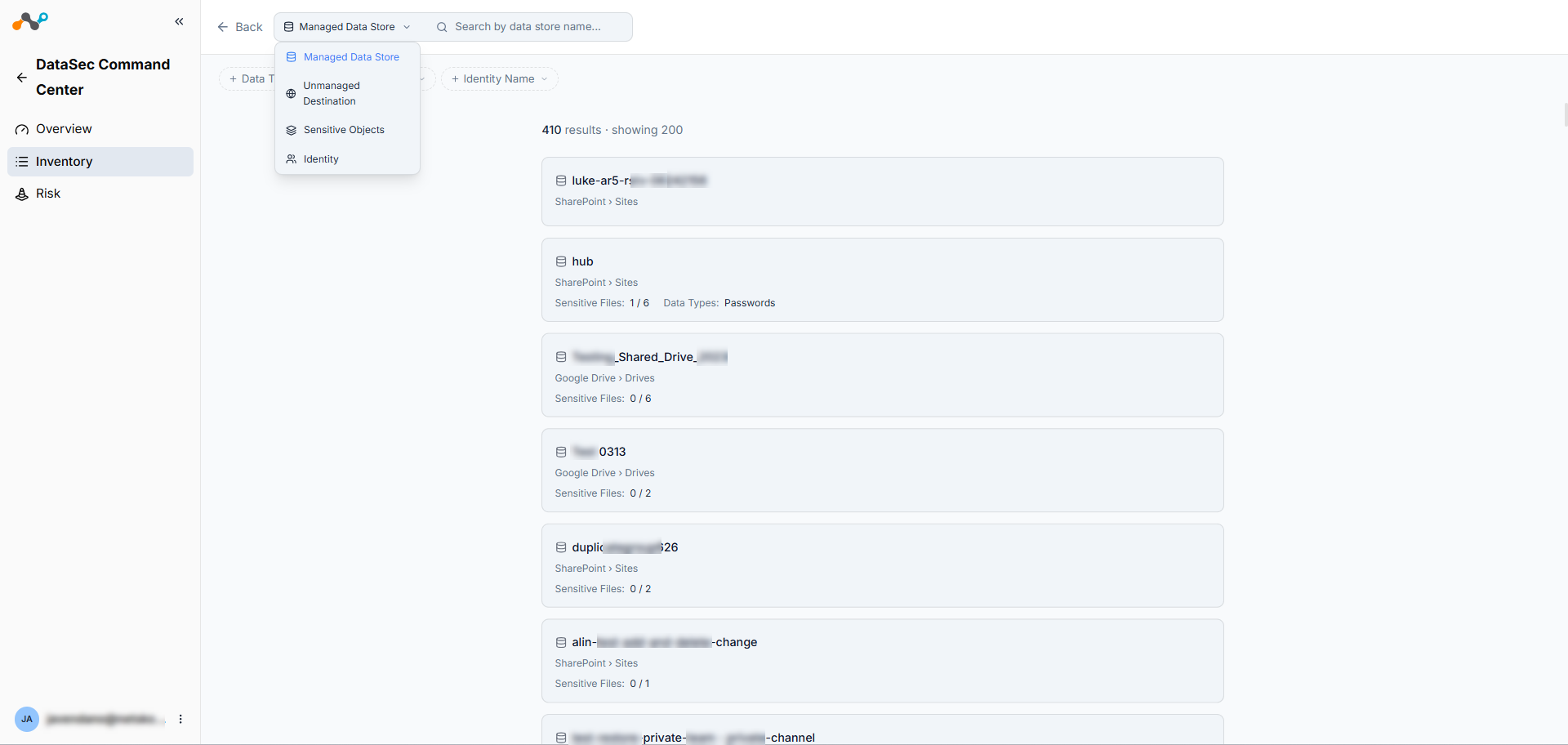
Currently, you can search one category at a time. Select the category from the selector at the top of the page before applying filters or entering a search term.
Filters and Search
Use the filter bar to narrow results by attributes specific to the selected category (e.g., data type, exposure level, identity type). You can also enter keywords in the search bar to find specific entries by name.
Results
The page displays up to 200 results. Results use lazy loading as you scroll down the page.