

Perform the following to deploy AWS AMI image.
- Launch the AIG AMIs
- Allocate an Elastic IP
- Assign the Elastic IP to a Network Interface
- Launch the AIG AMI Instance
Launch the AIG AMIs
-
Log in to Amazon’s EC2 Management Console on AWS and click Launch Instance.
-
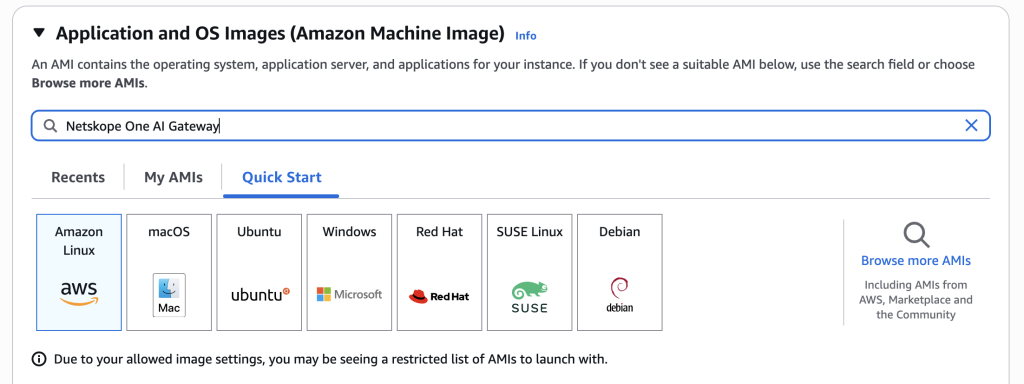
Search Netskope One AI Gateway, and press enter.
-
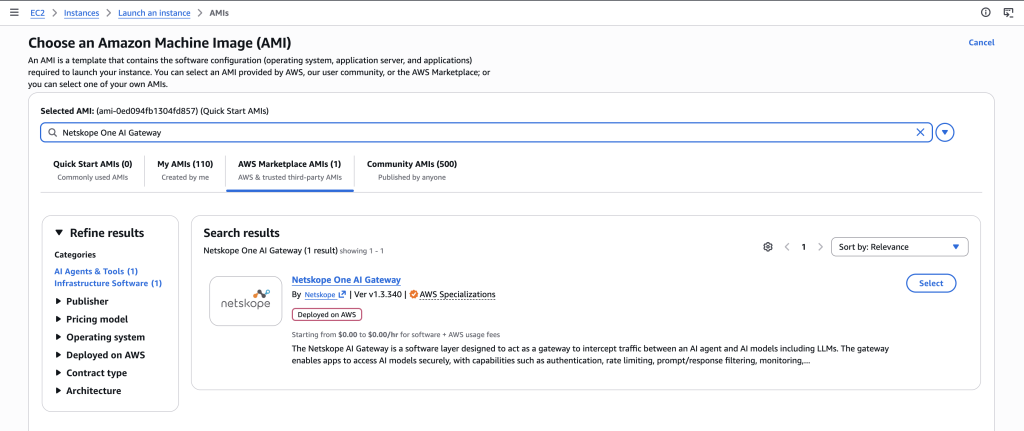
Go to AWS Marketplace AMIs and you will see the Netskope One AI Gateway AMI.


Assign the Elastic IP to a Network Interface
To assign the Elastic IP to a network interface, follow the steps below:
-
Log in to Amazon’s EC2 Management Console on AWS and choose a network interface that will be assigned to Netskope’s AIG instance.
-
Go to Actions > Associate Address.
-
On the Associate Elastic IP Address page, select Elastic IP Address and click Associate Address.
A public IP address is now assigned to the network interface.
