Netskope LogoNetskope Logo
  • Security Services
  • AI Services
  • Networking Services
  • Analytics Services
  • Integrations
  • getting-started.svgGetting Started
    • Support
    • Community
    • Netskope.com
    © 2026 All Rights Reserved. Netskope Inc.
    Home
    AI Gateway
    Installation and Deployment of VM Images
    Launching the Google Cloud Platform (GCP) Image

    Launching the Google Cloud Platform (GCP) Image

    To download the Google Cloud Platform (GCP) image, follow the steps below:

    1. Log in to the Netskope tenant UI and go to Settings > Security Cloud Platform > VM Onboarding.
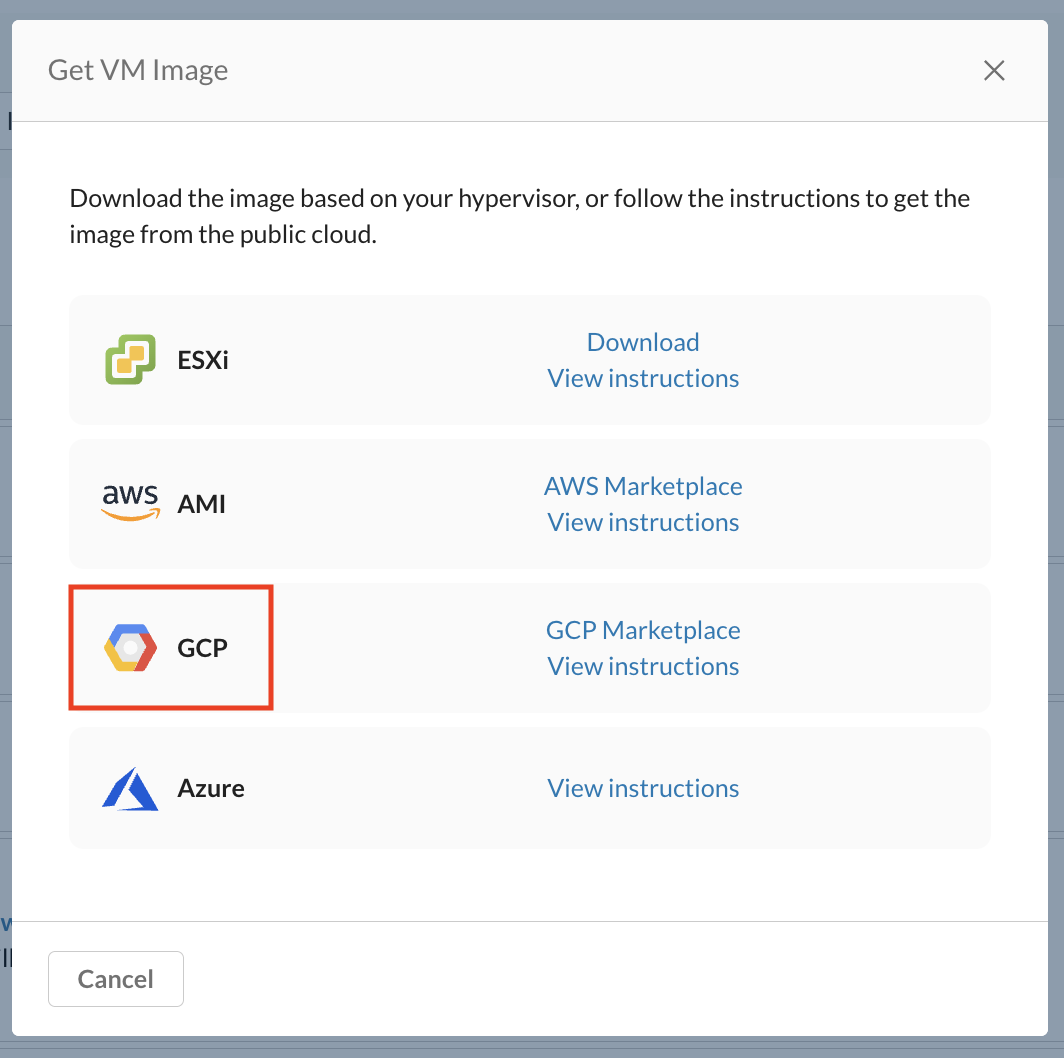
    2. On the VM Onboarding page, click Deploy VM > Get VM Image.
    3. Under the Get VM Image page, next to GCP Image, you see the link View instruction.
      GCP image is available in your GCP account only after Netskope has provisioned it to you.
    In this Topic
    • Launching the Google Cloud Platform (GCP) Image