-
Log in to your tenant WebUI
-
Go to Settings > Security Cloud Platform > Forward Proxy > SAML.
-
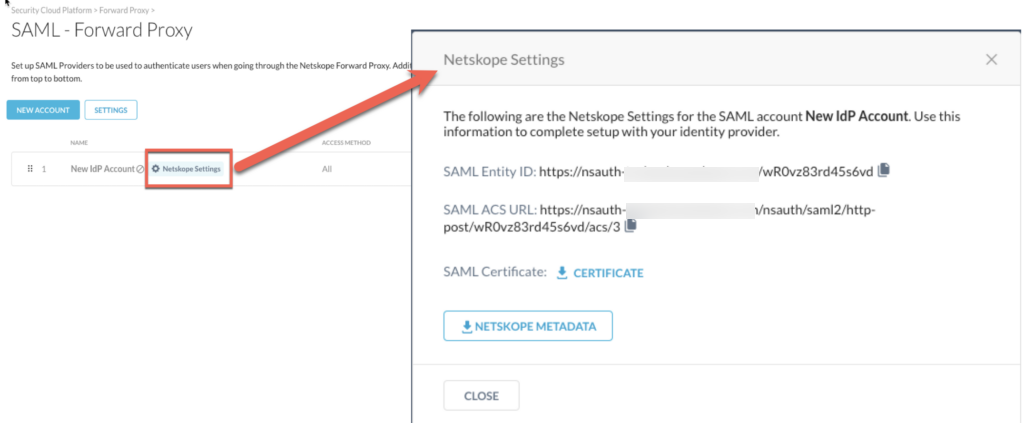
Click the Netskope Settings button to view and copy the Entity ID, Proxy ACS URL and SAML Certificate details of the IdP account.


Log in to your tenant WebUI
Go to Settings > Security Cloud Platform > Forward Proxy > SAML.
Click the Netskope Settings button to view and copy the Entity ID, Proxy ACS URL and SAML Certificate details of the IdP account.