

Release Notes
1.1.0 (Required minimum CE version for this is 6.0.0)
Added
- Added resolution for the error logs.
- Added support for dynamic field population based on selected Kafka Security Protocol.
Fixed
- Fixed ingestion for selected fields in JSON format.
Updated
- Updated the Kafka Default Mappings.
1.0.1
Fixed
- Bug fixes.
1.0.0
Added
- Initial release.
This document explains how to configure the Kafka v1.1.0 plugin with the Log Shipper module of the Netskope Cloud Exchange platform. This plugin is used to send Netskope Alerts (DLP, Malware, Policy, Compromised Credential, Malsite, Quarantine, Remediation, Security Assessment, Watchlist, UBA, CTEP, Device, Content), Events (Page, Application, Audit, Infrastructure, Network, Incident, Endpoint, Client Status) and WebTx data to Kafka Topic. This plugin supports ingestion in JSON and CEF format.
Prerequisites
To complete this configuration, you need:
- A Netskope tenant (or multiple, for example, production and development/test instances).
- A Netskope Cloud Exchange tenant with the Tenant plugin and Log Shipper plugin already configured.
- A Netskope Cloud Exchange tenant with the AWS Netskope Log Streaming or Azure Netskope Log Streaming plugin already configured (for pulling WebTx from the Netskope Log Streaming plugins).
- Your Kafka server configuration parameters.
- Connectivity to the Kafka server.
Kafka Plugin Support
This plugin is used to send Netskope Alerts (DLP, Malware, Policy, Compromised Credential, Malsite, Quarantine, Remediation, Security Assessment, Watchlist, UBA, CTEP, Device, Content), Events (Page, Application, Audit, Infrastructure, Network, Incident, Endpoint, Client Status) and WebTx data to a Kafka Topic. This plugin supports ingestion in JSON and CEF format.
| Data Type | Support |
|---|---|
| Alerts | Yes (Compromised Credential, Policy, Malsite, Malware, DLP, Security Assessment, Watchlist, Quarantine, Remediation, UBA, CTEP) |
| Events | Yes (Page, Application, Audit, Infrastructure, Network, Incident) |
| WebTx Logs | Yes (via Netskope LogStreaming) |
| Syslog CE Logs | Not Supported |
Note
- CLS WebTX based on Google Pub Sub Lite is deprecated. Please refer to Netskope Product EOL/EOS Announcements – Netskope Knowledge Portal
- For ingesting WebTX logs to your Log delivery destinations like SIEM, SOAR, XDR, Data Lake, use the AWS Netskope Log Streaming or Azure Netskope Log Streaming plugin.
API Details
List of APIs Used
This plugin uses kafka-python libraries to create kafka producer and consumer.
The kafka-python library is a pure Python client for Apache Kafka that enables developers to interact with Kafka clusters directly from Python applications. It supports essential Kafka operations such as producing messages to topics, consuming messages from topics, and performing administrative tasks like creating or deleting topics. The library is easy to use and integrates well with Python-based systems, making it ideal for building real-time data pipelines or event-driven applications. With kafka-python, you can customize consumer group settings, manage offset commits, and configure producers with delivery guarantees, all using familiar Python code.
Creating the Consumer
KafkaProducer(
     bootstrap_servers=kafka_broker_address,
     value_serializer=lambda x: x.encode("utf-8"),
     acks=ACKS,
     partitioner=DefaultPartitioner(),
     retries=RETRIES,
     linger_ms=LINGER_MS,
     client_id=self._get_user_agent(),
     batch_size=BATCH_SIZE,
     compression_type=COMPRESSION_TYPE,
     request_timeout_ms=TIMEOUT_MS,
)
Creating the Producer
consumer = KafkaConsumer(
    bootstrap_servers=kafka_broker_address,
    security_protocol=kafka_security_protocol,
    ssl_cafile=tmp_ca_file,
    ssl_certfile=tmp_cert_file,
    ssl_keyfile=tmp_private_key_file,
    ssl_password=kafka_ssl_password,
    request_timeout_ms=TIMEOUT_MS,
)
To List the Topics Present on the Kafka cluster
consumer.topics()
To Send Data
producer.send(
    topic=kafka_topic_name,
    value=data
    if not isinstance(data, dict)
    else json.dumps(data),
)
Performance Matrix
This performance reading is conducted on a Large Stack CE with these VM specifications. These readings are added with the consideration that it will pull around 10K alerts/events in ~8 seconds in CE.
| Description | Specification |
|---|---|
| Stack details | Size: Large RAM: 32 GB CPU: 16 Cores |
| Alerts/Events ingested to SIEM | ~200K EPM |
| WebTx ingested to SIEM | ~170K EPM |
User Agent
netskope-ce-6.1.0-cls-kafka-v1.1.0
Workflow
- Get your Kafka configuration parameters.
- Configure the Kafka plugin.
- Configure Log Shipper Business Rules for Kafka.
- Configure Log Shipper Log Delivery for Kafka.
- Validate the Kafka plugin.
Watch a Video
Click play to watch a video.
Get your Kafka Configuration Parameters
The following configuration parameters are needed to configure the Kafka plugin for Log Shipper. Reach out to the Kafka server configuration team in order to get all the configuration parameters.
The ingestion of all the Events/Alerts and WebTx is done on the Offset Explorer (v3.0.2); here are the steps to configure the Kafka cluster on Offset Explorer.
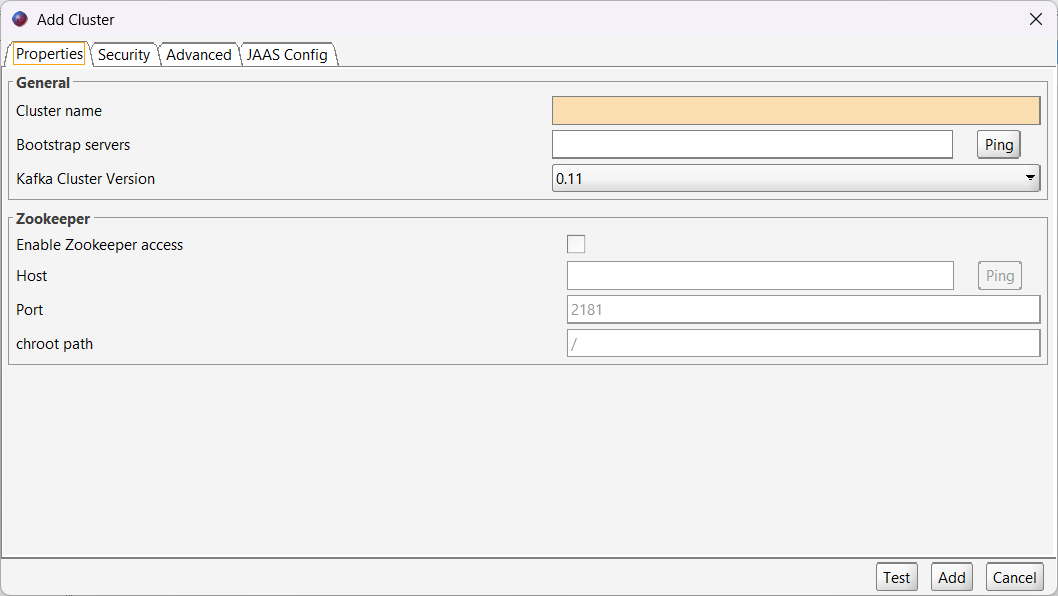
- Add a new Connection on Offset Explorer, and provide all the information for the cluster.
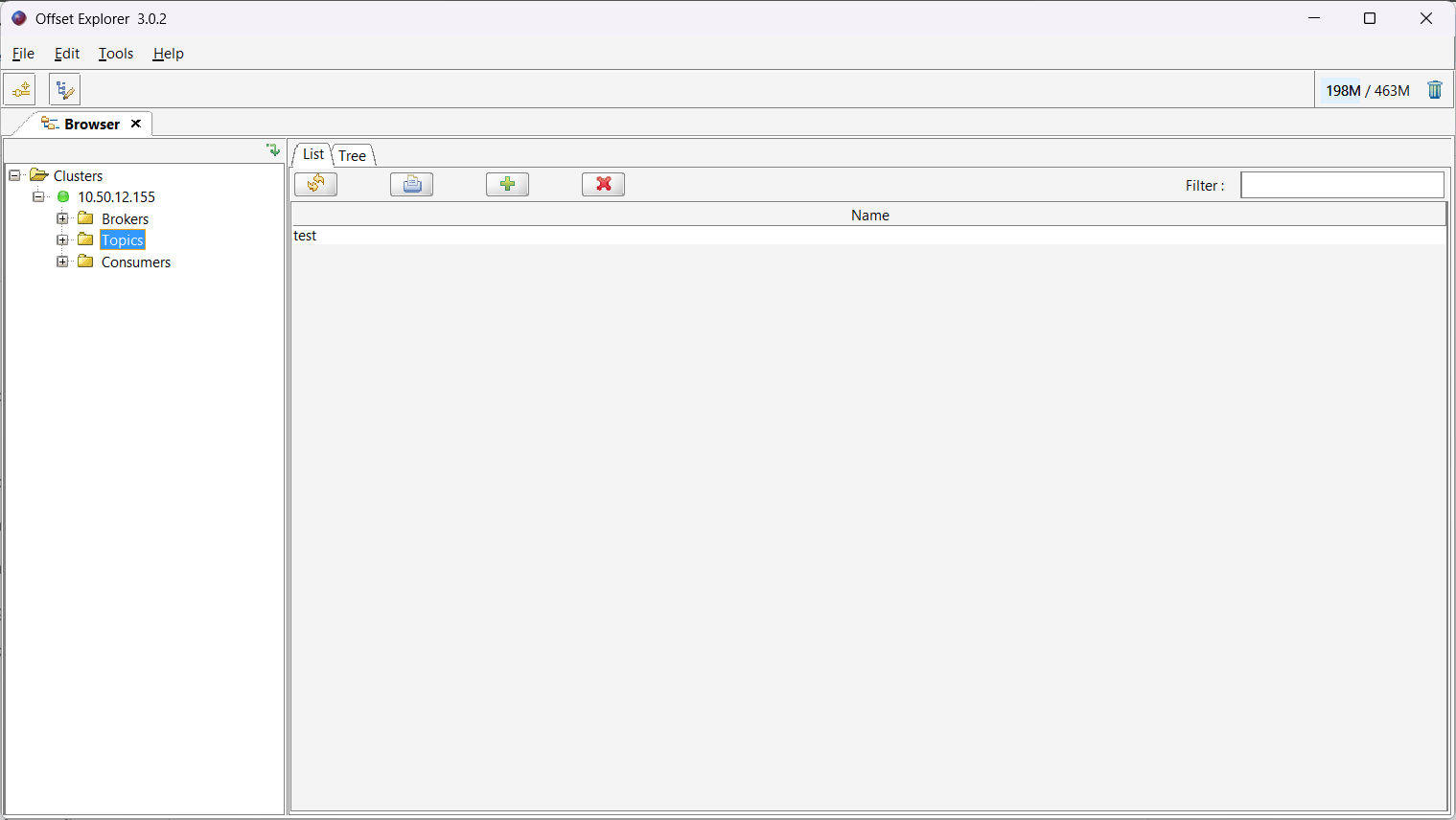
- After a successful connection, go to the Topics folder under the connected cluster.
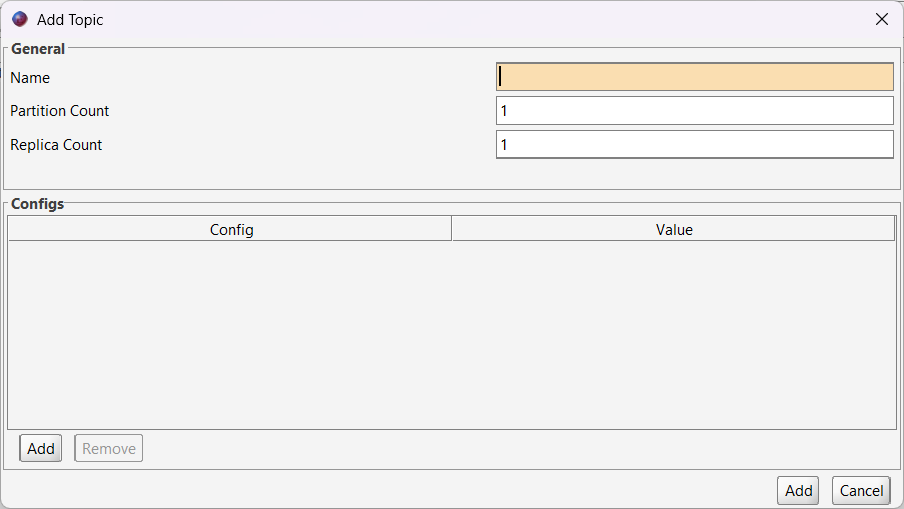
- Click the + icon to add a new Topic in your cluster, and provide the Name of the Topic, Partition Count, and Replica Count. When finished, click Add.
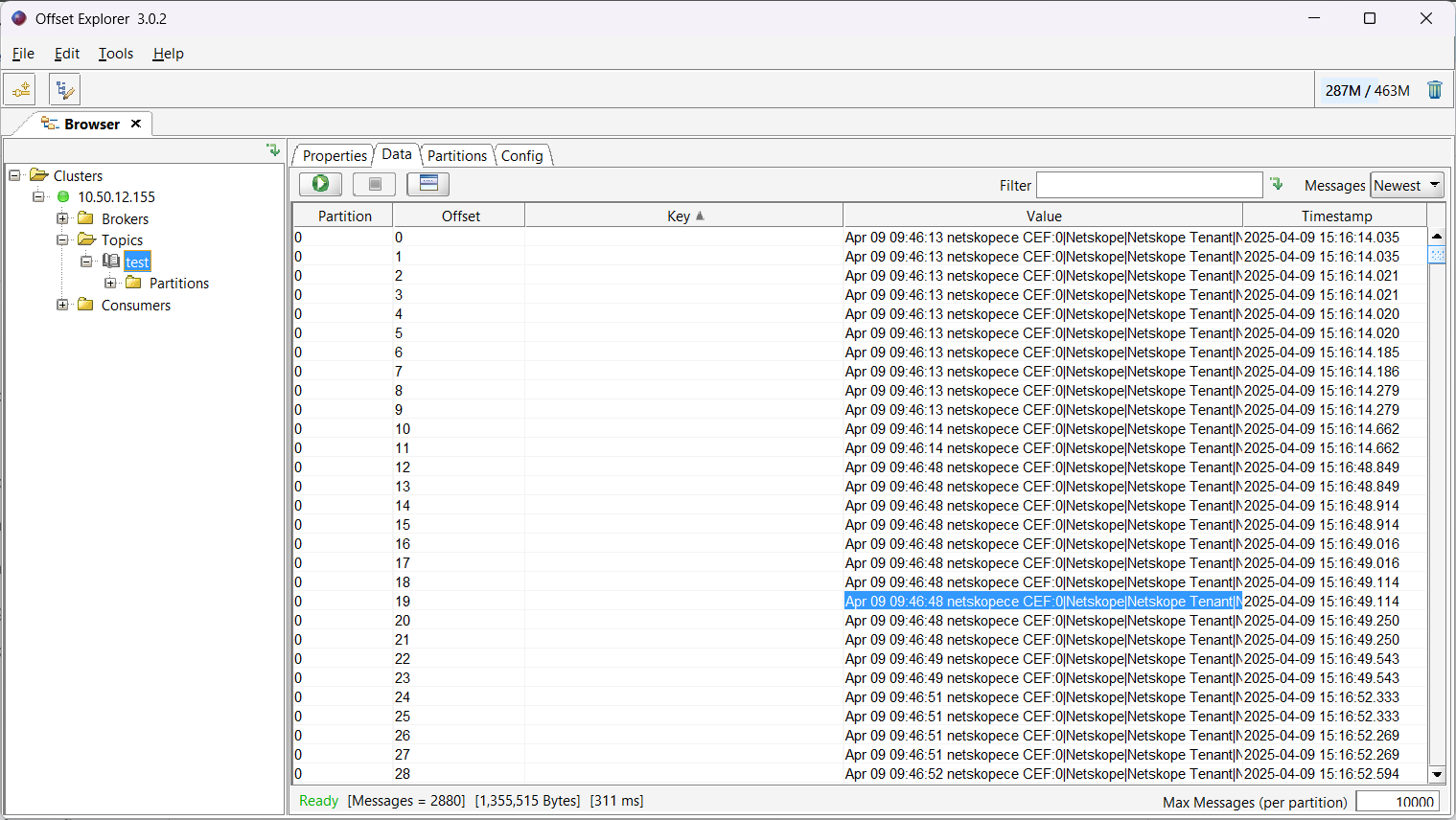
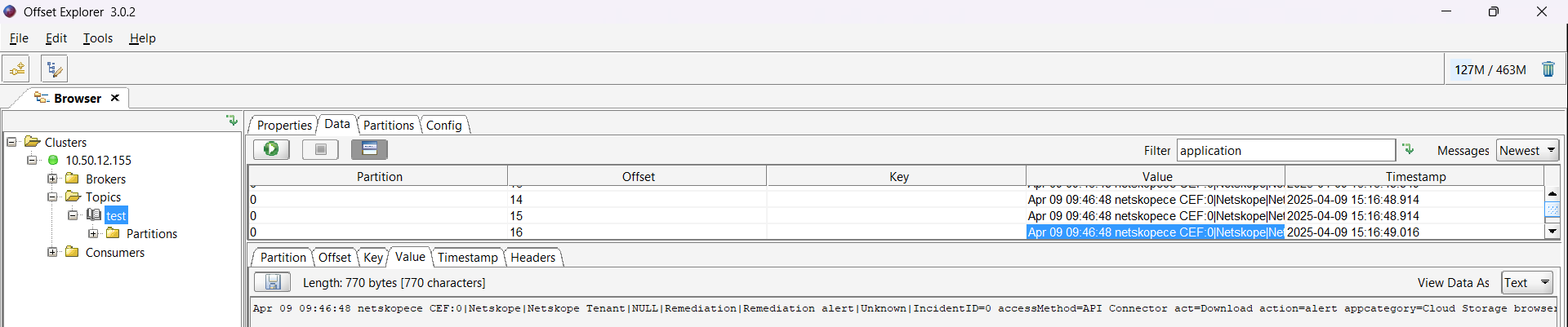
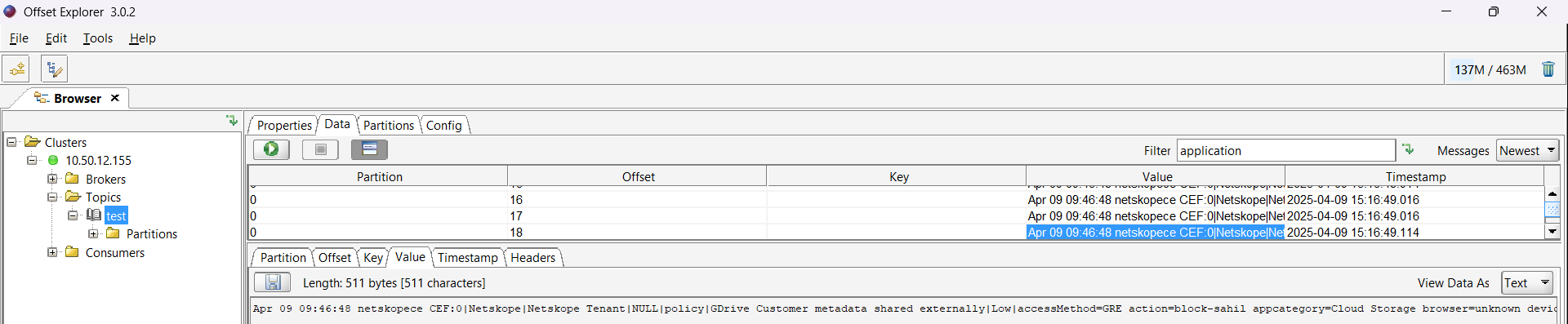
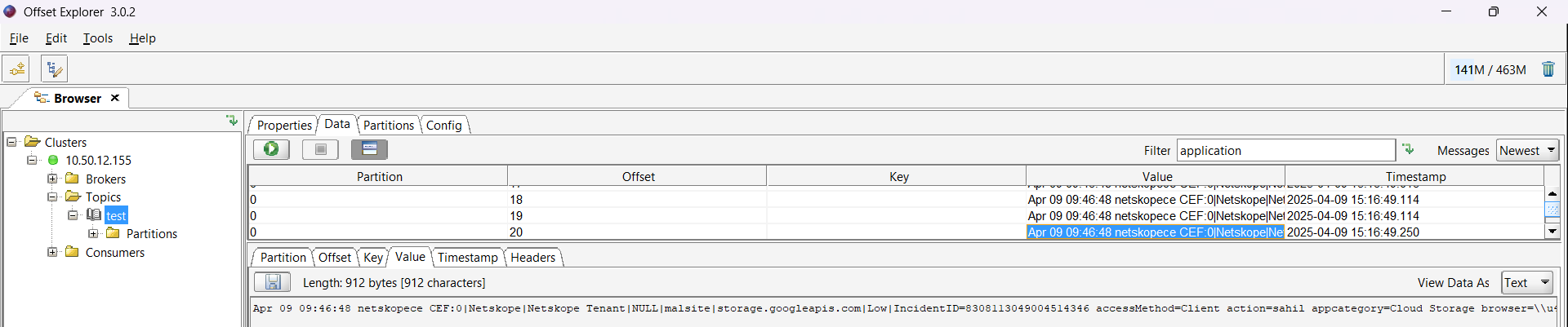
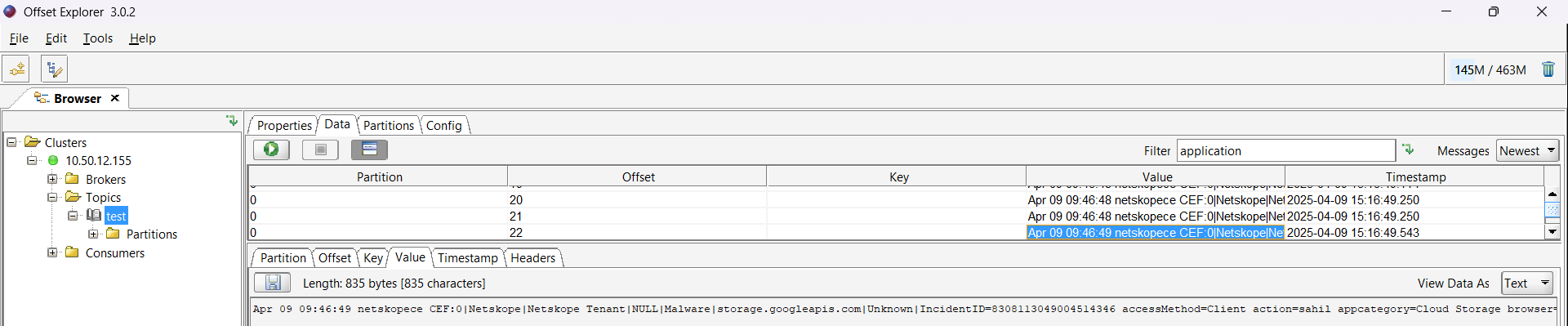
- After successful ingestion from Cloud Exchange, you can find the ingested data at Clusters > {cluster_name} > Topics > {topic_name} > Data.
Configure the Kafka Plugin
-
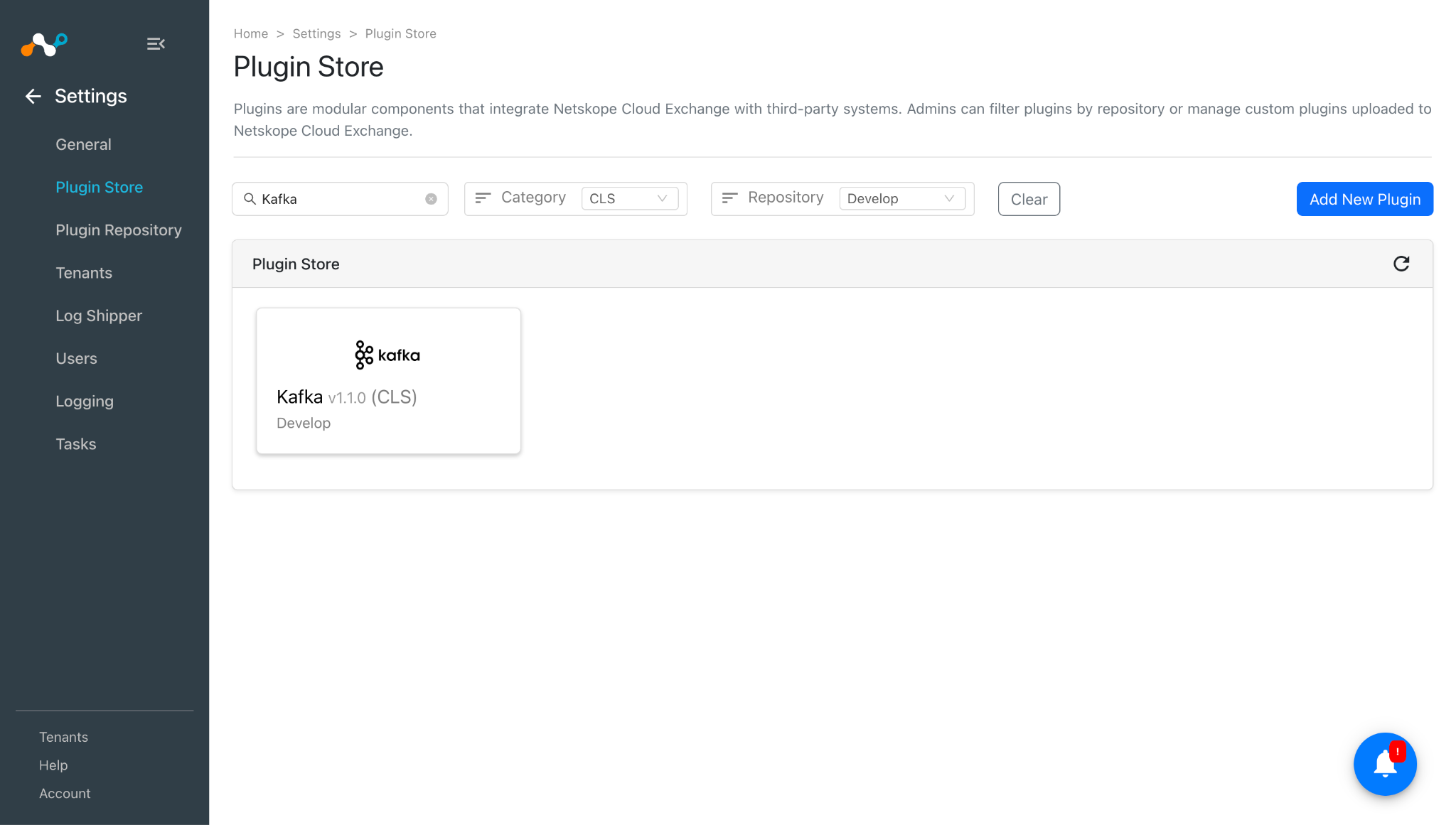
In Cloud Exchange, go to Settings > Plugin Store. Search for and select the Kafka v1.1.0 (CLS) plugin.
-
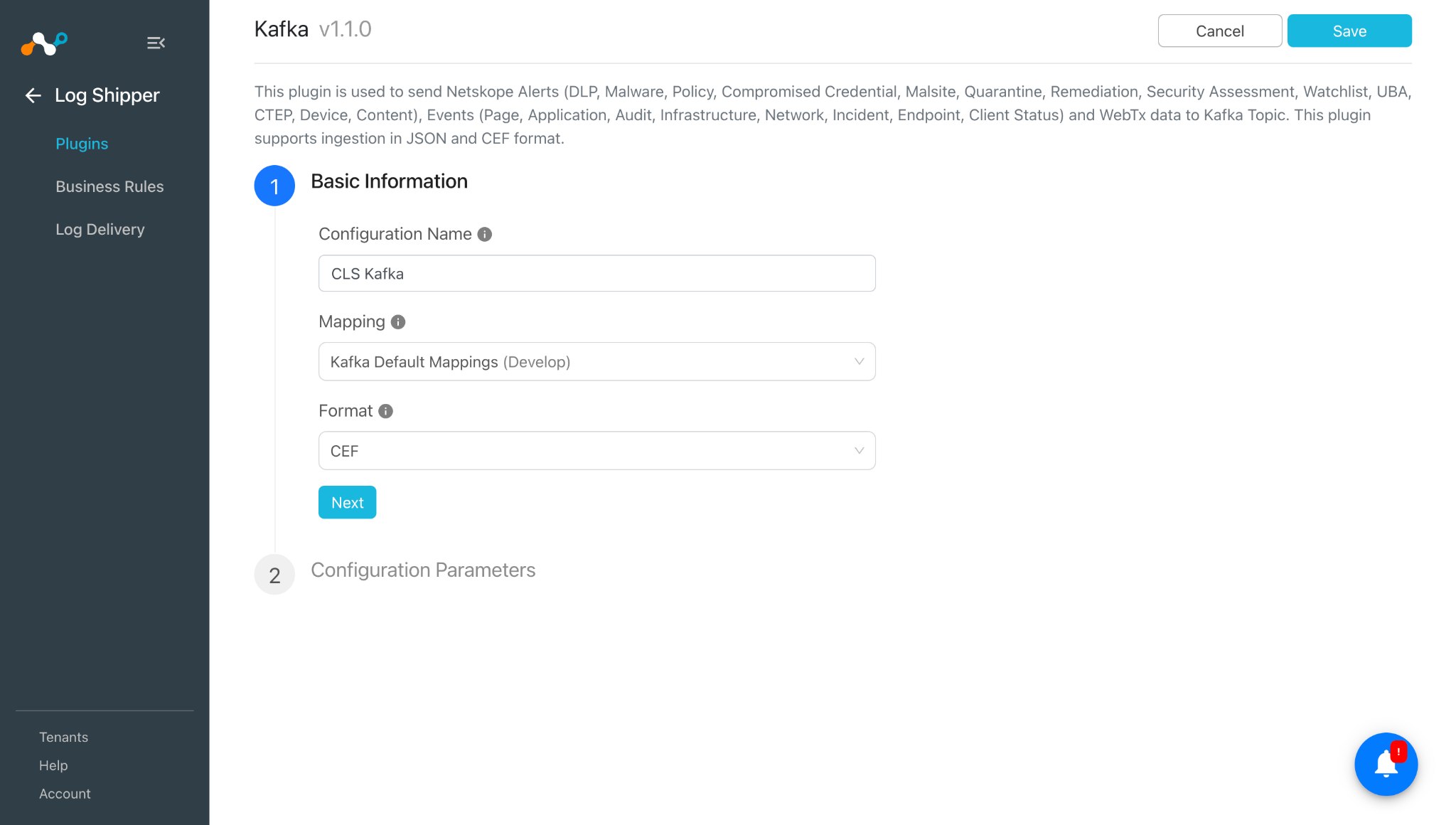
Add a plugin configuration name and select the desired Mapping. If you want to ingest your alerts/events/webtx in raw JSON format, change the format to JSON.
-
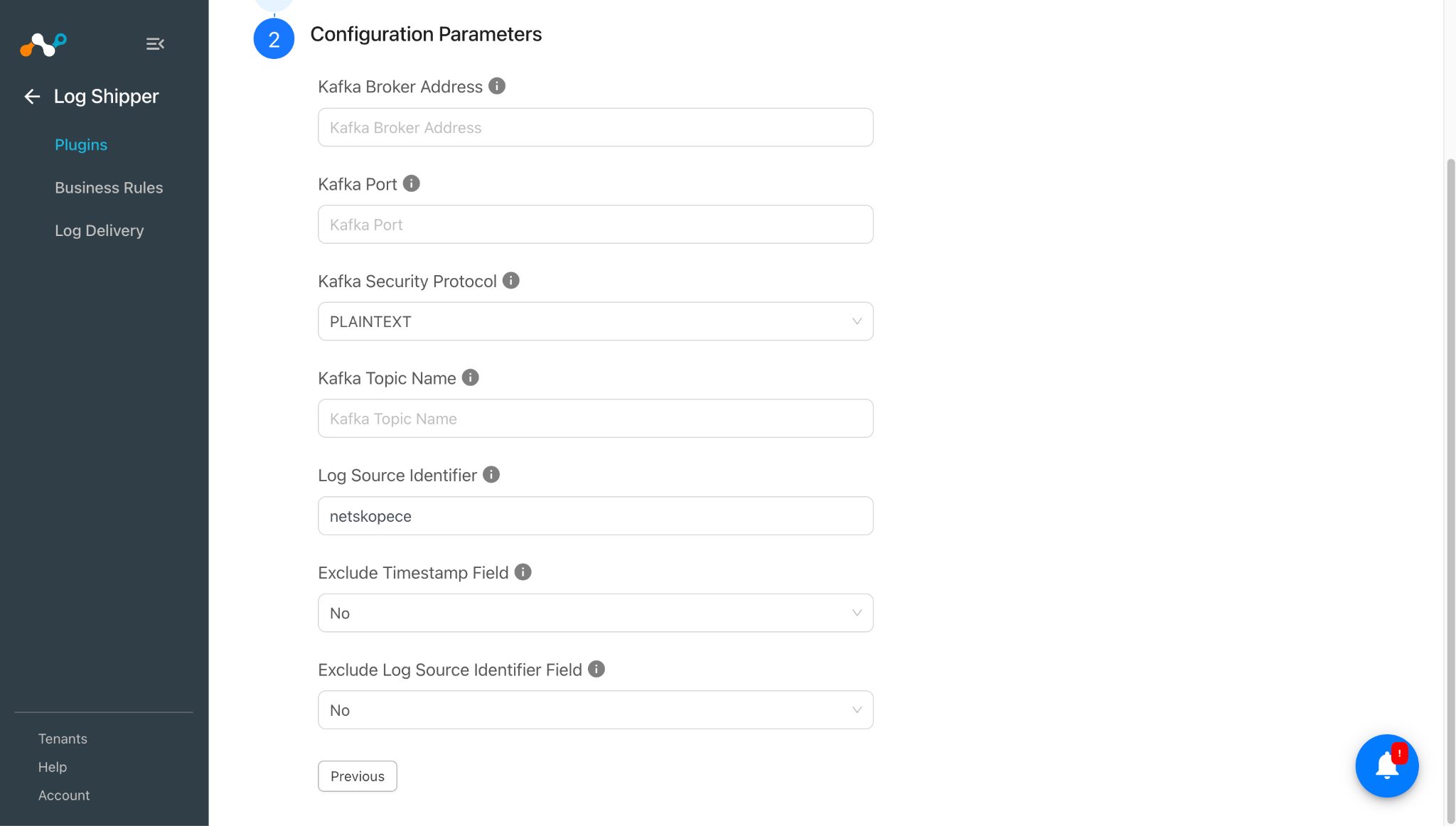
Click Next and enter the Configuration Parameters:
- Kafka Broker Address: DNS/IP Address/FQDN of the Kafka broker to which data will be sent. Note: the plugin only needs one broker that will respond to the Metadata API request.
- Kafka Port: Port on which the configured Kafka broker is listening. Value should be an integer in range 1 to 65535.
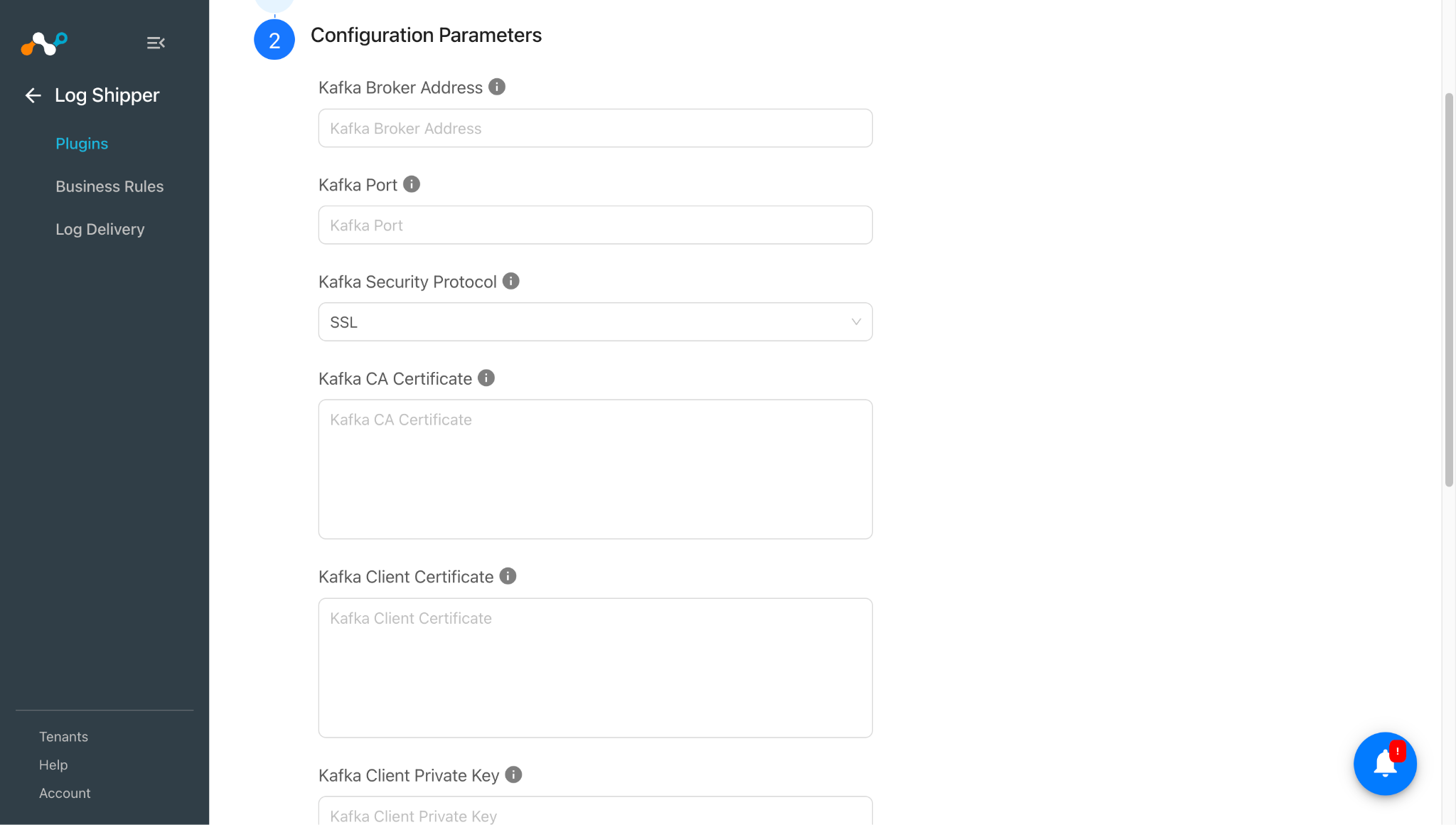
- Kafka Security Protocol: Select the security protocol using which authentication will be performed and data will be sent to the Kafka cluster. Selecting ‘SSL’ will require the Kafka CA Certificate, Kafka Client Certificate, Kafka Client Private Key and Kafka SSL Private Key Password fields to establish a mutual TLS connection.
- Kafka CA Certificate: Kafka CA Certificate in PEM format, used to verify the identity of the Kafka broker. Required only when ‘SSL’ is selected as the Kafka Security Protocol.
- Kafka Client Certificate: Kafka Client Certificate in PEM format, used by the plugin to authenticate itself to the Kafka broker. Required only when ‘SSL’ is selected as the Kafka Security Protocol.
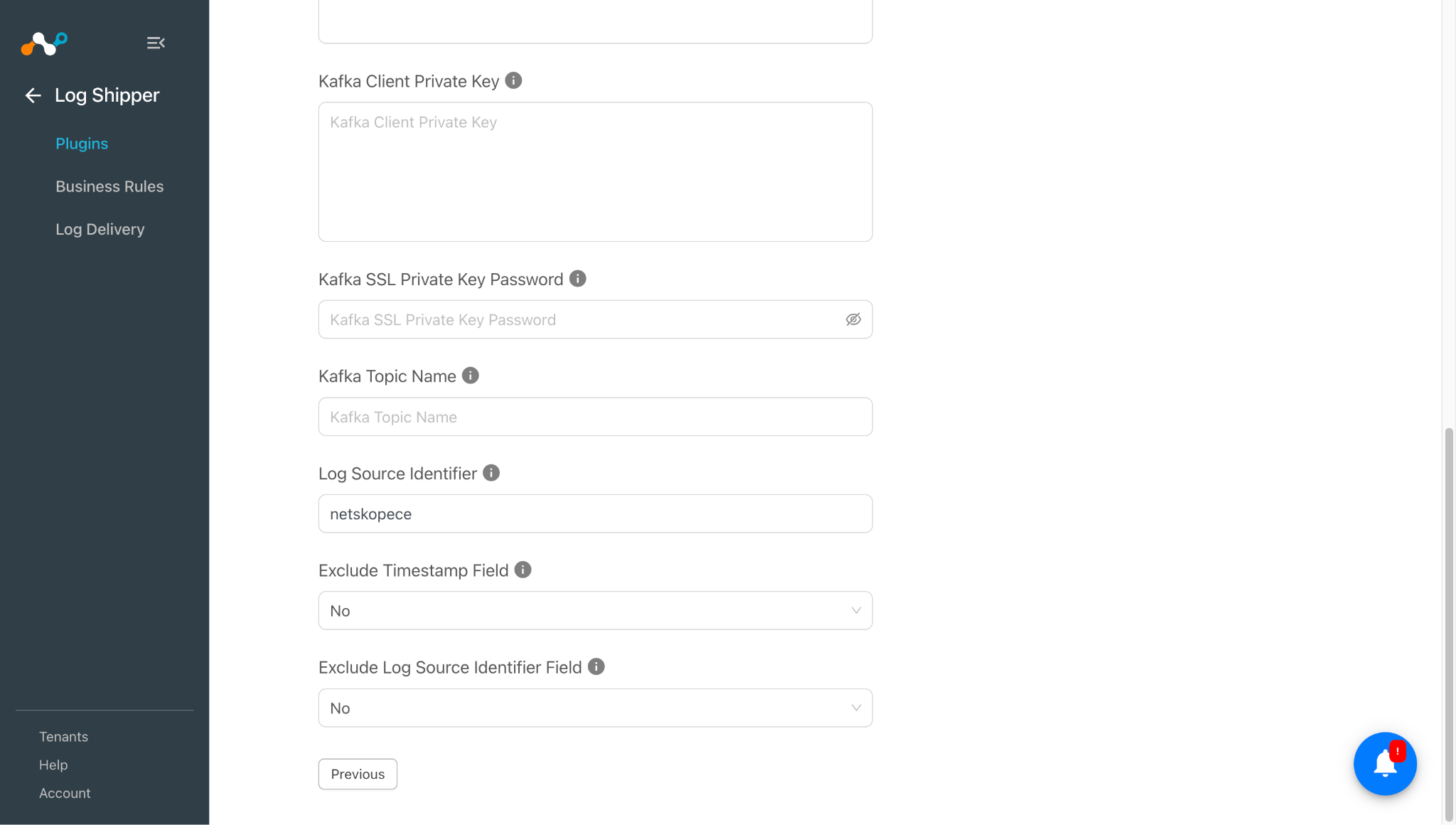
- Kafka Client Private Key: Kafka Client Private Key in PEM format, paired with the Kafka Client Certificate. Required only when ‘SSL’ is selected as the Kafka Security Protocol.
- Kafka SSL Private Key Password: Password for the Kafka Client Private Key. Required only if the private key PEM file was generated with a passphrase. Required only when ‘SSL’ is selected as the Kafka Security Protocol.
- Kafka Topic Name: Name of the Kafka topic to which the logs should be sent. Note: the Kafka Topic Name should not contain any whitespace and must already exist on the configured Kafka cluster. This plugin does not support creating topics on kafka.
- Log Source Identifier: This value will be added as a prefix to all ingested logs.
- Exclude Timestamp Field: Select ‘Yes’ to ingest the data without the timestamp prefix. This option is only applicable to JSON-formatted data.
- Exclude Log Source Identifier Field: Select ‘Yes’ to ingest the data without the Log Source Identifier field. This option is only applicable to JSON-formatted data.
All above mentioned parameters are needed when Security Protocol is SSL. If the security Protocol is Plaintext, then Kafka Broker Address, Kafka Port, Topic Name, Exclude Timestamp Field and Exclude Log Source Identifier Field are required.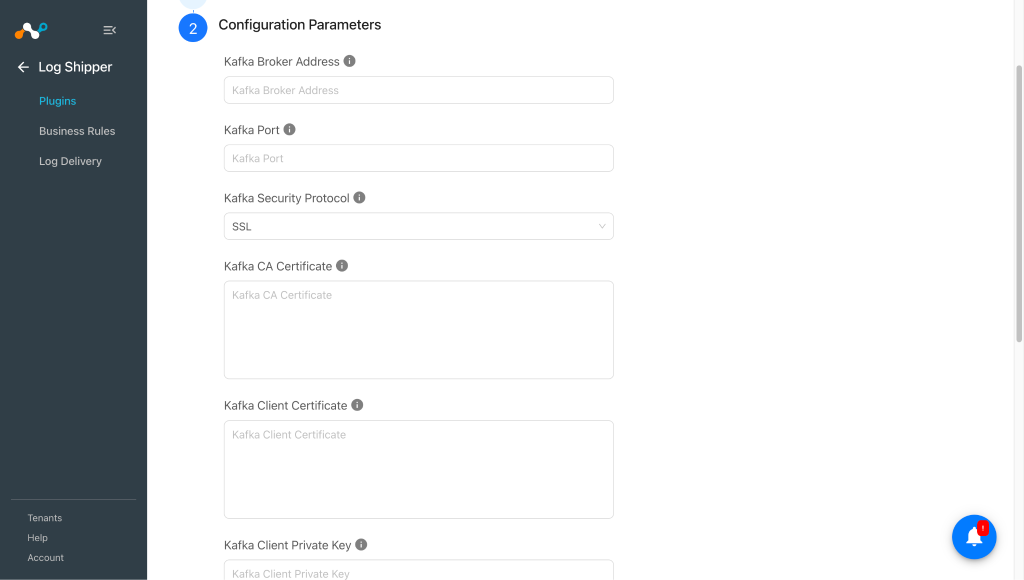
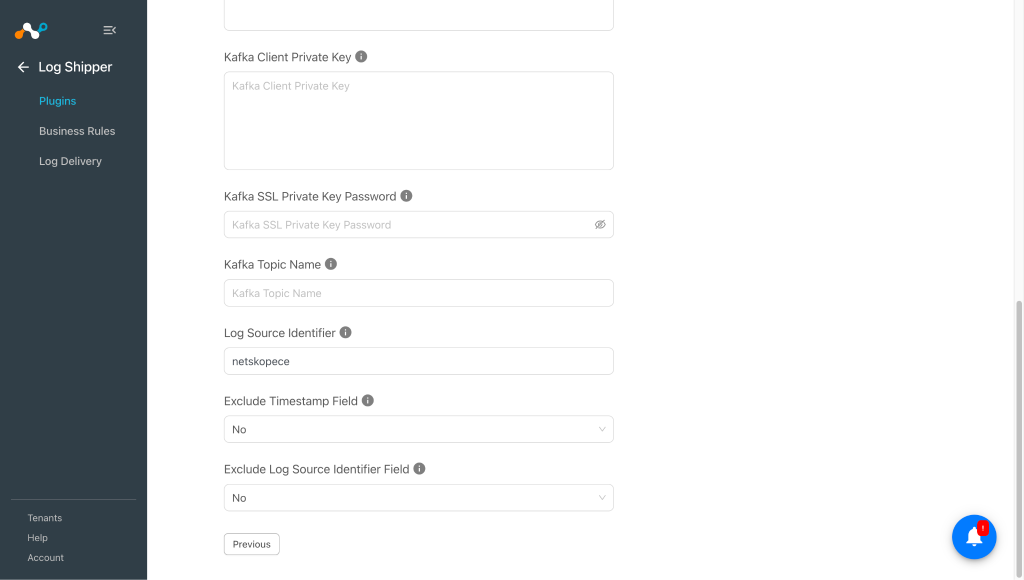
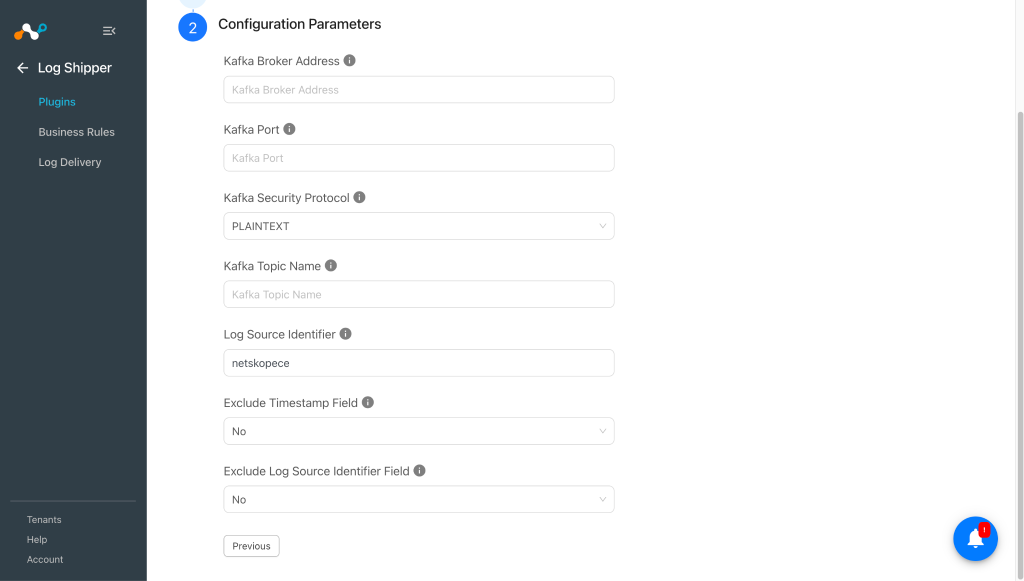 All the above parameters are needed when Security Protocol is SSL. If the security Protocol is Plaintext, then Kafka Broker Address, Kafka Port, Topic Name, Exclude Timestamp Field and Exclude Log Source Identifier Field are required.
 -
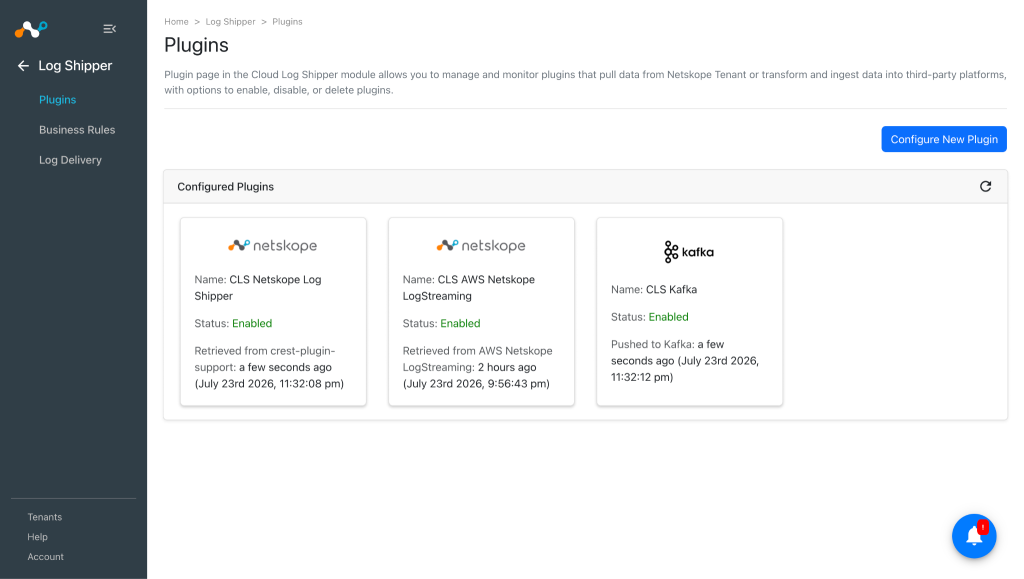
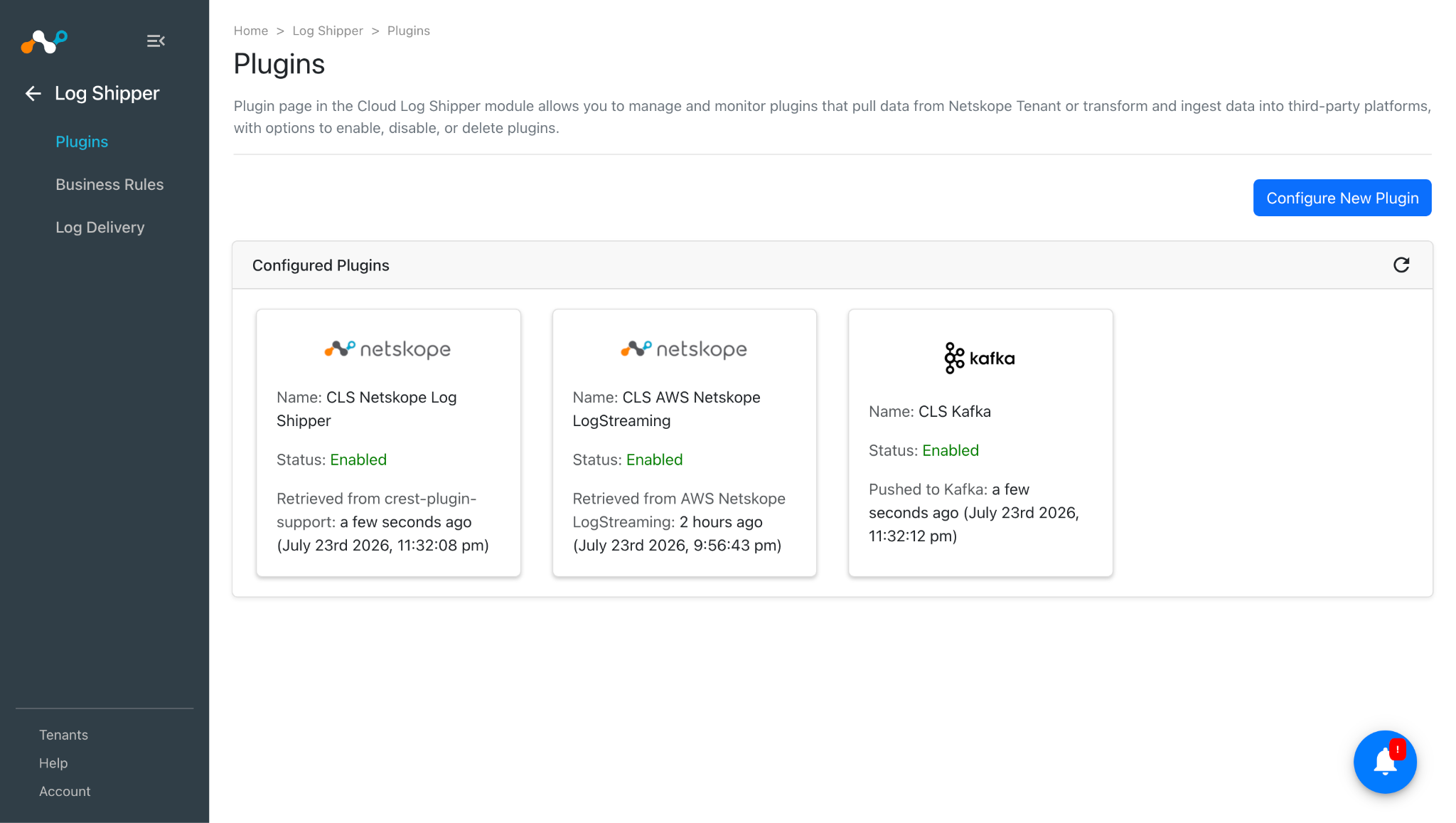
Click Save. Your plugin configuration will be available on Log Shipper > Plugins page.
Configure a Log Shipper Business Rule for Kafka
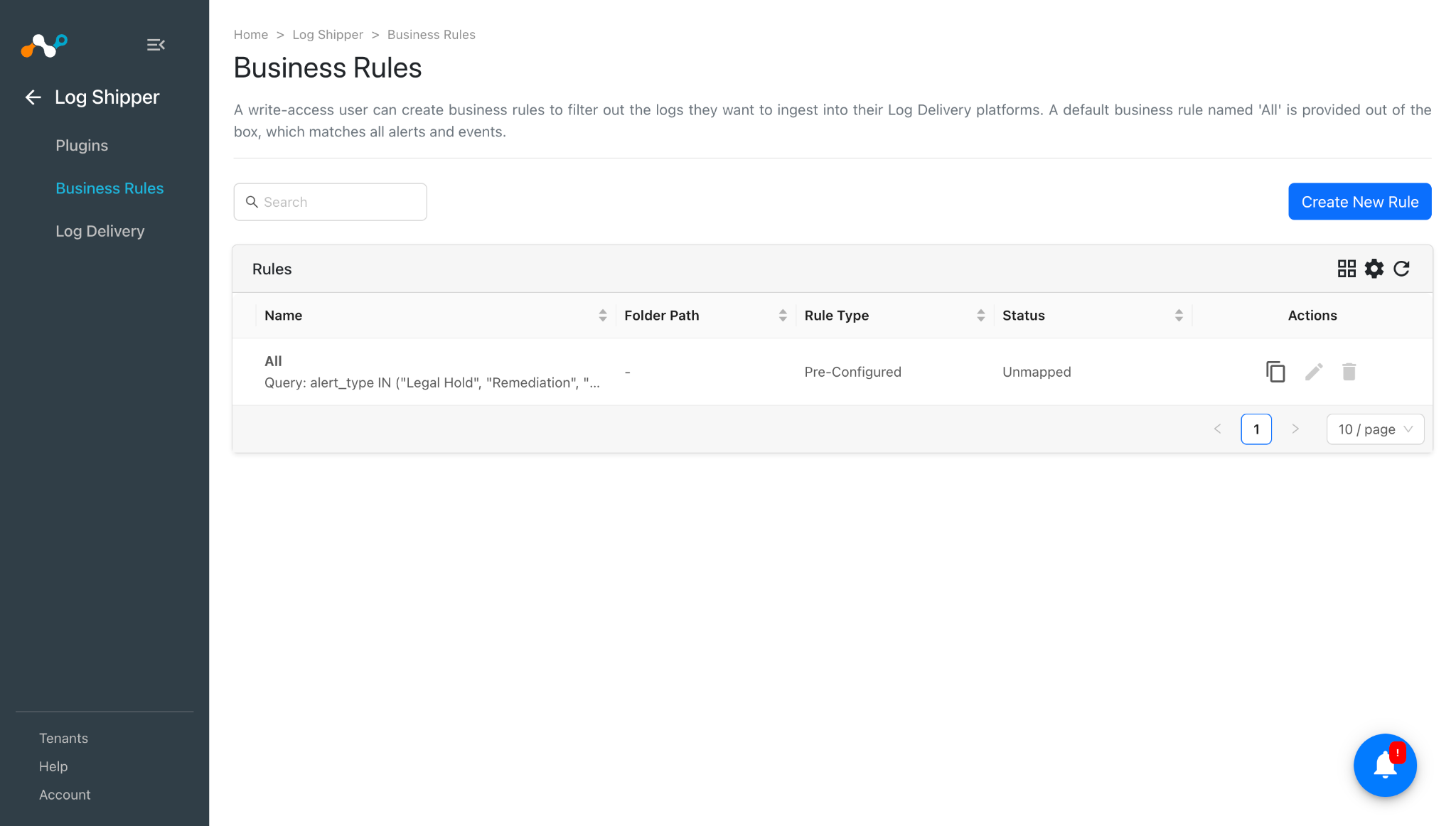
- Go to the Business Rules. By default there is a business rule that filters all alerts and events.
- If you need to filter out any specific type of alert or event, click Create New Rule and configure a new business rule by adding the rule name and filter.
- Click Save.
Configure Log Shipper Log Delivery for Kafka
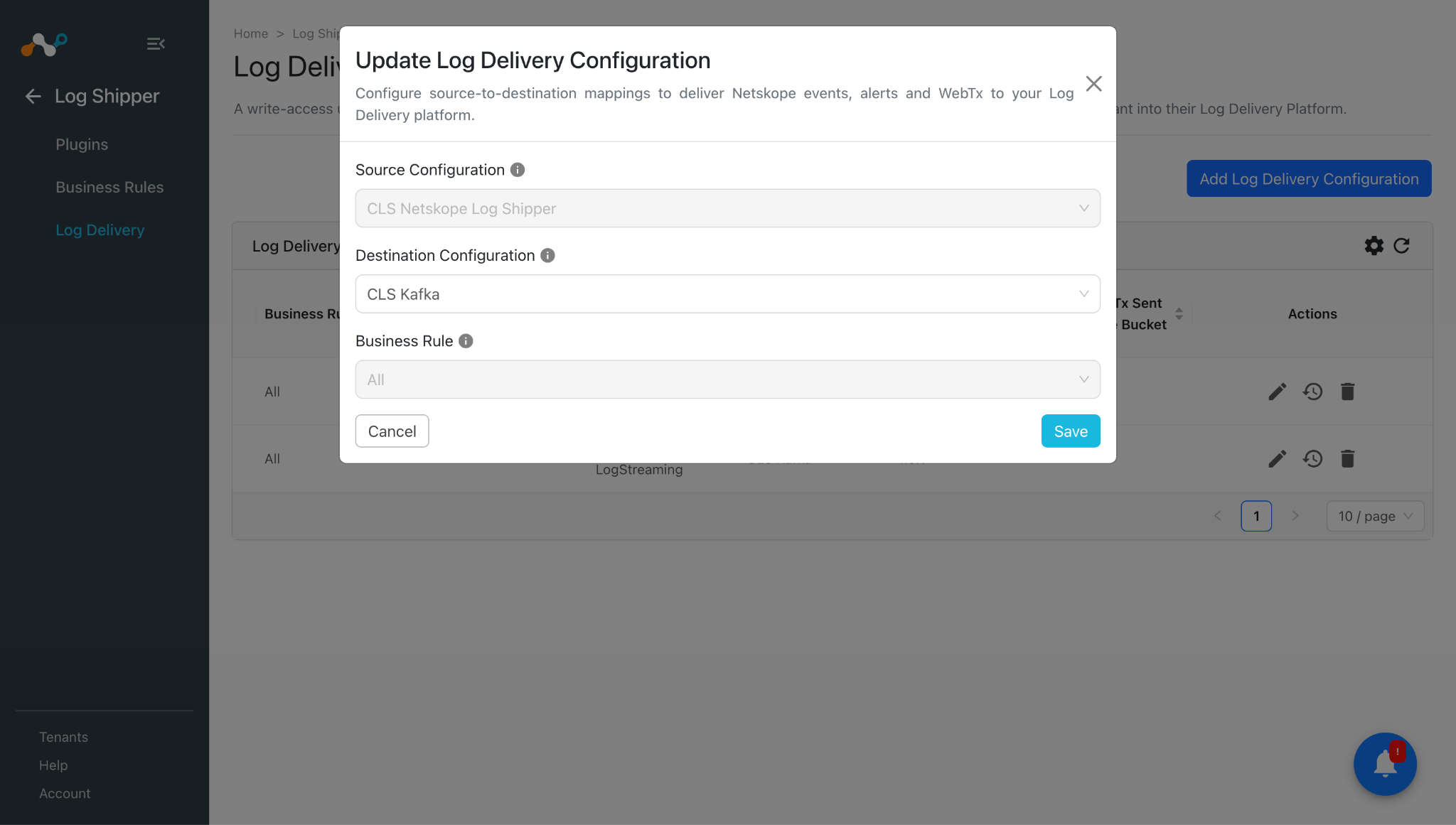
- Go to Log Shipper > Log Delivery and click Add Log Delivery Configuration.
- For alerts and events, select the Source plugin (Netskope CLS plugin), the Destination plugin (Kafka plugin), and a business rule, and then click Save.
- For ingestion of WebTx, select the Source plugin (AWS Netskope Log Streaming or Azure Netskope Log Streaming plugin), the Destination plugin (Kafka plugin), and then click Save.
Validate the Kafka Plugin
Validate in Cloud Exchange
In order to validate the plugin workflow:
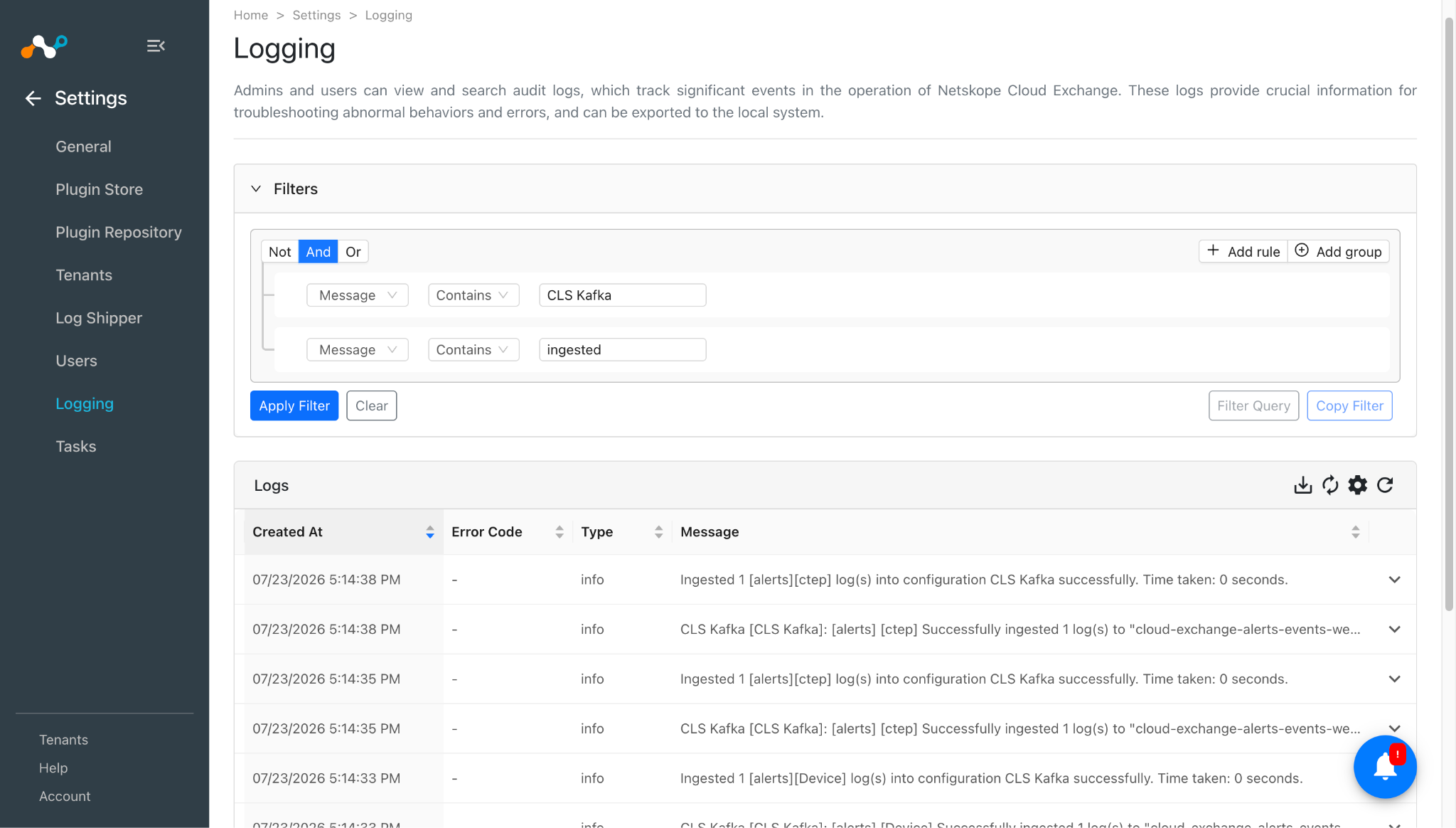
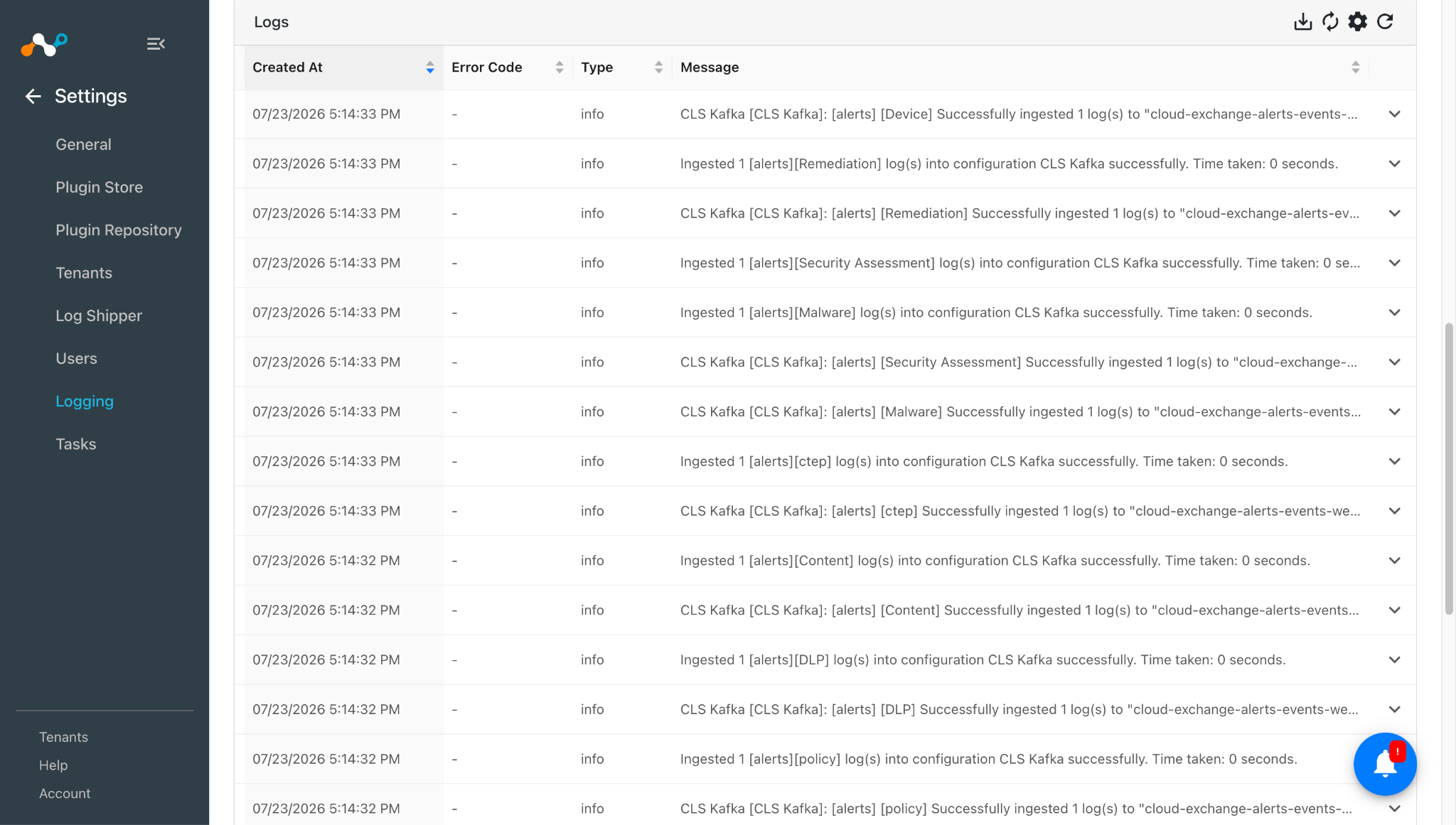
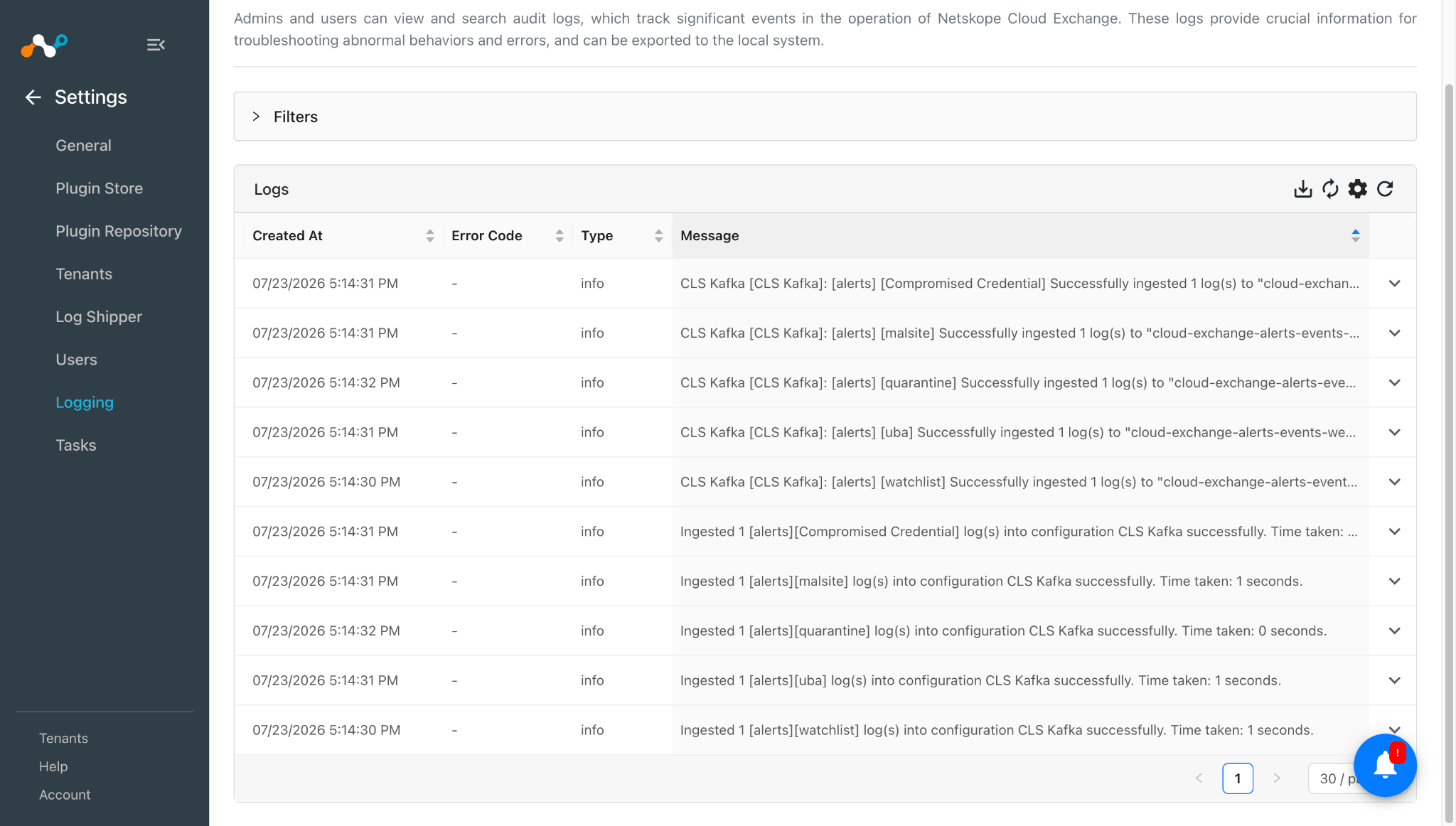
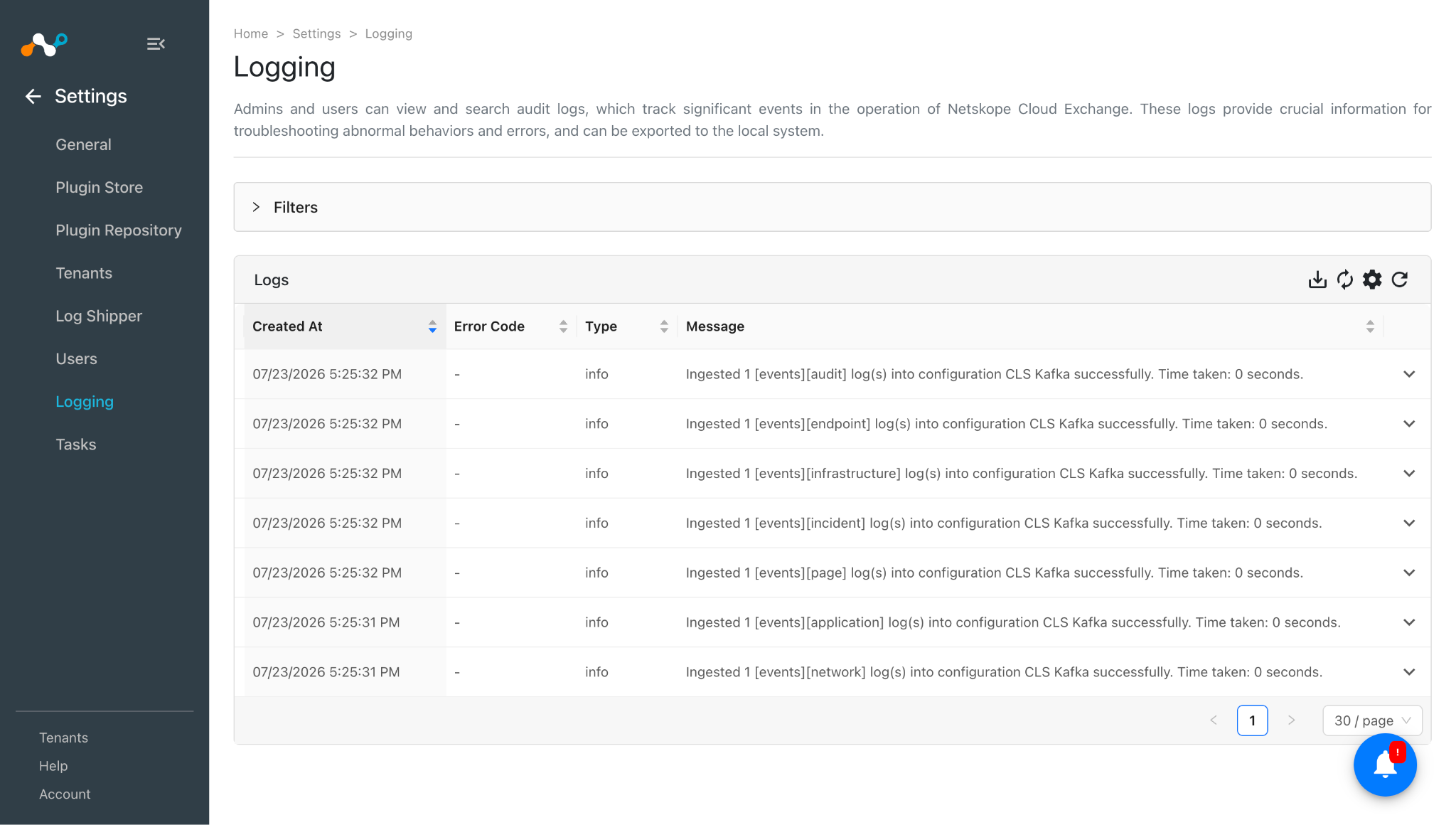
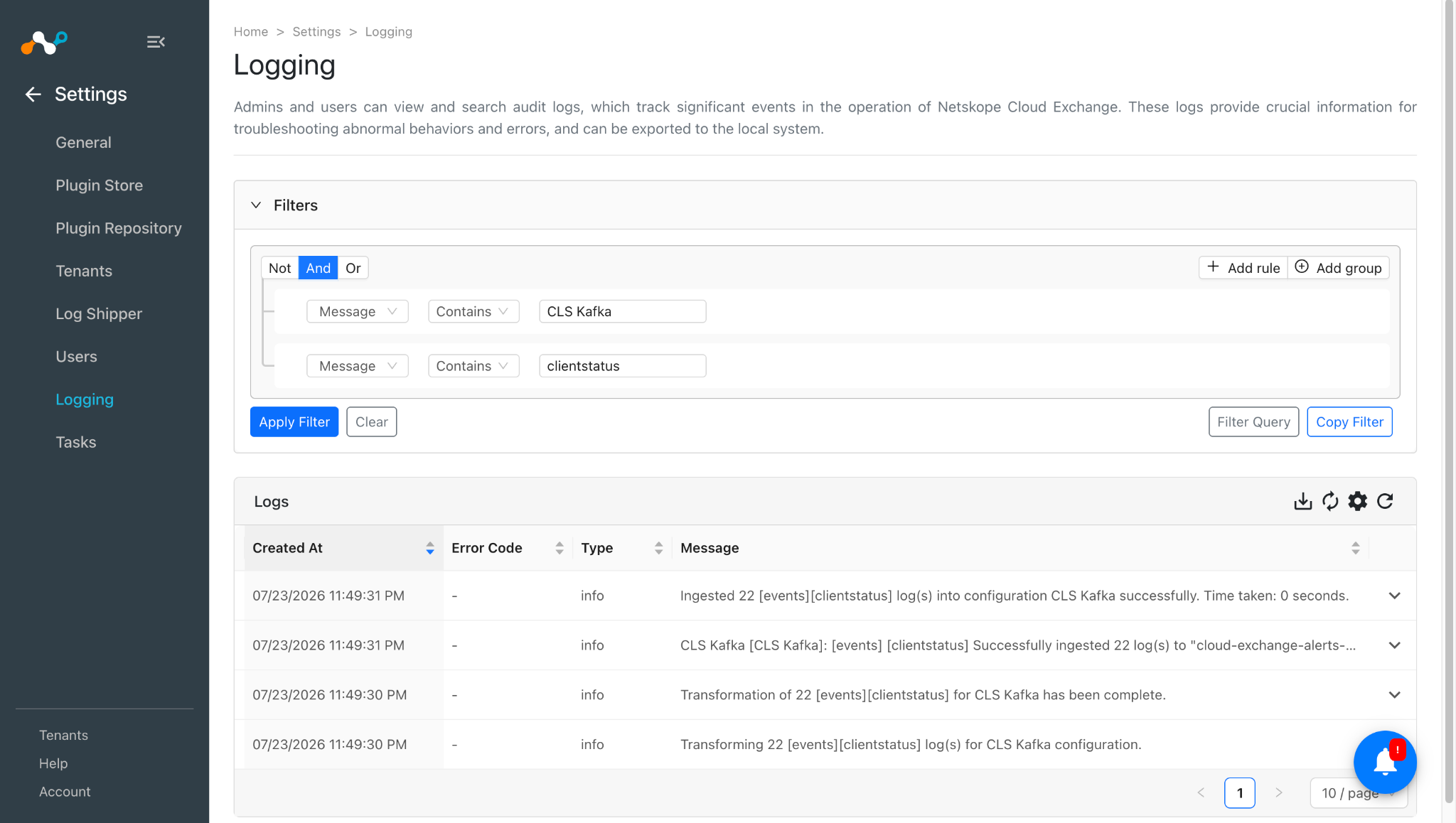
- Go to Logging.
- Search for ingested alerts with the filter message contains ingested.
- The ingested logs will be filtered.
Validate in Kafka
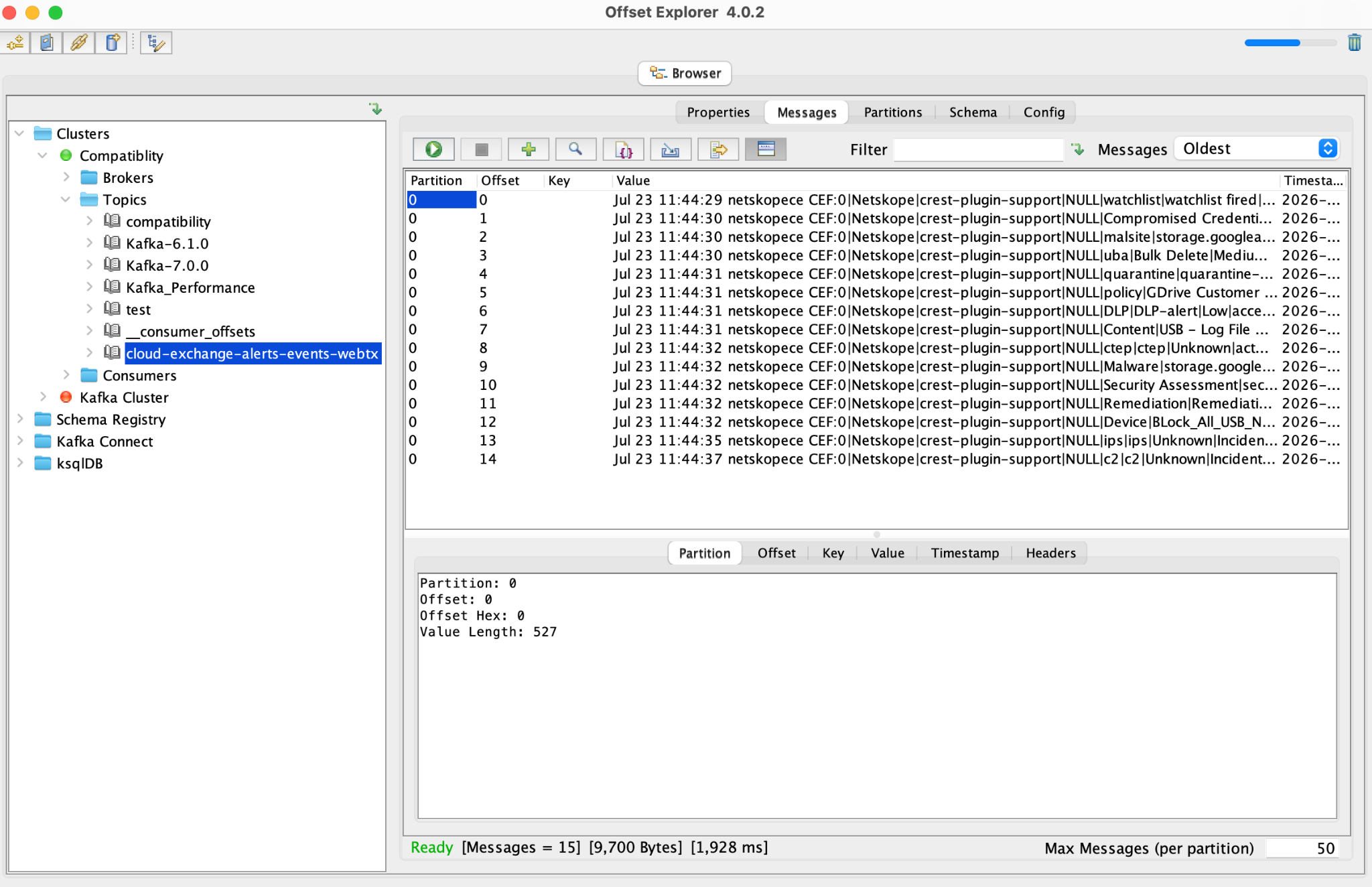
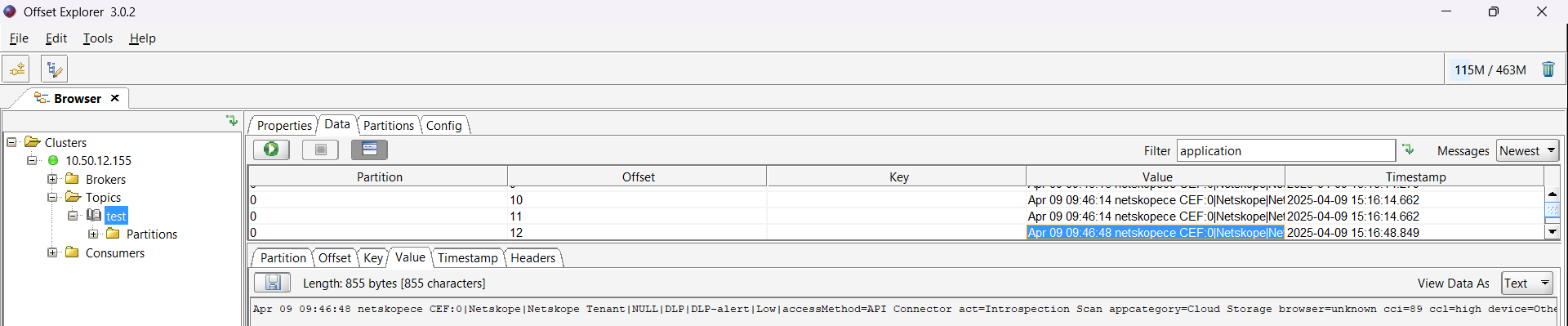
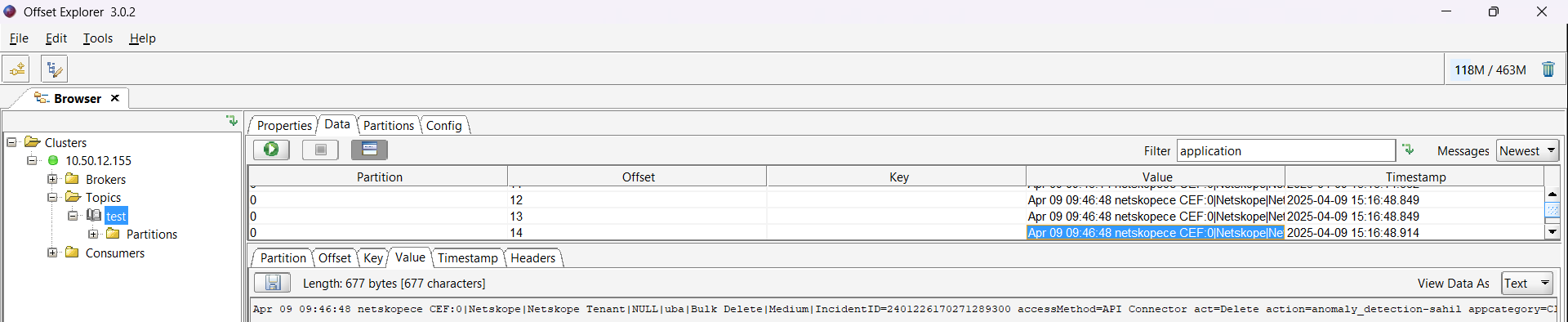
The Kafka plugin was designed to send the CEF formatted data by encoding it to UTF-8, and JSON events by performing JSON serialization using json.dumps(), and then encoding it to UTF-8.
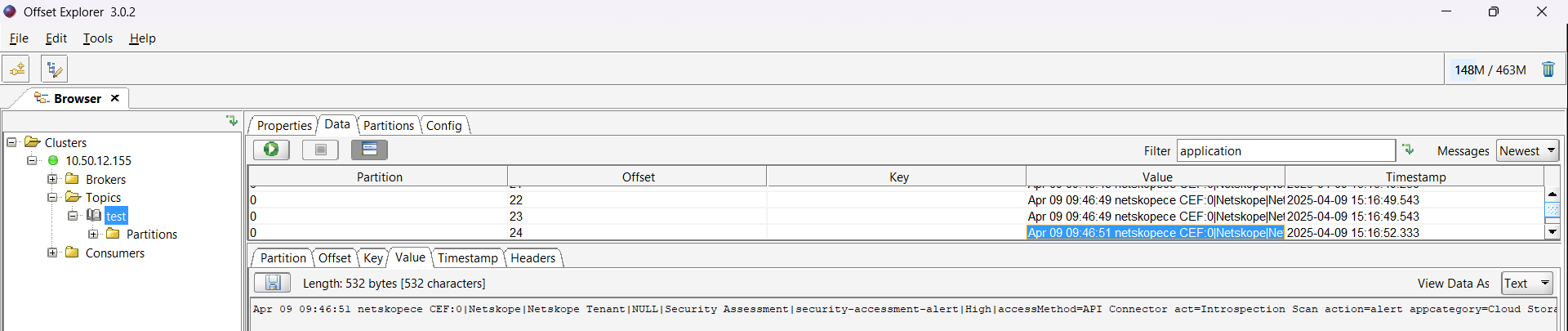
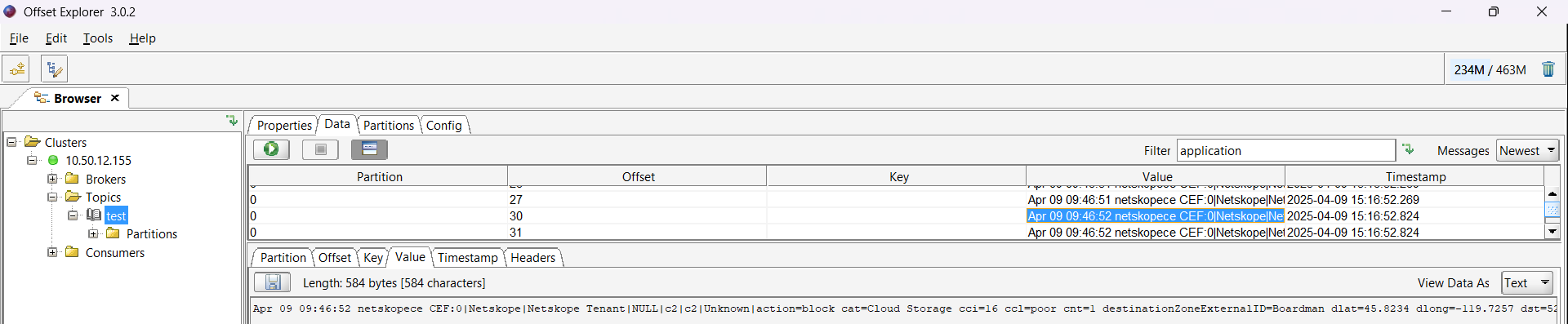
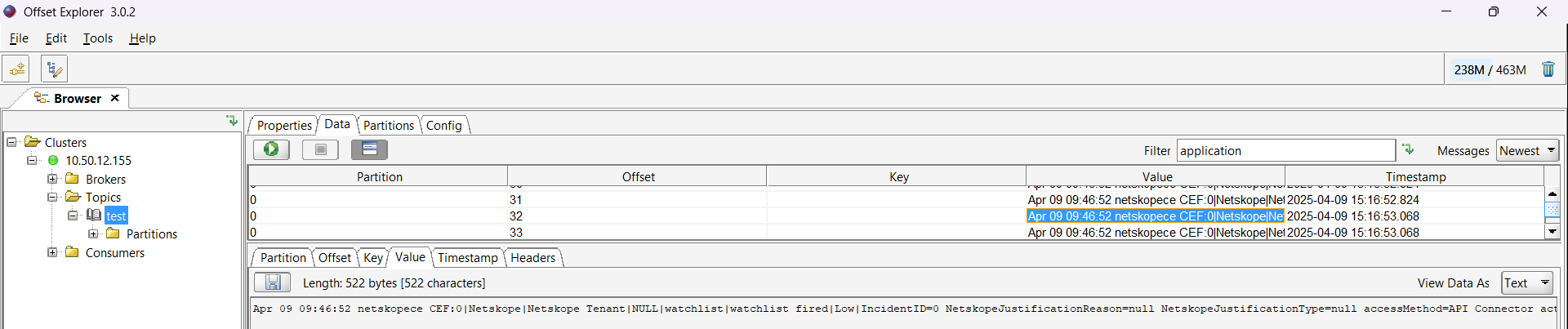
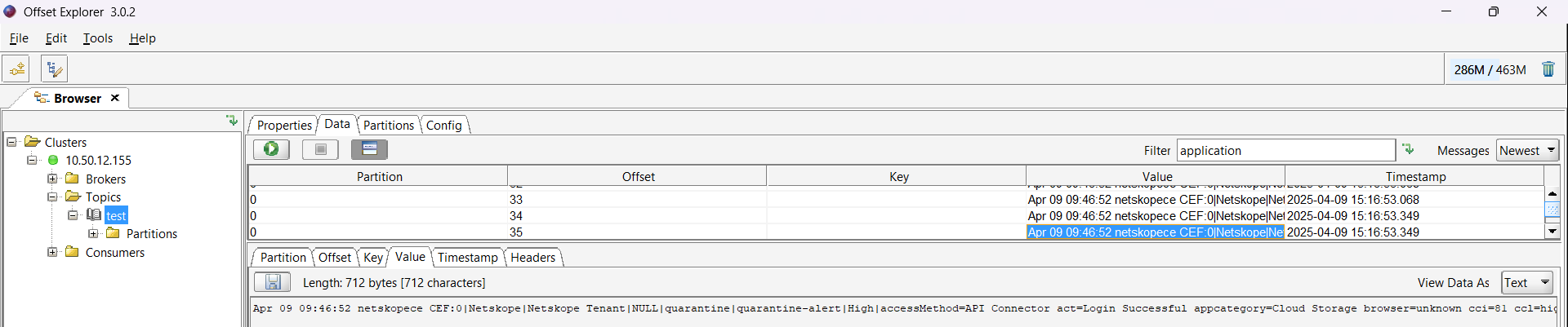
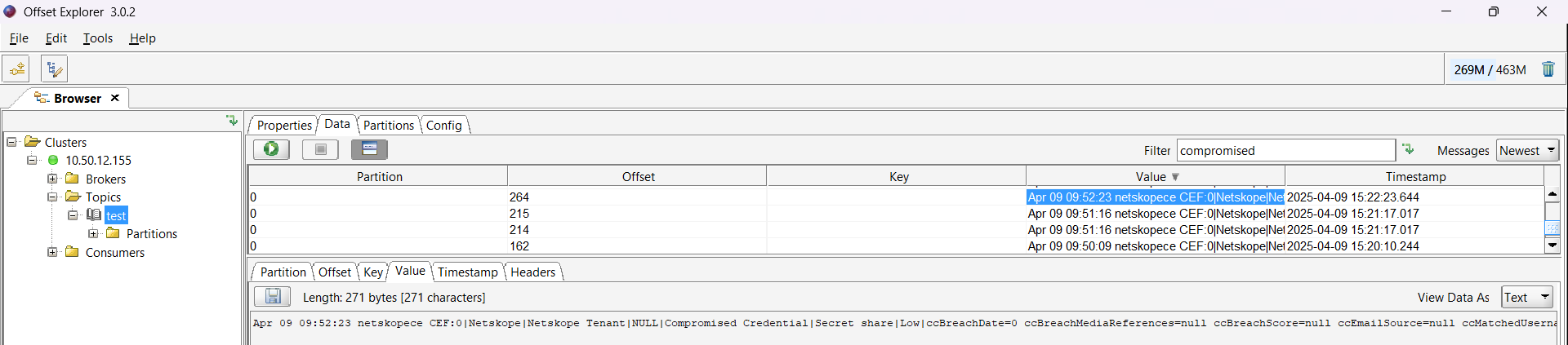
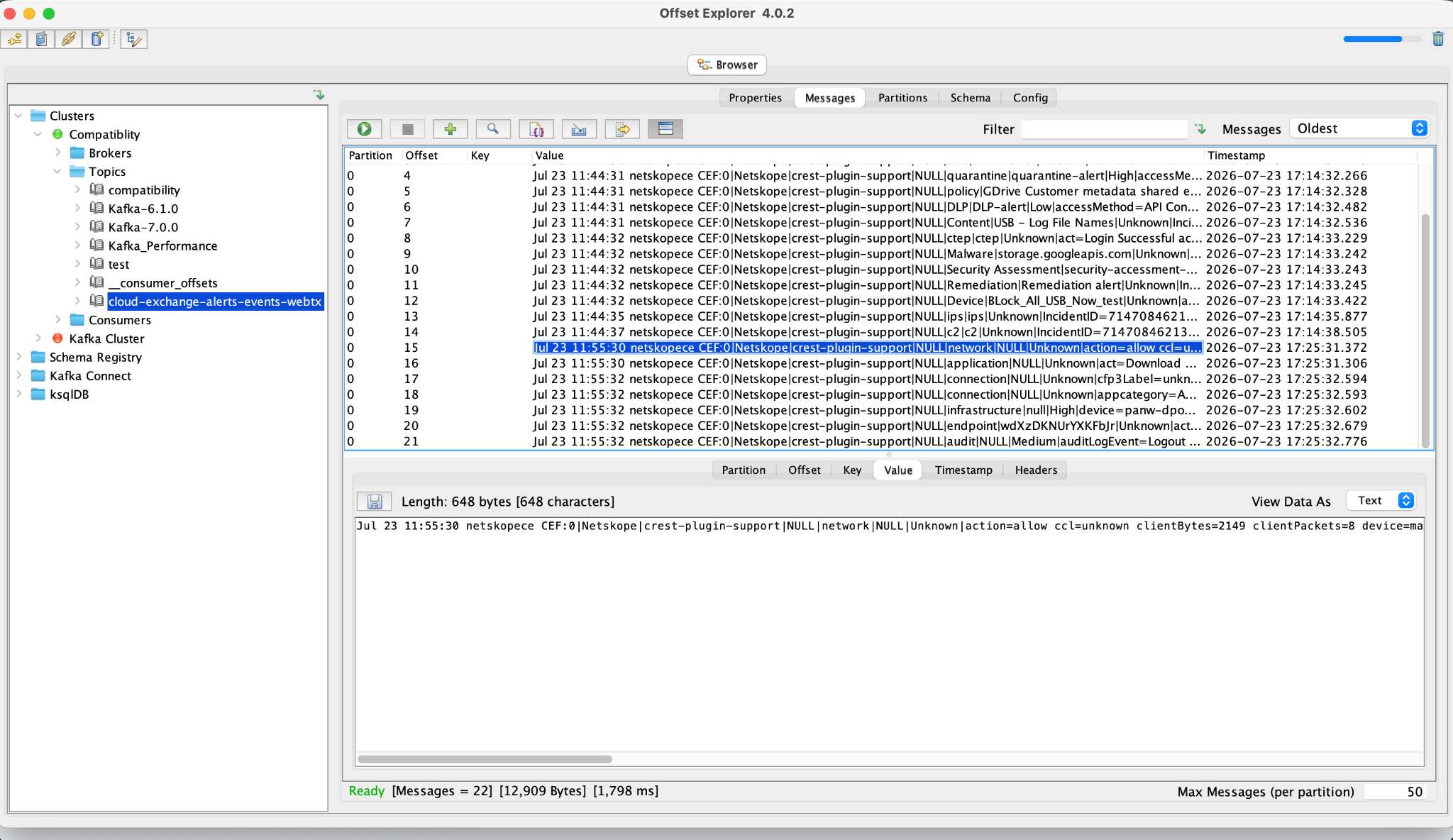
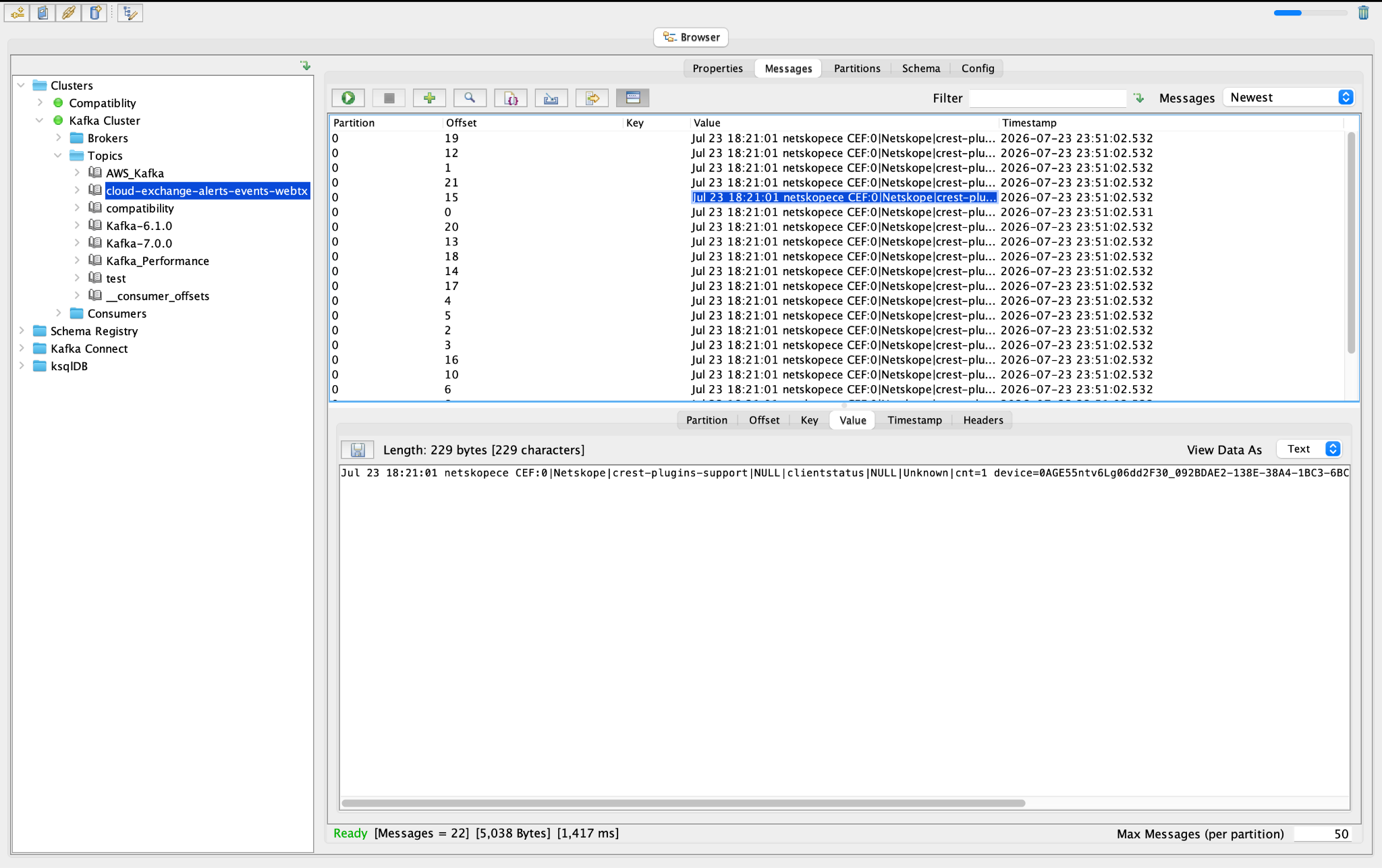
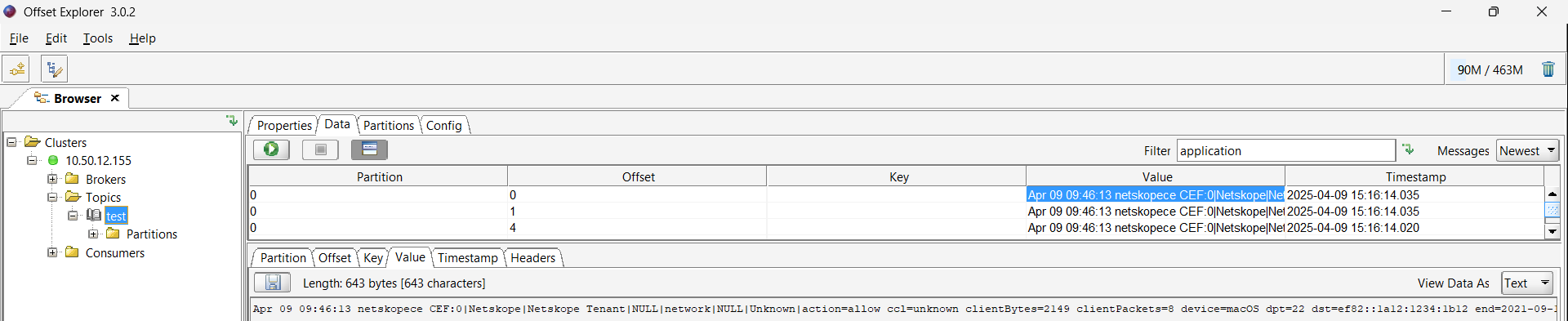
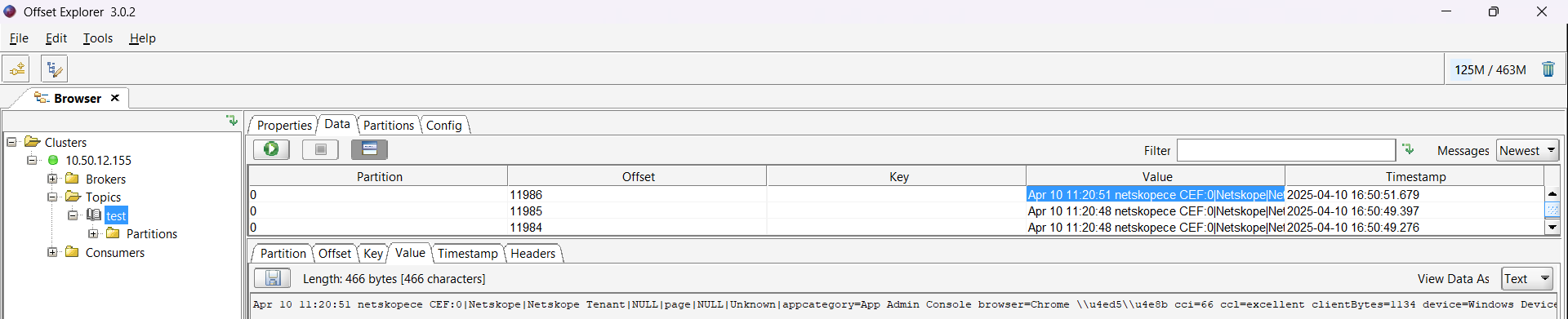
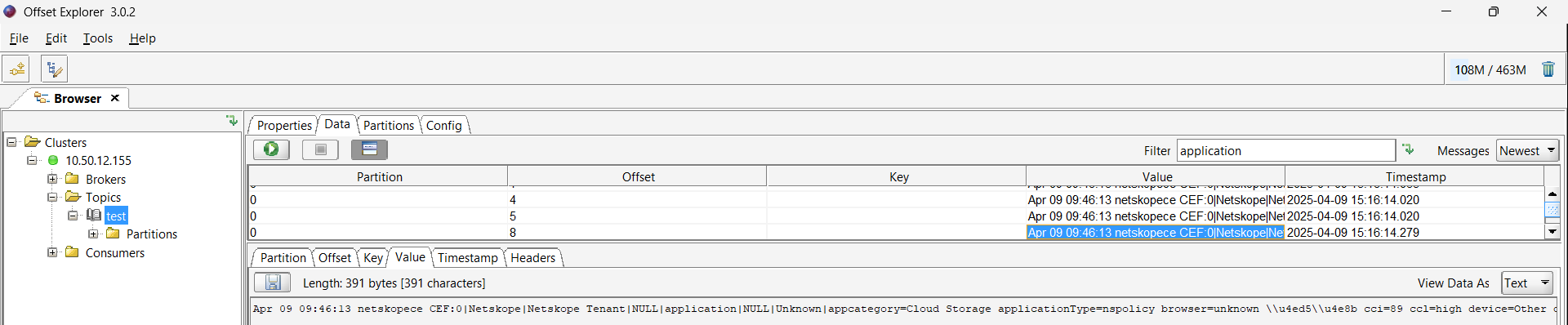
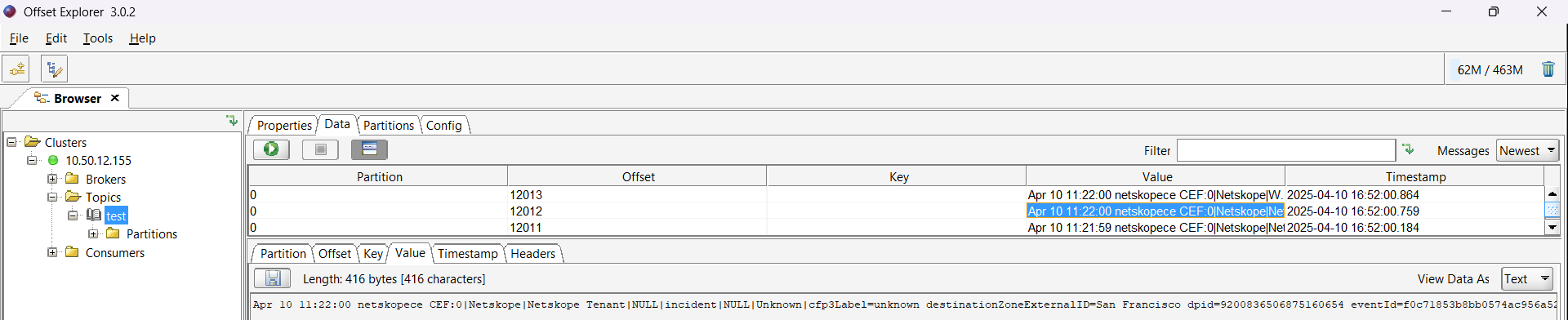
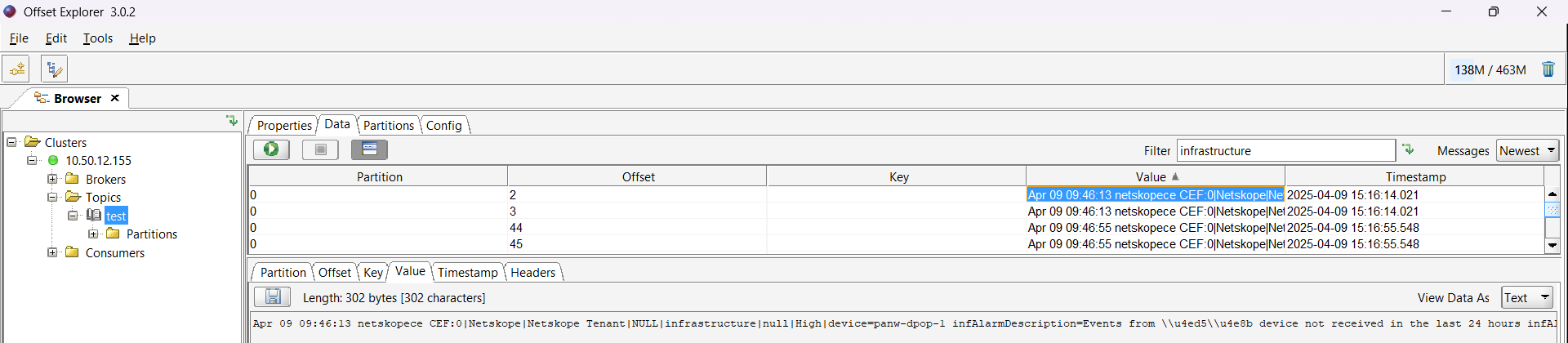
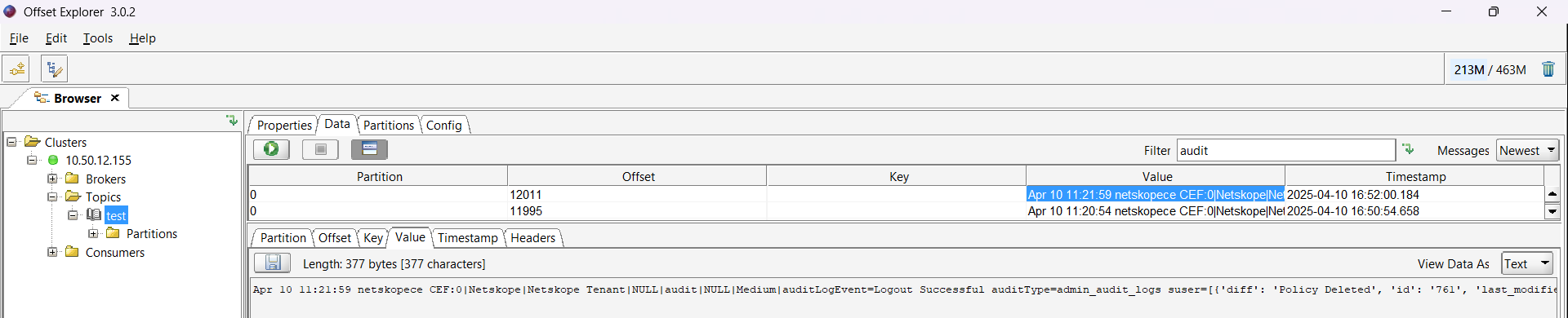
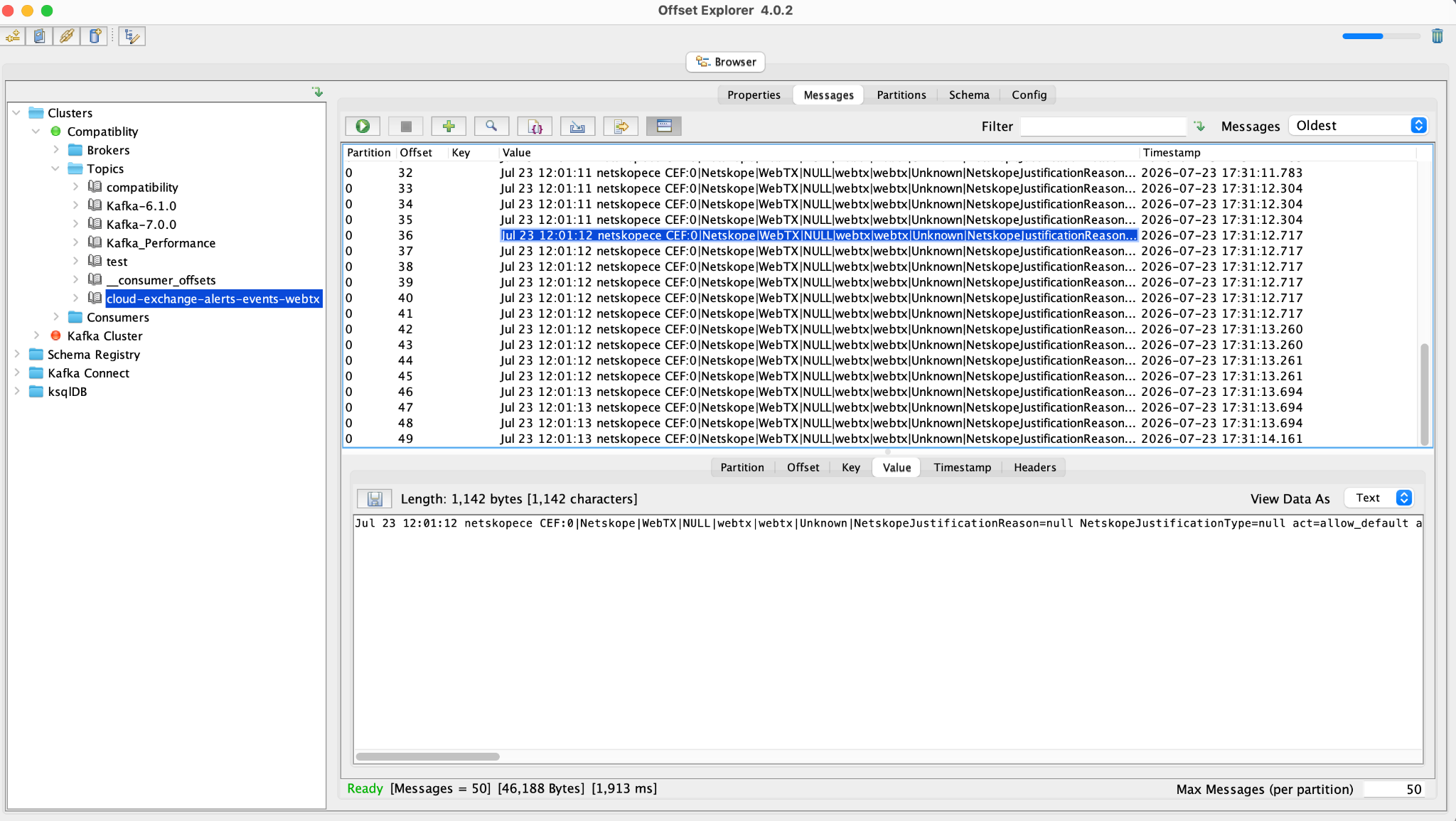
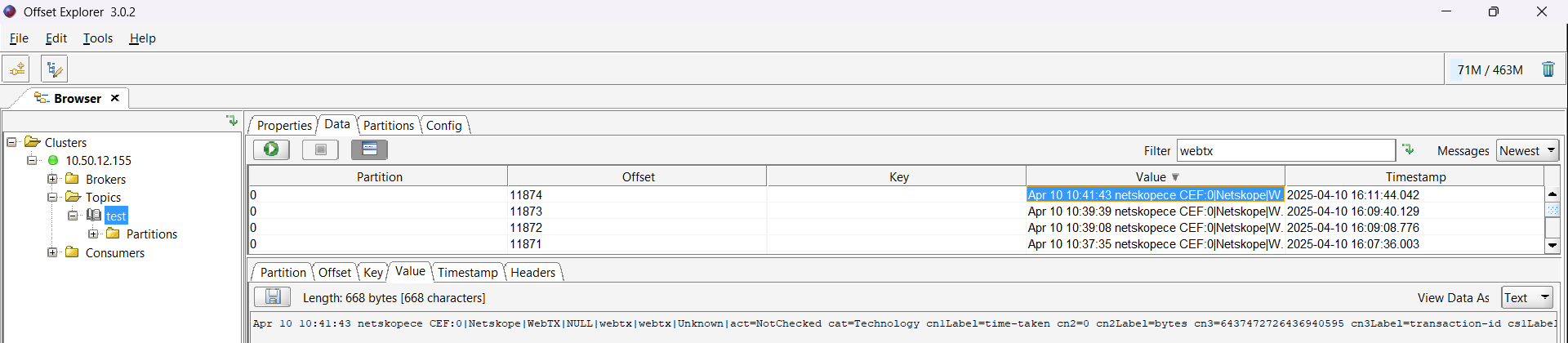
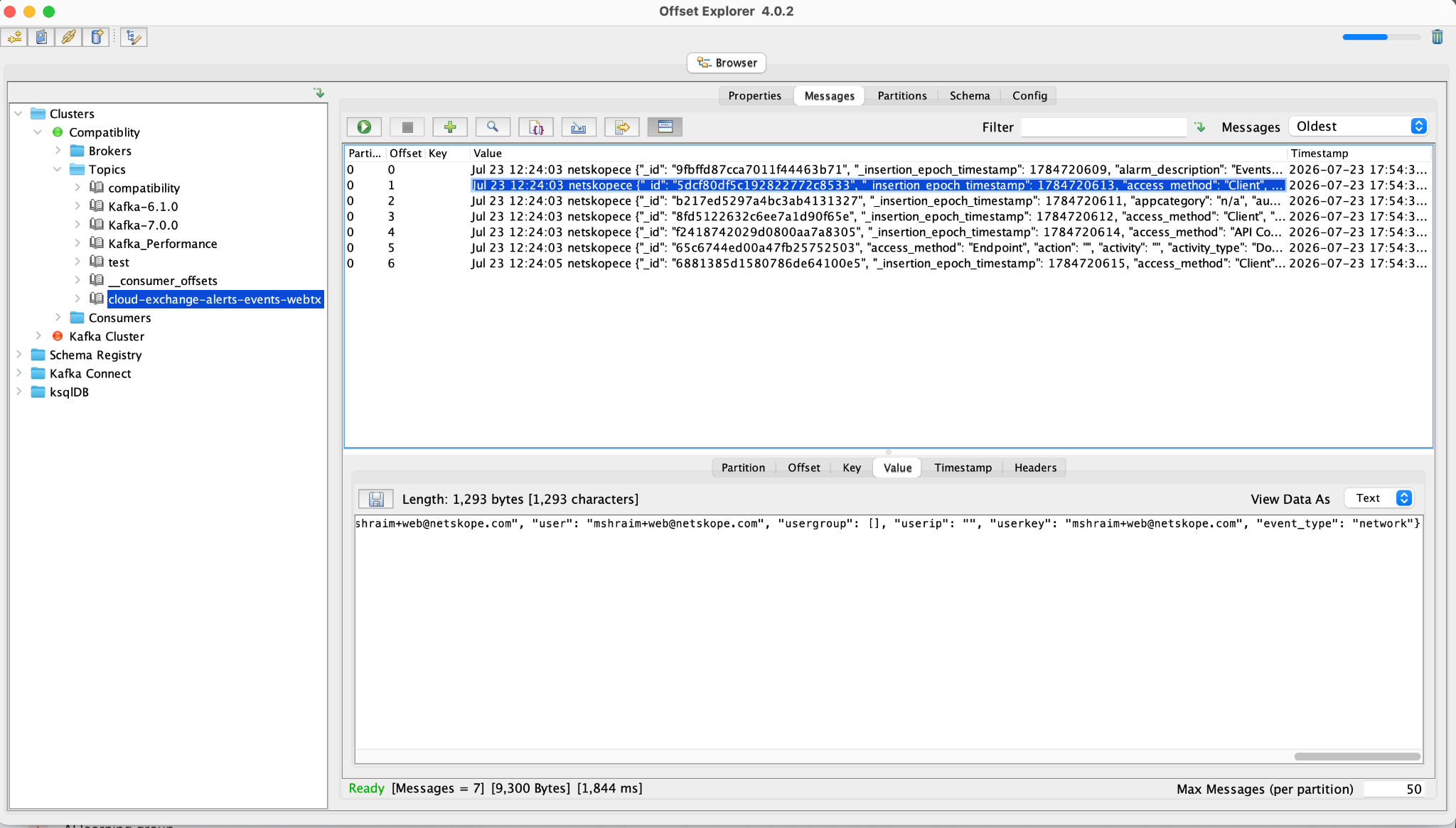
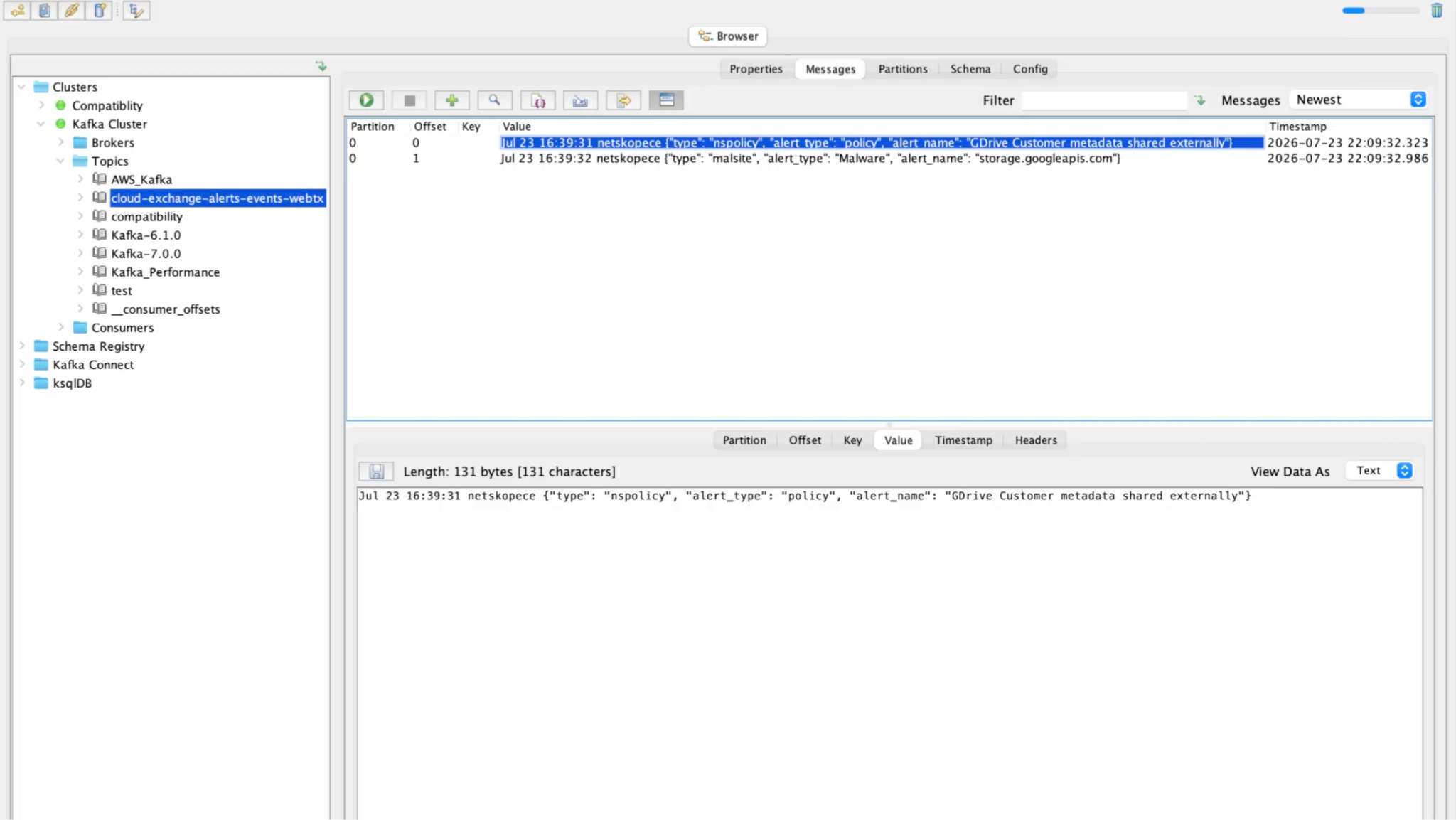
There are many ways to validate that the data is sent to the Kafka server, but here the Offset Explorer is used to validate it.
Sample ingested alerts in CEF format:
Sample ingested events in CEF format:
Sample ingested Webtx in CEF format:
Sample ingested alert in JSON format:
Sample ingested event in JSON format:
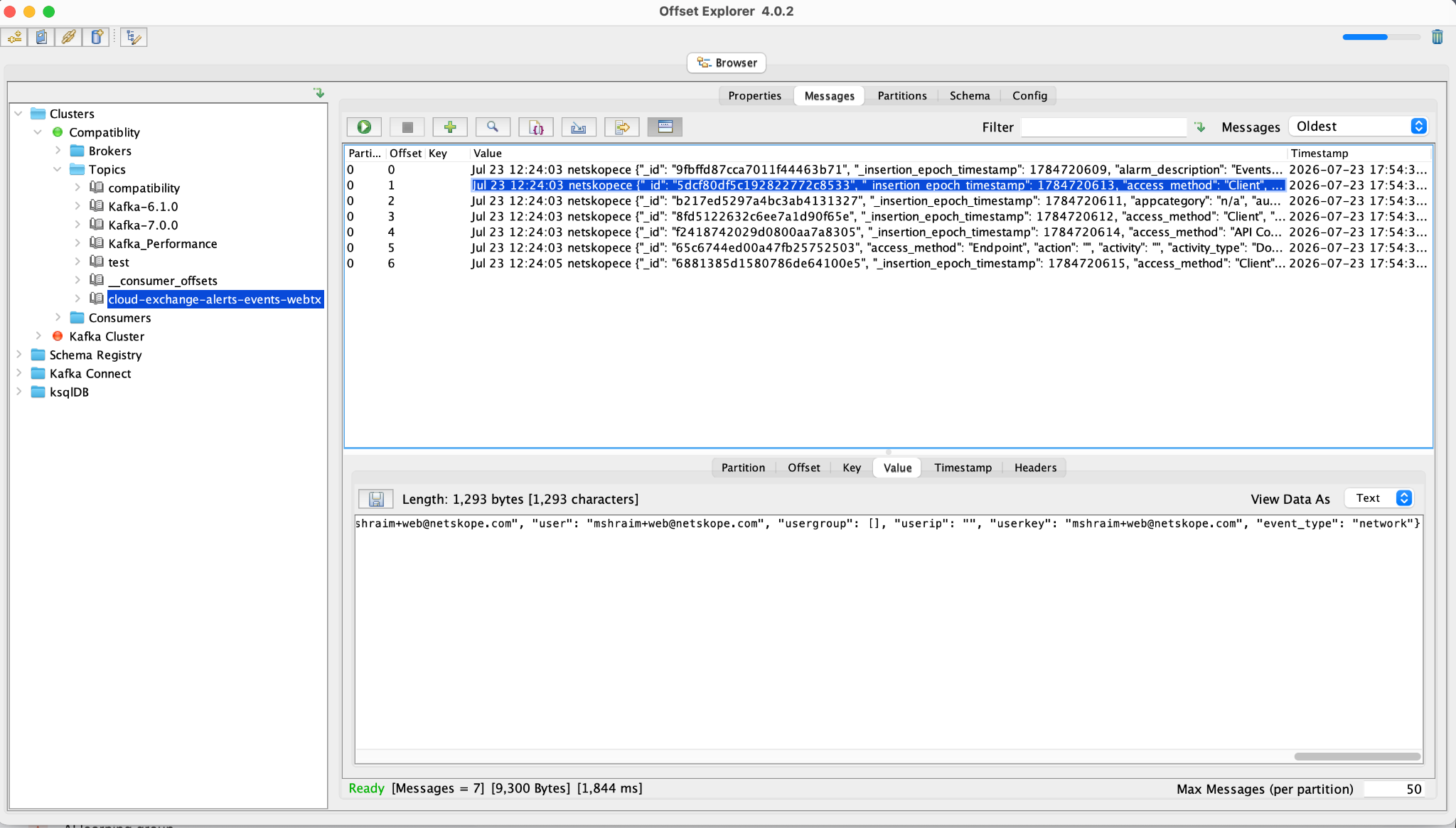
Sample ingested Webtx in JSON format:
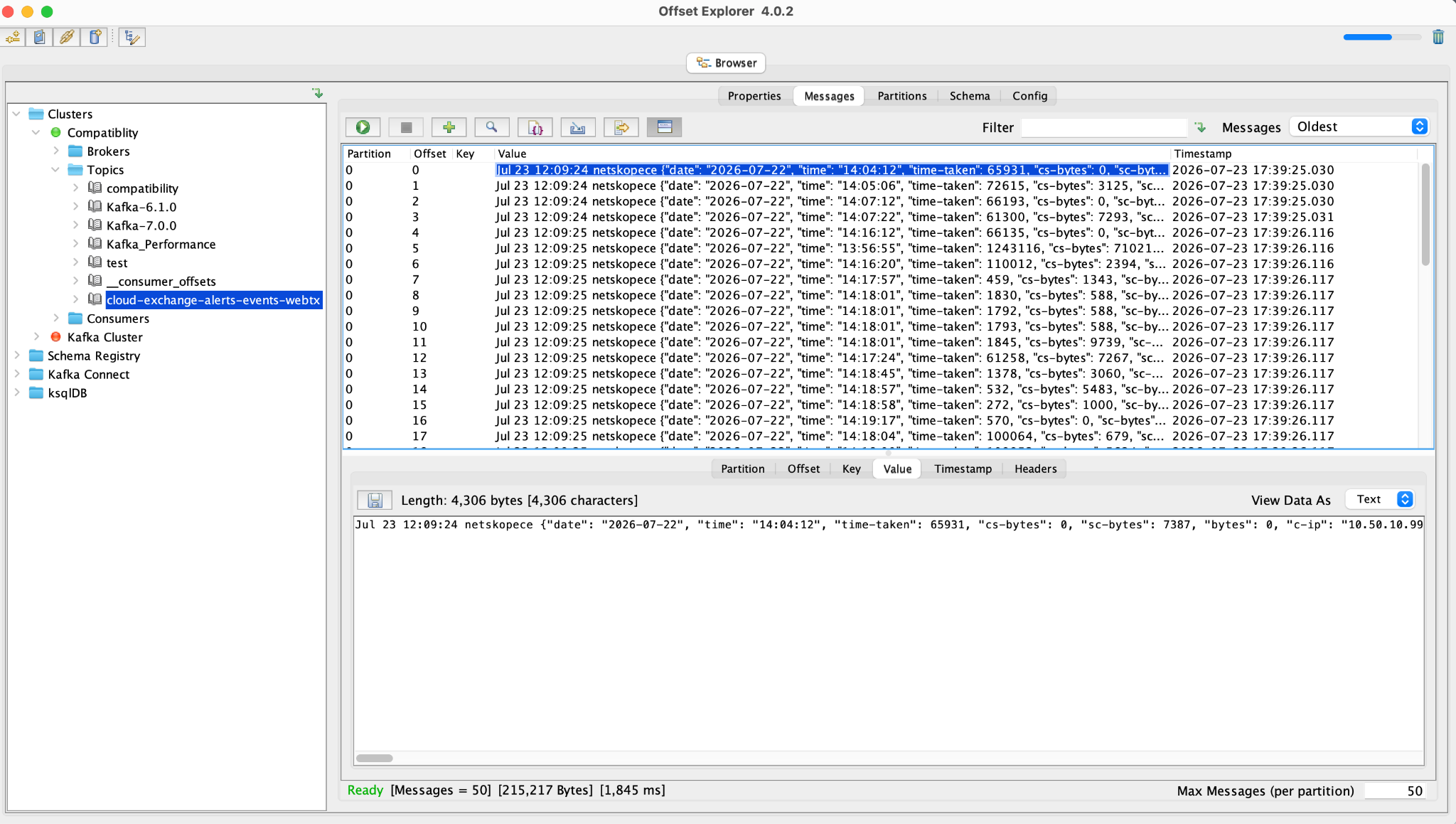
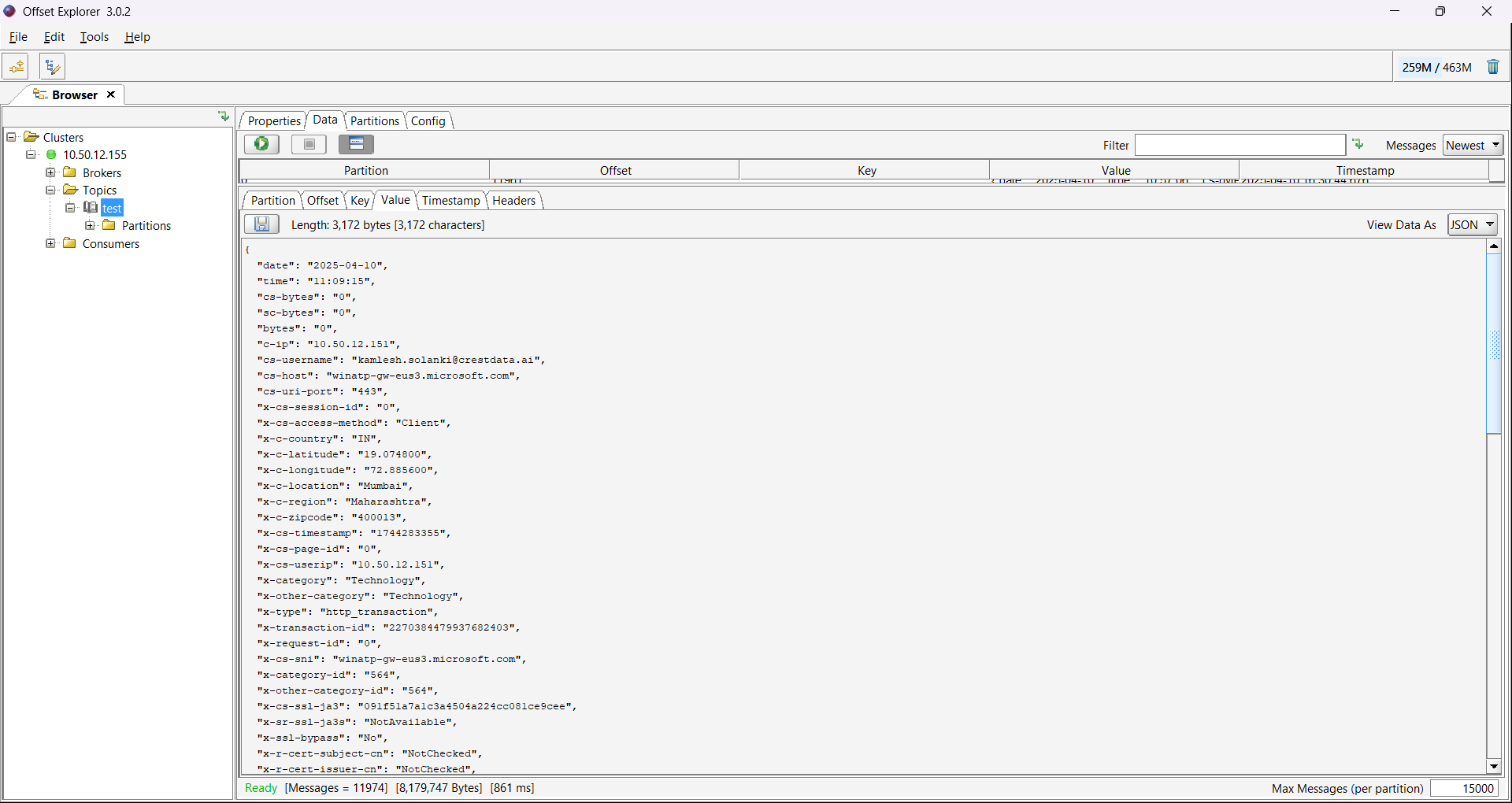
Sample ingested JSON data with custom mapping:
Troubleshooting the Kafka Plugin
Topic is created automatically in Kafka while ingesting data, even when it was deleted
What to do:
- Add a new topic in Kafka.
- Update the Kafka plugin with a new topic name and save it.
- Delete the old topic in Kafka.
Following these steps will not create the deleted topic again on Kafka, and data will be ingested to the newly added topic.
Receiving “Kafka Broker is unreachable or Kafka cluster might be down
Verify Kafka Broker Address and Kafka Port provided in configuration parameters.
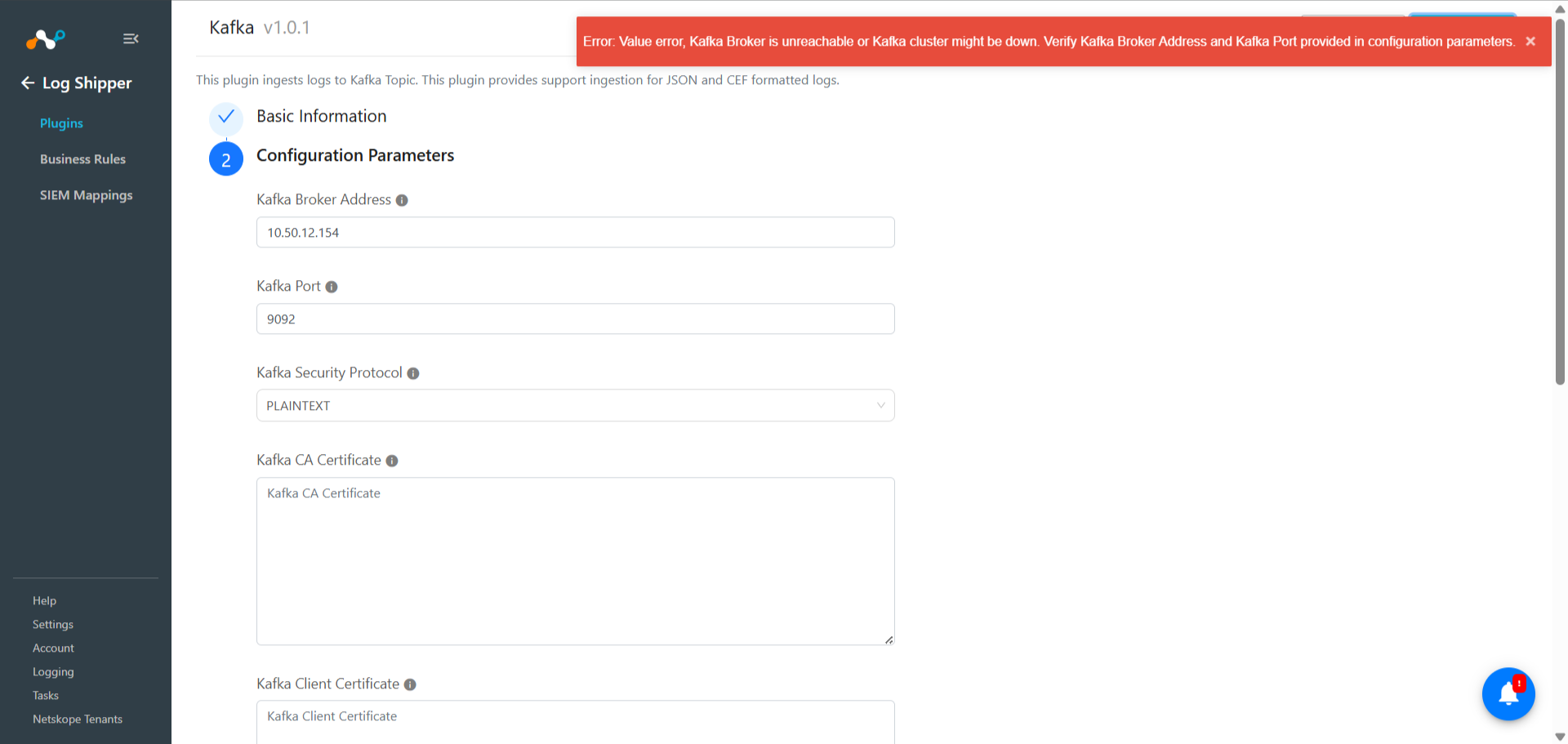
This issue might be due to one of these reasons:
- The Kafka server is actually down.
- The disk space for the server is full.
What to do:
- Reach out to your IT and confirm which of the above reasons causes the error.
- If Kafka is down, restarting it will work.
- If disk space is full, either clear the unwanted files and empty the space, or get more disk space and restart the server.