

Cloud Exchange uses a mapping file to translate Netskope field names to third party field names. For example, Netskope has a label Source IP and our default mapping file translates it to src.
Click play to watch a video.
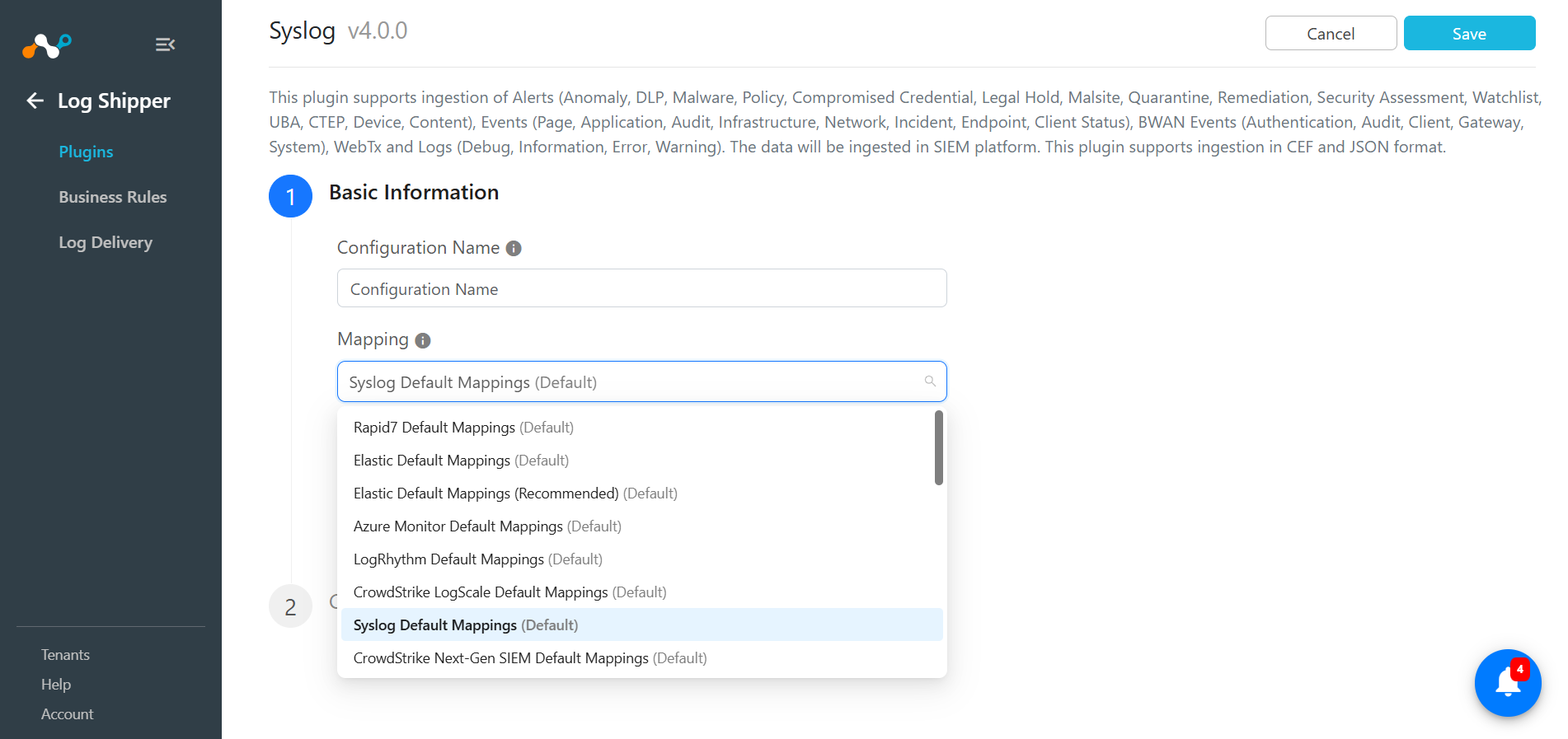
Select a Mapping
With our dropdown mapping files, you can pick which destination formation you would like to use. You can also edit or create a mapping file.
Create/Edit a Mapping File
Cloud Exchange doesn’t allow you to edit a default mapping file. If you would like to make a change to a mapping file, select Create copy of this file under Action.
Go to Settings > Log Shipper > Mapping.
Note: You must be logged in as write-access user.

After you give this new mapping file a name, edit the fields you would like to.
The Netskope Field selector lists all available fields coming from Netskope for Alerts, Events and WebTx logs. The Target Field is what it will be translated to.
