

The article provides guidance for customers currently using the Classic API Data Protection for Box. It outlines a clear process for migrating to the enhanced Next Generation API Data Protection, which offers improved performance and functionality. The migration involves key steps, including preparation, configuration updates, and verification, ensuring a smooth transition to the more advanced platform.
In the Classic platform, administrators could configure quarantine-based policies in CASB Inline for popular storage applications, including Box, Dropbox, Egnyte, Google Drive, OneDrive, and SharePoint. This allowed flagged files to be quarantined automatically as a policy action.
This capability will not be offered in the Next Generation platform. The previous implementation lacked a complete remediation workflow, which limited its effectiveness. Customers with quarantine-based policies should revisit their configurations and adopt alternative enforcement actions supported in CASB Inline to maintain effective policy outcomes.
Migration Steps
Here are the broad steps to migrate your classic Box instance to Next Generation.
-
Create a new Next Generation API Data Protection Box instance. To learn more: see sample video.
-
If you use the forensic feature in classic, follow these steps:
-
Create a new Next Generation forensic instance, profile, and enable forensic. To learn more: see sample video.
-
Delete the classic forensic profile from Policies > PROFILES > Forensic, then navigate to Settings > Configure App Access > Classic, select the Box app, click the instance and uncheck Forensic.
-
-
Disable the existing classic API Data Protection policies from Policies > API Data Protection > SAAS > Classic.

-
Create new policies on Next Generation API Data Protection from Policies > API Data Protection > SAAS > Next Gen. To learn more: see sample video.
If you have configured Box classification labels in Classic API Data Protection, please note that they are not supported in the Next Generation platform. To ensure continued coverage, set up the new labels as described in this article. After creating the labels, configure the corresponding policies in Next Generation API Data Protection and use the Apply Sensitivity Label policy action. -
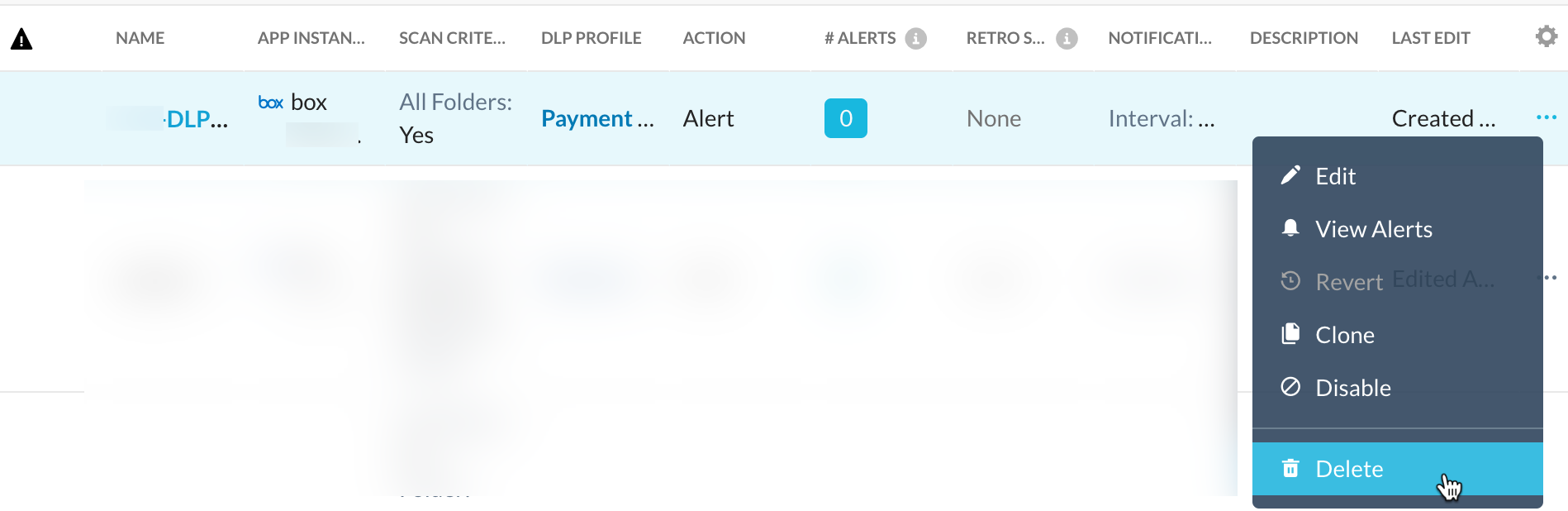
Delete the existing classic API Data Protection policies from Policies > API Data Protection > SAAS > Classic.
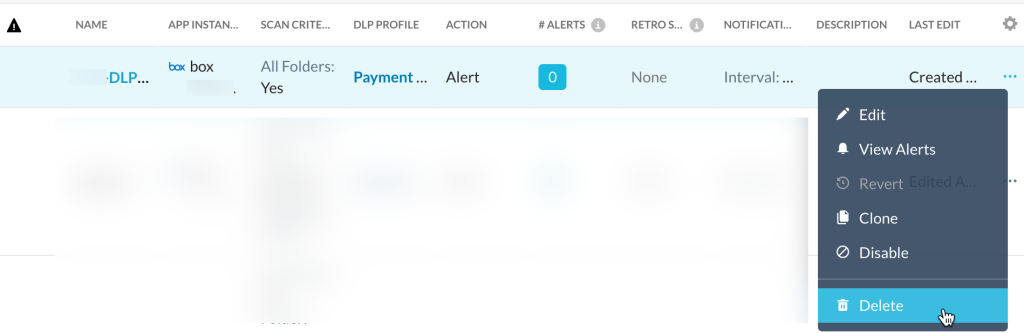 Running Classic and Next Generation policies simultaneously can lead to unexpected behavior if legal hold or quarantine profiles exist on both platforms. Additionally, this setup risks upstream throttling due to rate limits, potentially interrupting all protections. Therefore, Netskope strongly discourages running Classic and Next Generation policies and legal hold/quarantine profiles concurrently.
 -
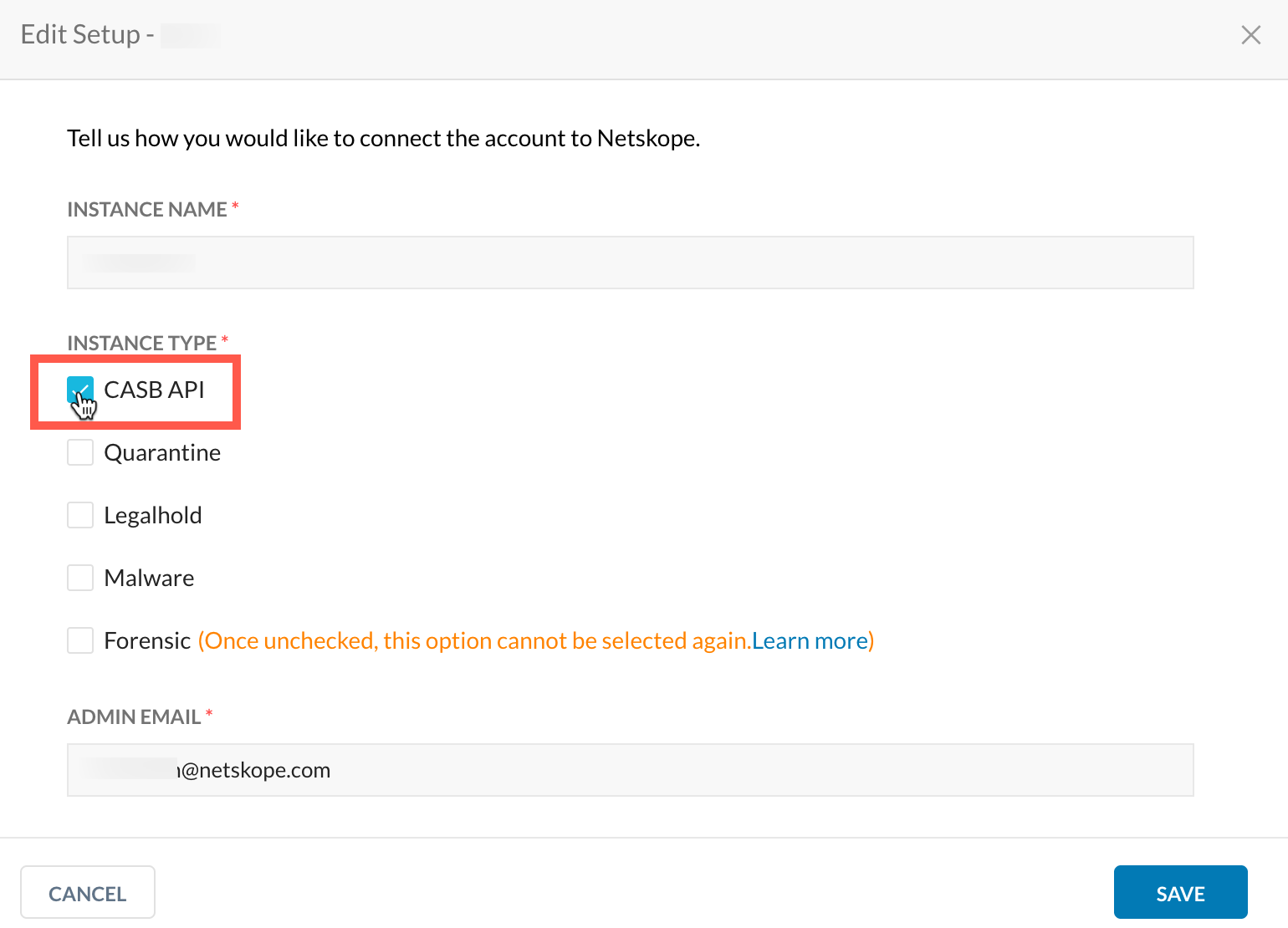
Go to Settings > Configure App Access > Classic. Select the Box app, click the instance and uncheck CASB API.
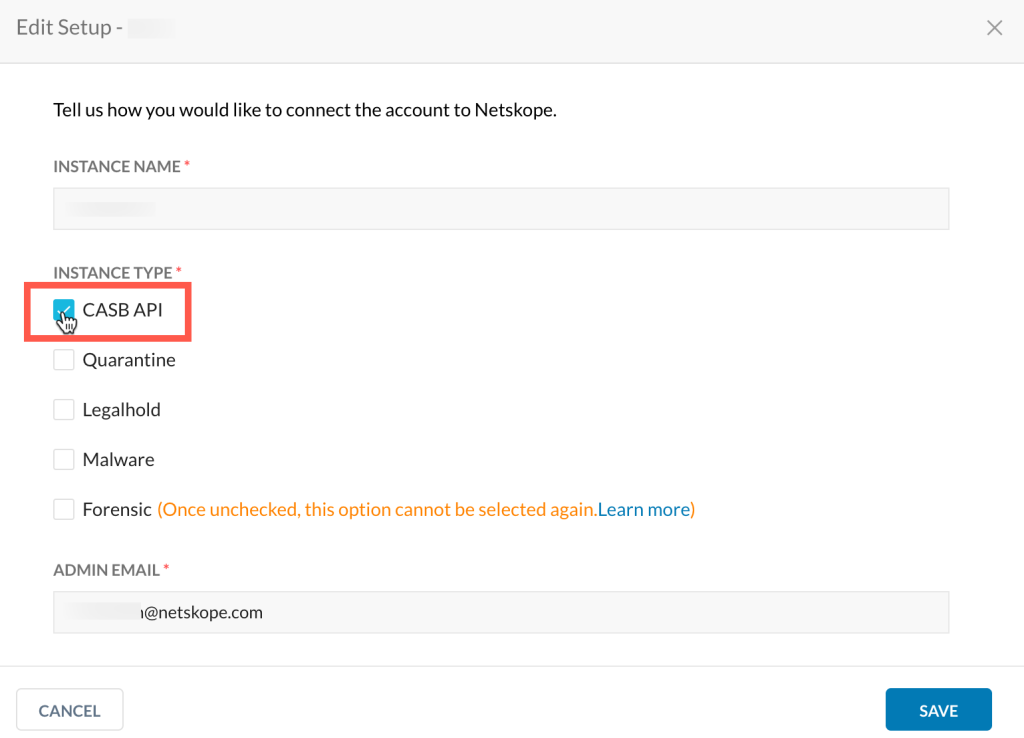
-
Wait for six months or the duration of your incident retention period. Consult your Netskope sales representative to confirm the exact retention period. During this time, you can manage incidents and work with quarantined files.
-
Delete the classic Box instance. To do so, navigate to Settings > Configure App Access > Classic, select the Box app, then click the Remove Instance icon to delete the app instance.



To learn more about the Next Generation API Data Protection feature matrix per cloud app, see Next Generation API Data Protection Feature Matrix per Cloud App.