Omnissa Horizon is a virtual desktop infrastructure (VDI) platform that centralizes the management of virtual desktops and applications. This enables users to access them from any device over the internet. To learn more, view Omnissa Horizon Client for Windows.
Environment
This document was created using the following components:
-
Omnissa Horizon 8
-
Netskope Client version: 132.0.0.
-
OS: Windows 11, Windows Server 2019 (Multi Session)
Configurations In Netskope Client
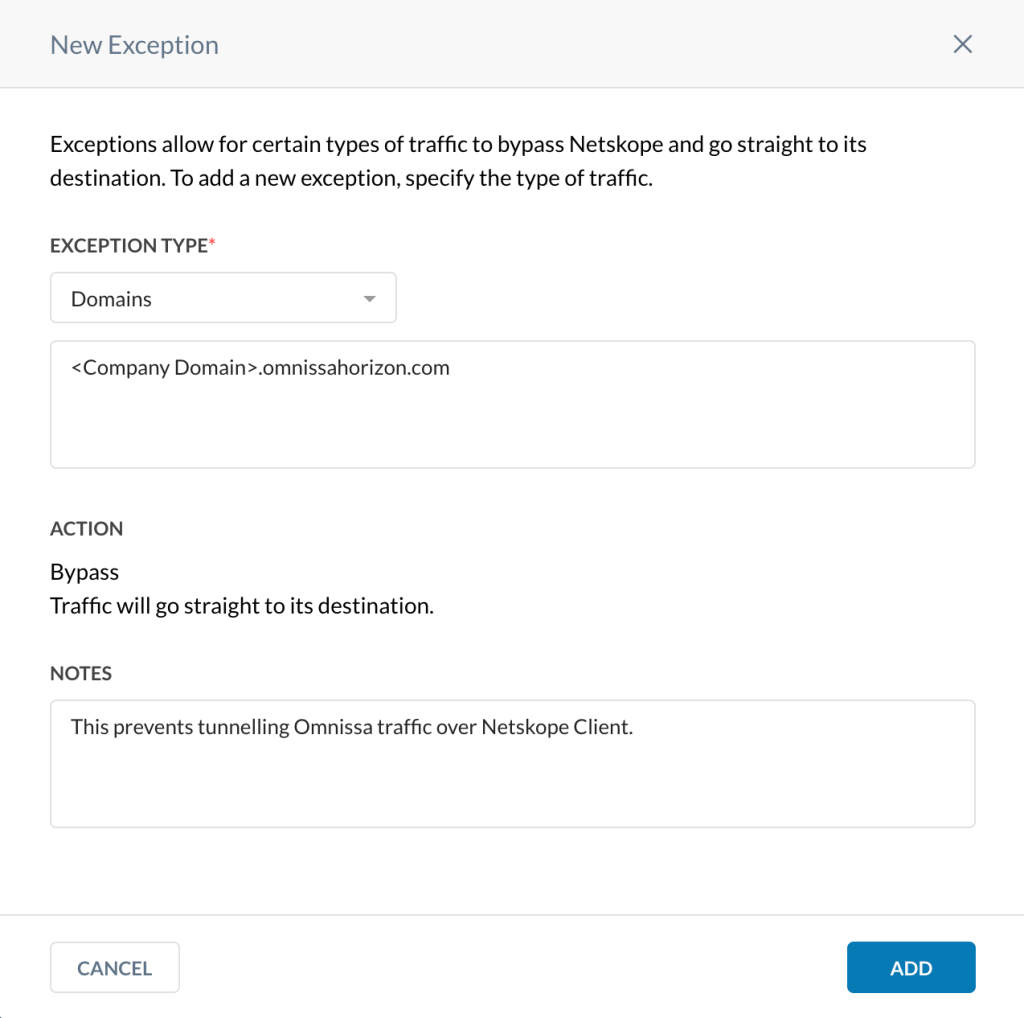
Add steering configuration exceptions (Domain exception type) on the Netskope tenant WebUI to allow Horizon traffic to bypass Netskope and reach its destination.
To add Omnissa Horizon as a Domain exception on the Netskope UI:
-
In your Netskope tenant, go to Settings > Security Cloud Platform > Steering Configuration.
-
On the Steering Configuration page, click the ellipsis (…) for the steering configuration you want to add exceptions to.
-
Click View Exceptions.
-
In the Exceptions tab, click New Exception > Domains.
-
In the New Exception window:
-
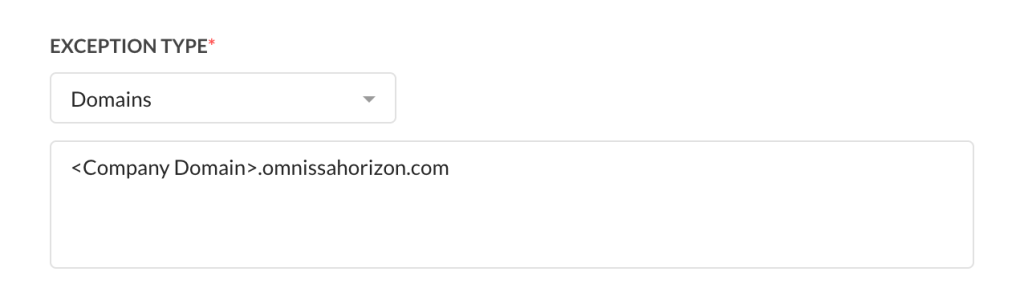
Exception Type: Enter the domains you want to create exceptions for. You can enter multiple domains separated by comma. You can enter them either as Fully Qualified Domain Name (FQDN) or wildcard names.
-
Action: All traffic bypasses the Netskope cloud and goes straight to its destination. You cannot modify this field.
-
Notes: (Optional) Enter comments or notes for the domain exception.
-
-
Click Add.