

A write-access user can manage Risk Exchange entity fields.
Edit Field
Users can edit any of the created fields.
- Go to Risk Exchange > Schema Editor.
- Select the relevant Entity from the dropdown.
- Click the Edit icon and make modifications.
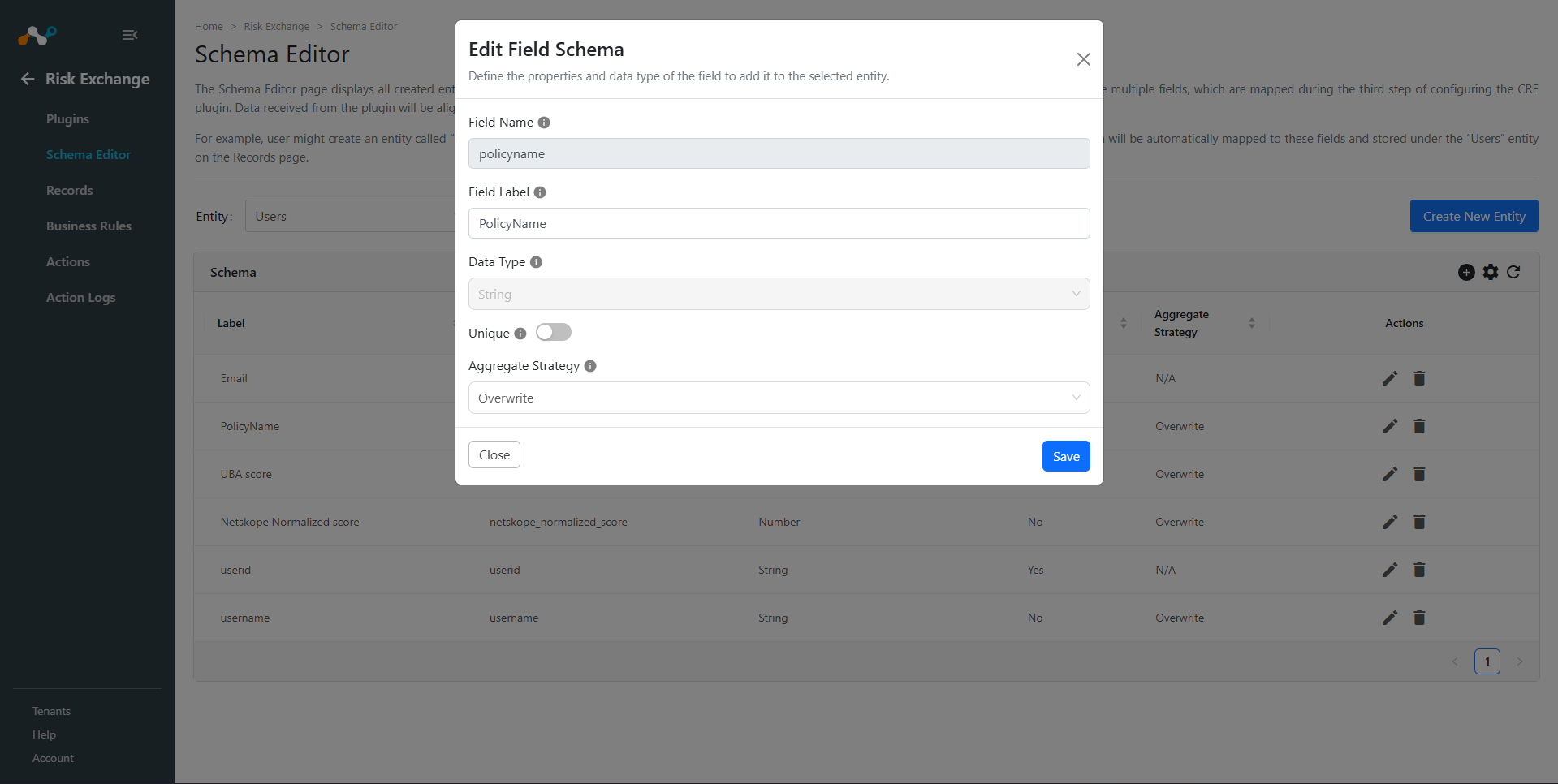
- Click Save.
Delete Field
Users can delete any of the created fields.
- Go to Risk Exchange > Schema Editor.
- Select the relevant Entity from the dropdown.
- Click the Delete icon.
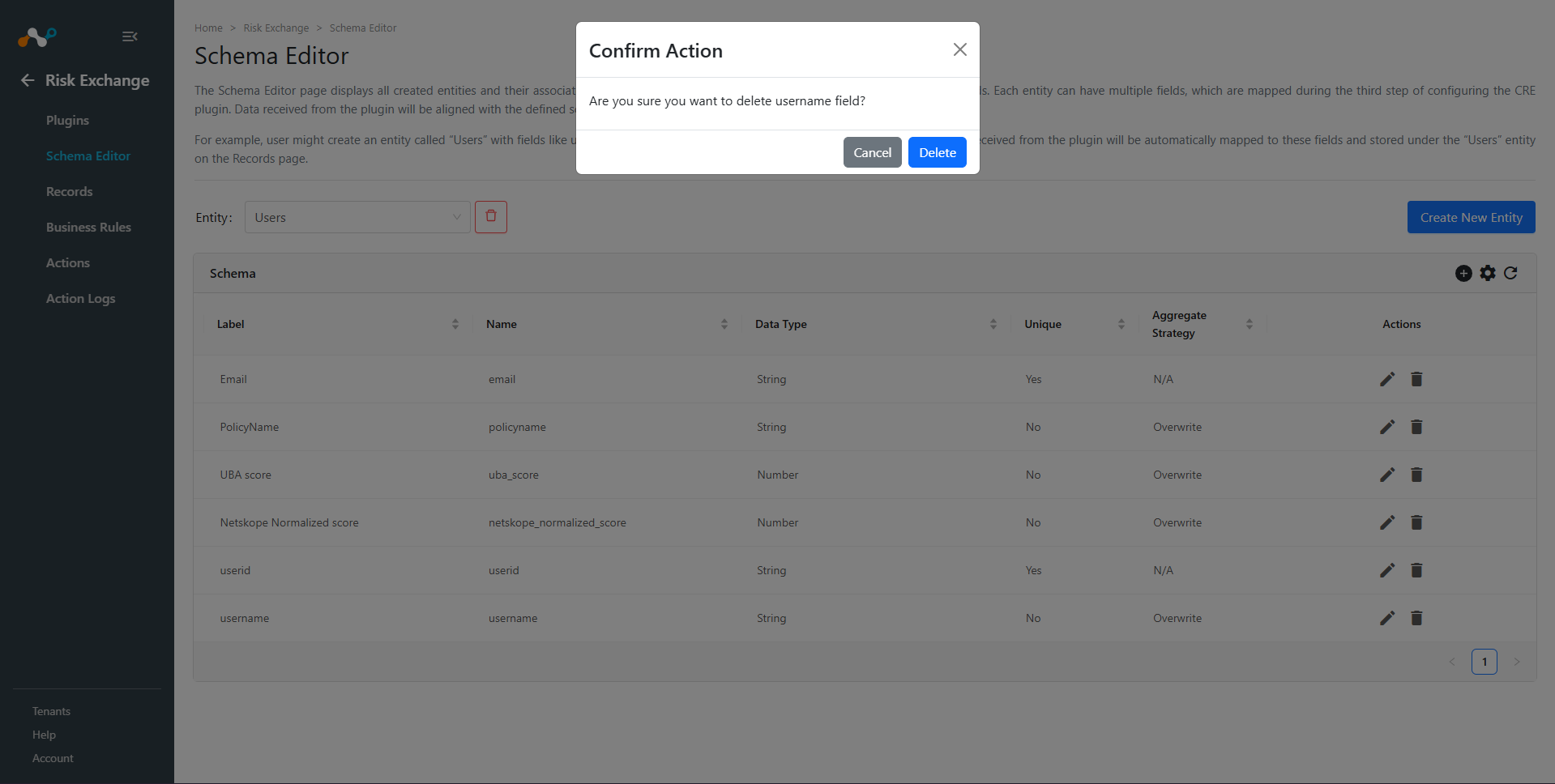
- Click Delete.