

An admin can configure plugins. Cloud Exchange comes with a library of supported plugins. In the case where the integration for desired product is not available, Cloud Exchange allows you to add your own Cloud Exchange plugins. Refer to the Custom Plugin Developers Guide for each module to understand how to build and upload a custom plugin. Additionally, each plugin that is published is part of Cloud Exchange and should have its own configuration guide that administrators can and should refer to.
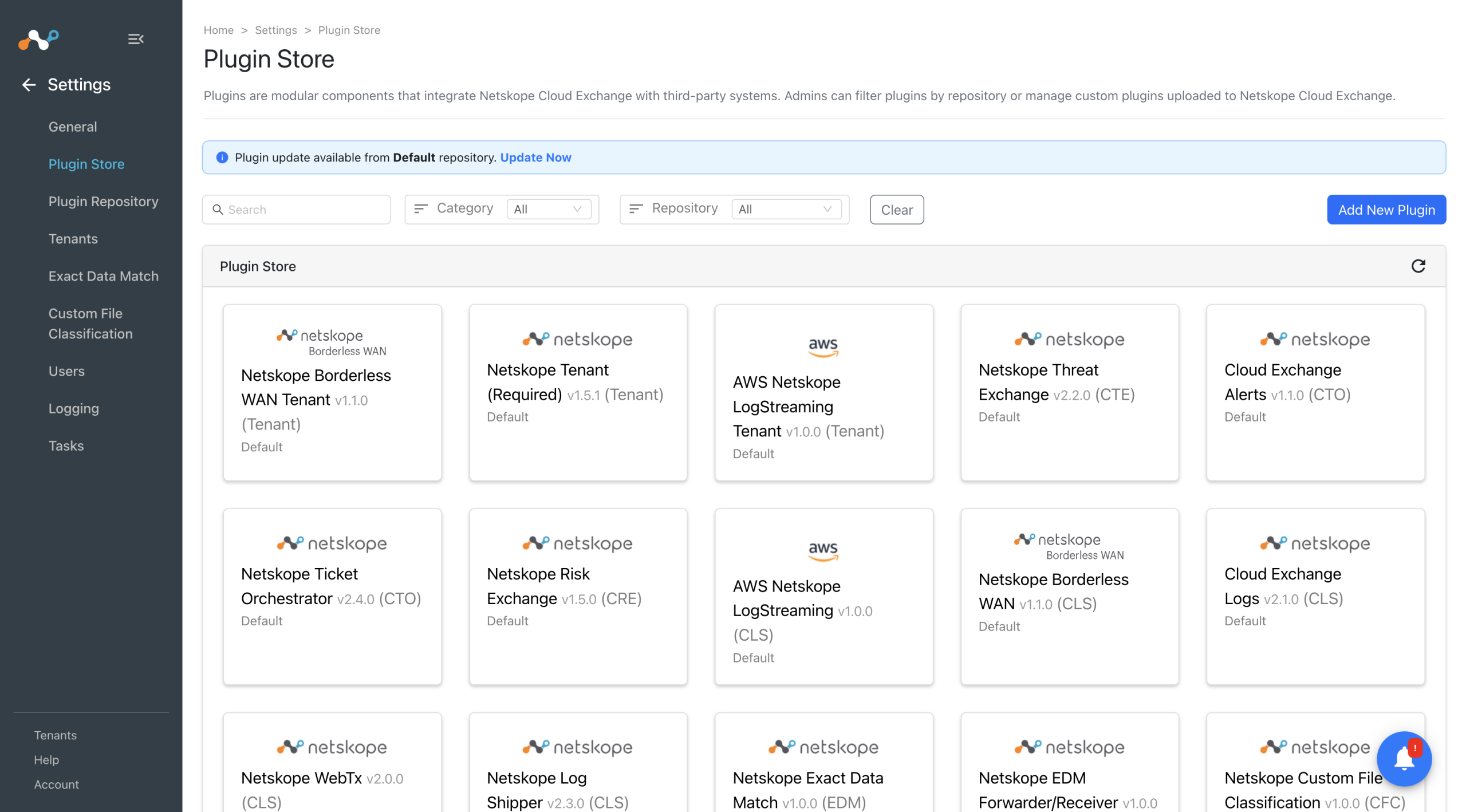
Admins can filter out the plugins based on the plugin repositories that they have added. You can also filter out the custom plugins that have been uploaded to Cloud Exchange. By hovering over the plugin, admin can see the Delete icon used to delete the custom plugins.
