To use these features, go to Settings > Security Cloud Platform > Publishers.
Filters
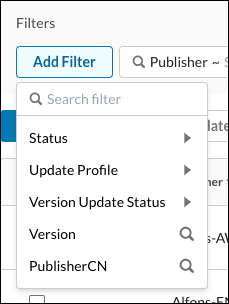
These filtering options are available in the Netskope UI.
- Status
- Update Profile
- Version Update Status
- Version
- Publisher CN
Note
When you select a filter with a search icon  , that value is added to the search field so you can add more specifics. When a filter has an adjacent toggle arrow
  , there are expanded options to choose from.
You can also clear and remove filters.
Export
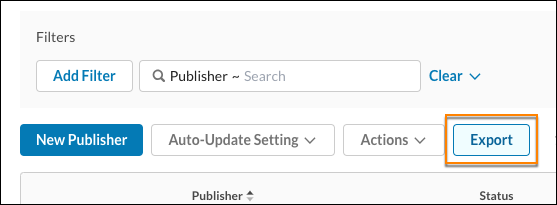
The results displayed can be exported by clicking Export.
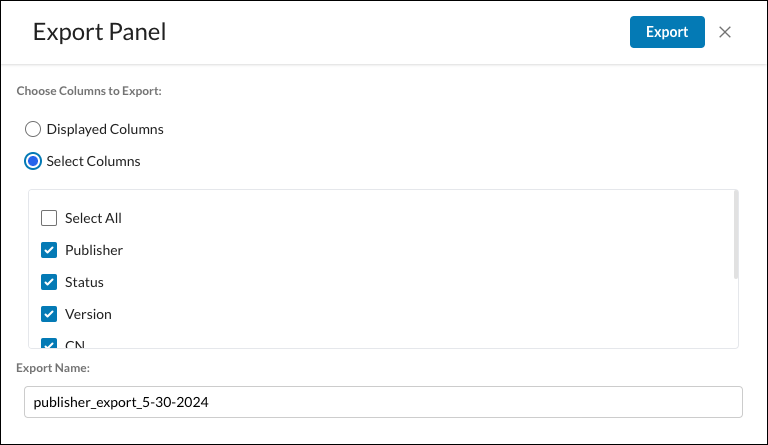
Choose to export the displayed columns, or select the columns to export, and then click Export.