

Risk Exchange maintains a list of all the fetched records and their metadata received from various plugins.
- The lists can be viewed from Risk Exchange > Records.
- A list of all the records in the selected entity will be displayed. The list is paginated with a default user display count of 10.
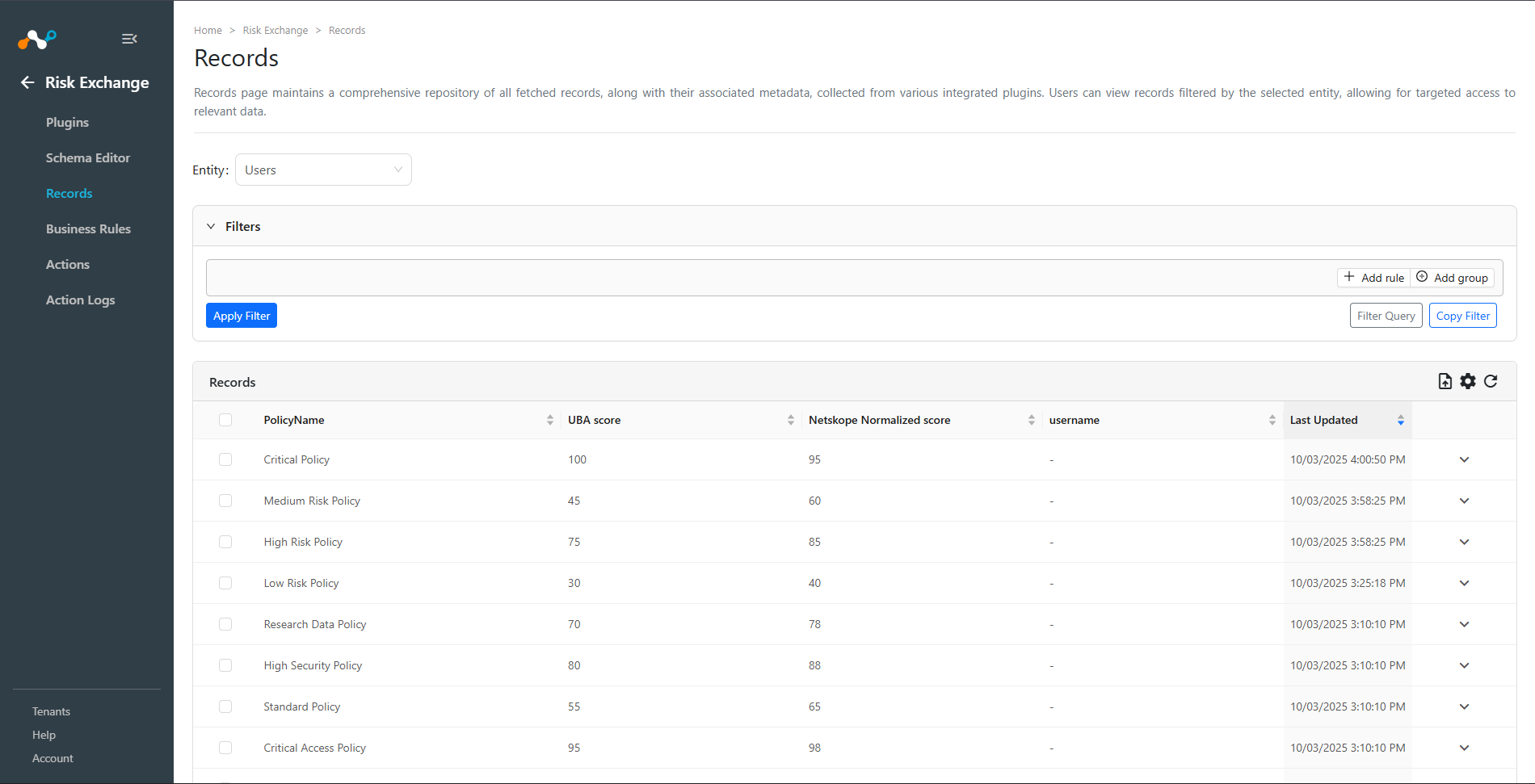
- A write-access user can create a negative filter by selecting Not in the upper left-hand corner. For more than one filter criteria, move the mouse to the upper right of the filter box to see and select Add Rule. Then select the appropriate comparison operator And or Or by moving the mouse over the And button in the upper left, creating a multi-variable match as shown in the screenshot below. Individual rules can be deleted by clicking on the red trash icon to the right of the rule. For alternative multi-data criteria, select Add Group. Rules will be processed from top to bottom. Move the mouse to the upper right of the filter box to see the Add Group option.
- Click Clear to remove the custom filter.

- After selecting the desired filter, click Apply Filter. Users/Hosts matching the filtering criteria will be listed. Also, you can enter the filter query manually and can load the filters according to the query.