

Use a schedule when you want a policy to apply only during specific windows of time — for example, blocking a category of sites during business hours only, or restricting access to retail sites during a seasonal sale window.
When to use this
Use a schedule when you want a policy to apply only during specific windows of time — for example, blocking a category of sites during business hours only, or restricting access to retail sites during a seasonal sale window
Opening the Policy Schedule panel
From the policy row (or while creating/editing a policy), open the schedule option. This opens a dedicated Policy Schedule panel.
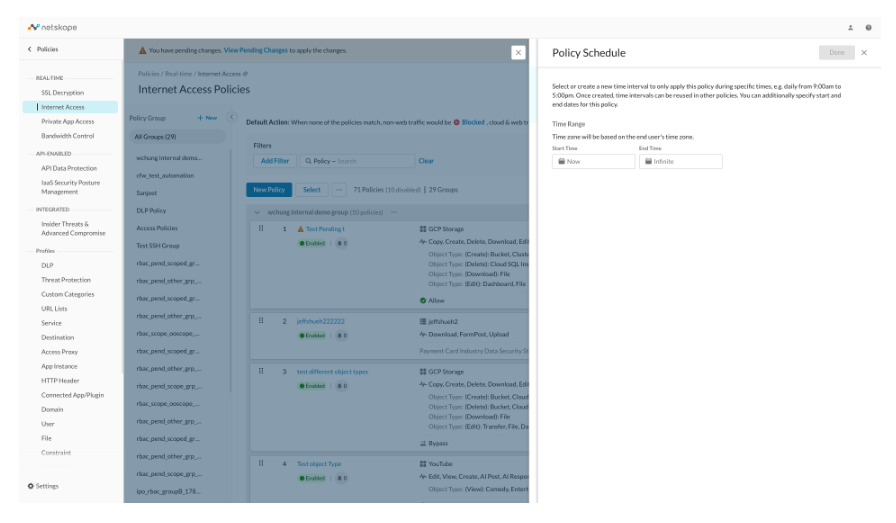
Setting the overall window: Time Range
- Start Time and End Time define the outer window during which the policy can be active at all. Times are shown in the end user’s own time zone, not the admin’s.
- Leaving Start Time as Now and End Time as Infinite means there’s no outer boundary — the policy is bound only by whatever Time Interval you attach (see below).
Please note that certain policy types such as CFW policy do not support scheduling yet.