

Service profiles allow you define service objects to control, inspect, and log all network traffic based on destination ports (i.e., specific TCP ports or ranges).
To create a Service profile:
- Navigate to Policies > Service.
- Click New Service. The New Service window appears.
- Enter a name for the Service profile.
- (Optional) Enter a description for the Service profile.
- Click Add Protocol and select the protocol type. You can enter ports or port ranges, separated by commas (e.g., 443, 80-90). If you don’t enter any port or port ranges, then Netskope will match any port.
- Click Save to save the Service profile.

After you create a Service profile, you must add it to a Real-time Protection or SSL decryption policy. Note that NSProxy prioritizes Real-time Protection rules with service objects for non-standard port access.
Service Objects API
A Netskope REST API is available for service objects. The Service Objects API allows you to manage your service objects.
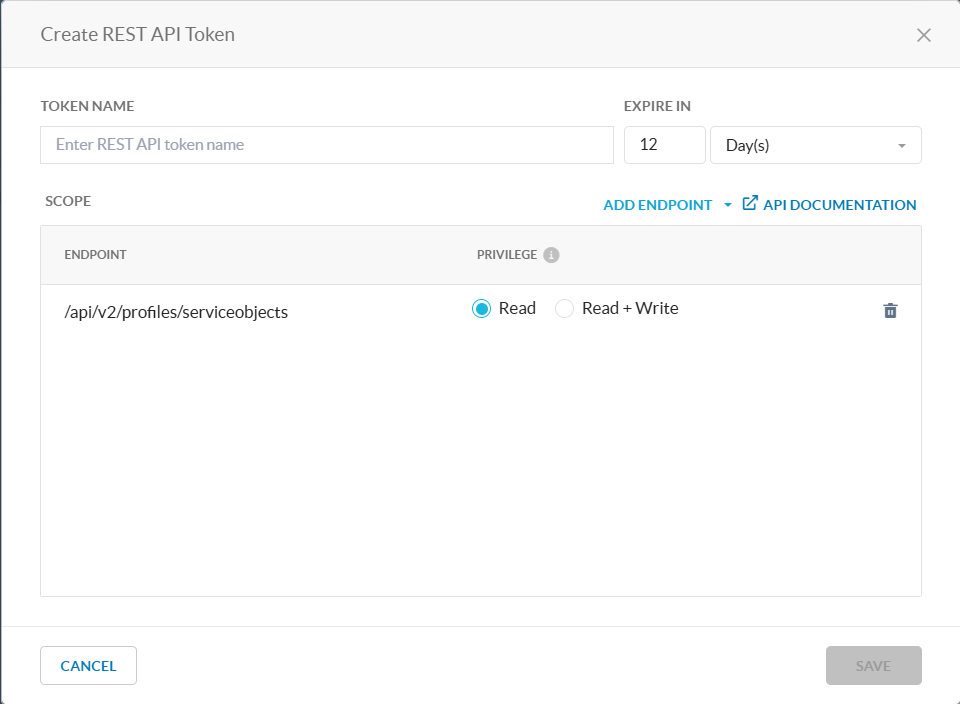
More information about this REST API is available in Swagger. In the UI, navigate to Settings > Tools > REST API v2 and click API Documentation to access the Swagger API documentation. To learn more about REST APIs, see REST API v2 Overview.