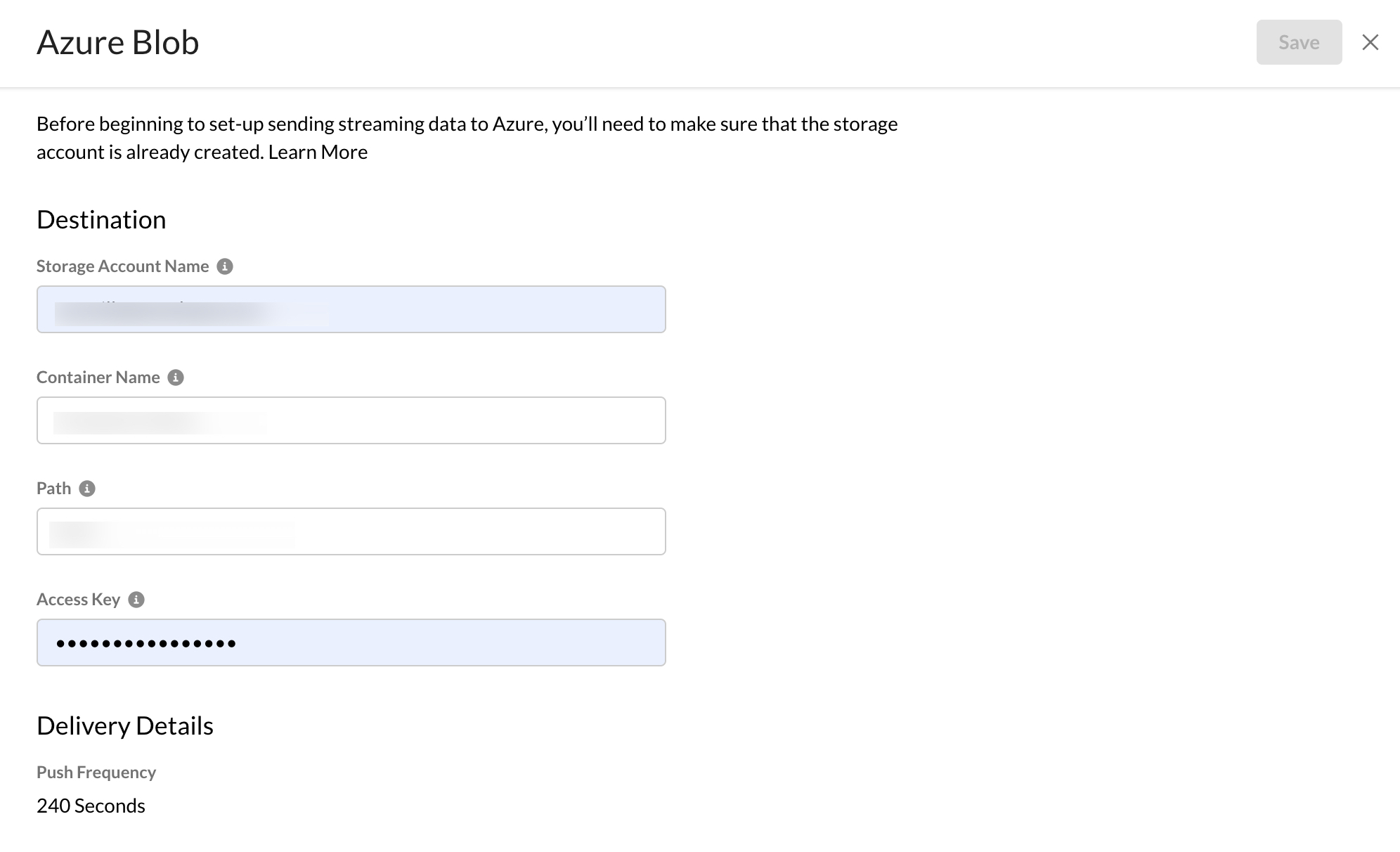
Netskope Log Streaming supports sending log files to Azure Blob. Provide details for the selected destination type. Destinations supported might offer different features and capabilities. The fields to fill in differ depending on the destination type the user selects.
For the Azure Blob destination field, fill in the following fields:
- Name of Destination: A human-readable description for the destination.
- Storage account name: The name of the storage account where the user wants to store logs. To learn more: Blob storage resources in Azure.
- Container Name: The name of the container within a user’s account where the user wants to store logs. To learn more: Naming resources in Azure.
- Path: The path to the folder within the bucket where the user wants to store and save their logs. If the folders do not exist in the bucket, Azure creates them—for example, logs or logs/diagnostics.
- Access Key: Either of the access keys associated with user’s Azure account. To learn more: Authorization in Azure.