

Telemetry delivers relevant notifications, best practices, and in-tenant guides using Gainsight PX analytics cookies. When Gainsight PX is enabled by a tenant administrator, individual users have the option to accept the following:
- Non-anonymous cookies: Customer Support can see all pages users interact with, and their email.
- Anonymous cookies: Customer Support can see all pages users interact with, but not emails.
- No cookies: Gainsight PX features are not available for that individual user.
For more specifics about this feature, go to: Unlock Your Personalized In-Tenant Experience.
To enable telemetry:
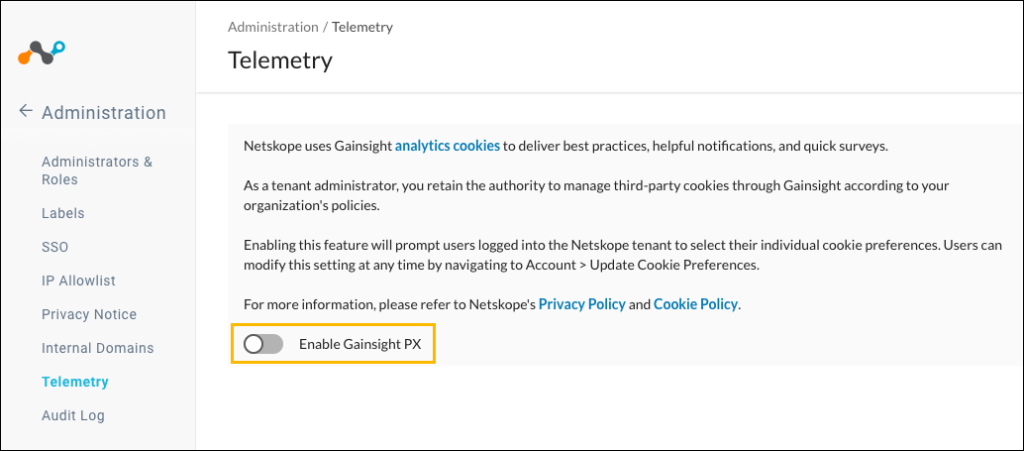
- In your Netskope tenant, go to Admin Console > Administration > Telemetry.

- Enable the Gainsight PX toggle.
- When Telemetry is enabled, users will see this banner when they log in.

- A user can select cookie preferences in the banner, or can go to Account > Update Cookie Preferences.

- After making changes here, click Save.

- If Telemetry is disabled after being enabled, this message box is shown to the administrator.

