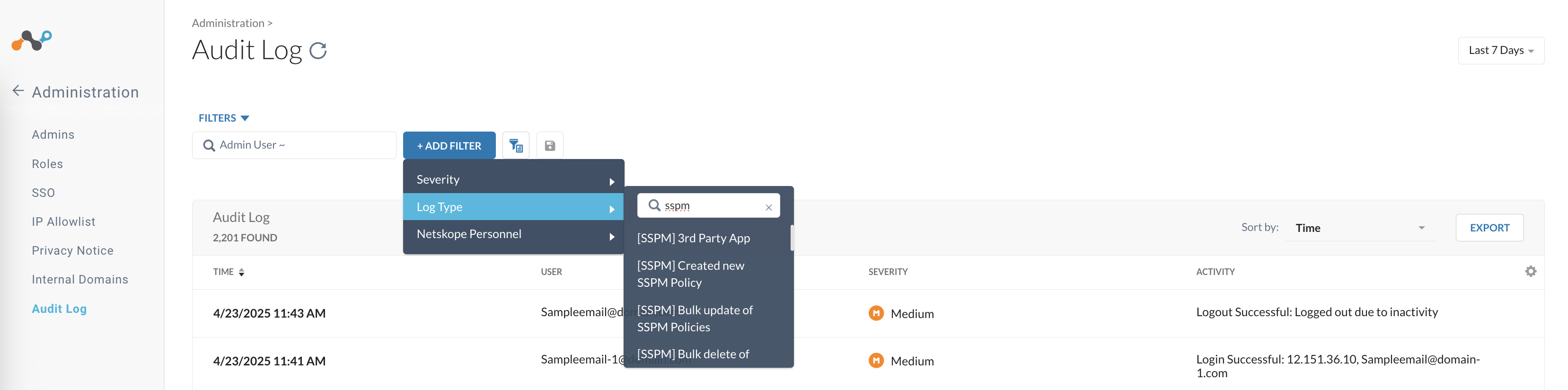
Audit logs are a record of all events, actions, or changes made within an organization’s systems, applications, or networks. These logs provide a historical account of what has occurred, including user activities, system modifications, and security-related events.
Navigate to Settings > Administration > Audit Log from your tenant home page. Refer to the article About Audit Log for more details.
Benefits:
-
Improved Security: Real-time monitoring and analysis enable swift detection of potential threats.
-
Compliance Management: Detailed records facilitate compliance with regulatory requirements.
-
Troubleshooting Efficiency: Logs simplify issue resolution by providing a clear picture of what happened before an incident occurred.
Netskope SSPM logs audit events for the following actions:
-
Changes to rules
-
Changes to policies
-
Data exports
-
Verification of 3rd Party Apps
-
Changes to the posture score
-
Customization of the posture score
Viewing SSPM Events in Audit Logs
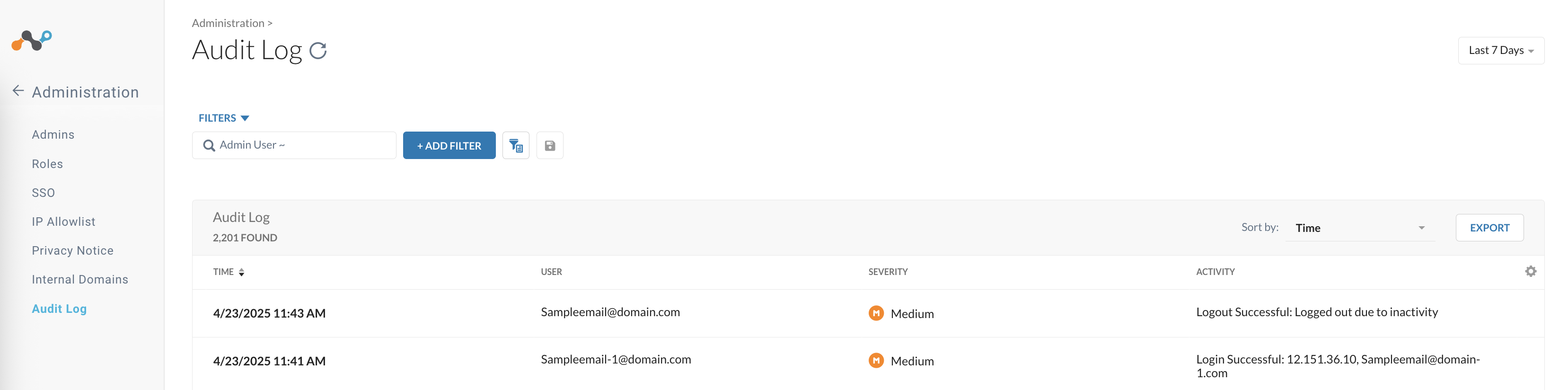
Follow the procedure to look for a specific SSPM event in the audit logs:
-
Log in to the Netskope tenant UI.
-
Go to Settings > Administration > Audit Log.
-
Click + Add Filter.
-
In the Log Type option, enter “sspm” to display all supported SSPM events.
-
Select any listed event to filter the table and view details specific to that SSPM event.