

Write-access users can update already configured plugins.
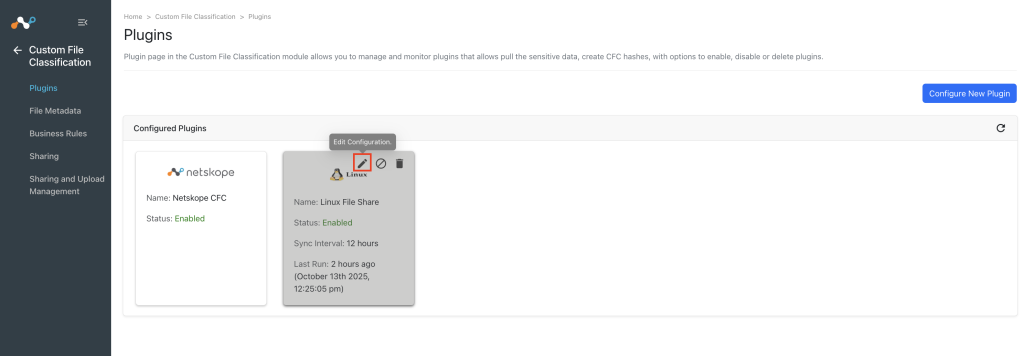
- Click the Edit icon to update the configuration parameters of the plugin.
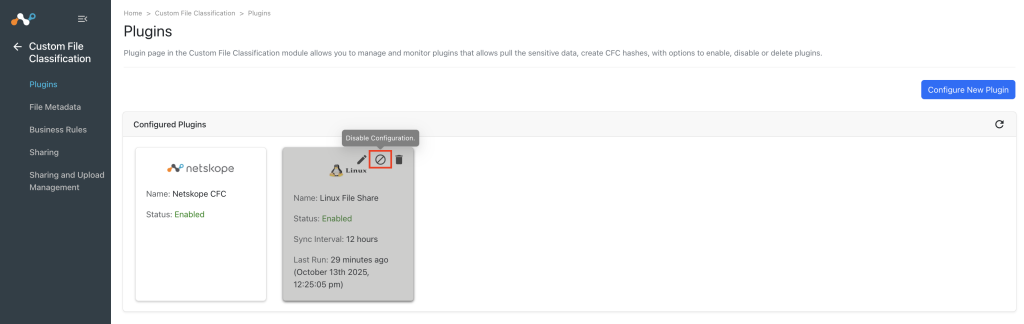
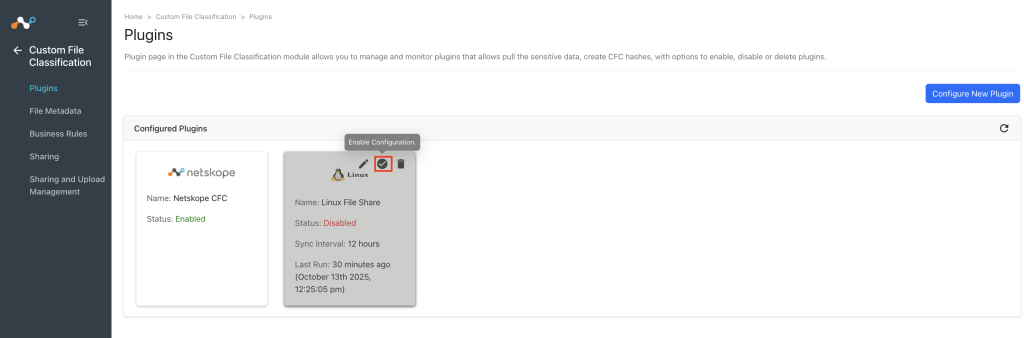
- Click the Disable icon to disable the plugin. When disabled, the status will change and the Enable option will be available in the plugin box.
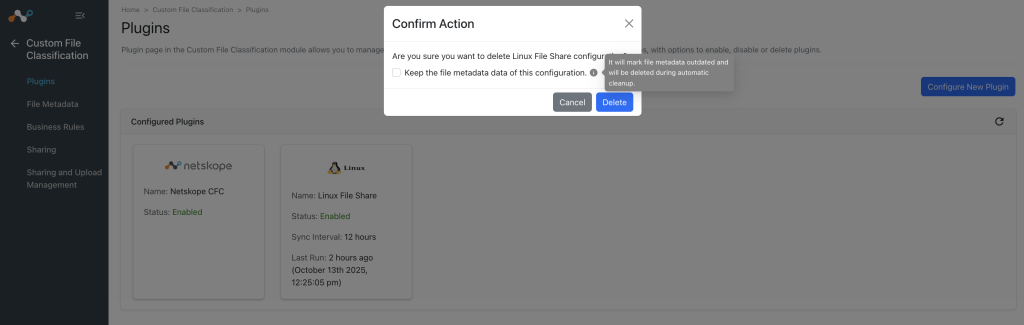
- Click the Delete icon to remove the plugin configuration. When you delete a configuration, the UI prompts you with an option to keep the file metadata in the Custom File Classification database if there are any files derived from the configured plug-in configuration. If the associated IoCs are kept, they continue to be displayed in the Threat Exchange database with the previous configuration name in each of their metadata. In case the checkbox is not selected, the associated files will be marked as Outdated and subsequently removed based on the Global Custom File Classification Settings. For more details, refer to Global Settings.
If another configuration was rebuilt with the same name and using the same plugin, the legacy data will be bound to any new data gathered by the new configuration.