

The User profile is used to select a User Profile instead of All Users or User Groups in an API Data Protection policy. User profiles allow you to upload a CSV file with all the users email addresses to include or exclude in a scan for policy violations.
For storage APIs, the exclude only applies to the users in the exclusions group, profile, or list. For example:
 |
To create a User profile:
- Go to Policies > Profiles > Users, and then click New User Profile.
- Click Select File, and then navigate to and select the CSV file with your user email address information.
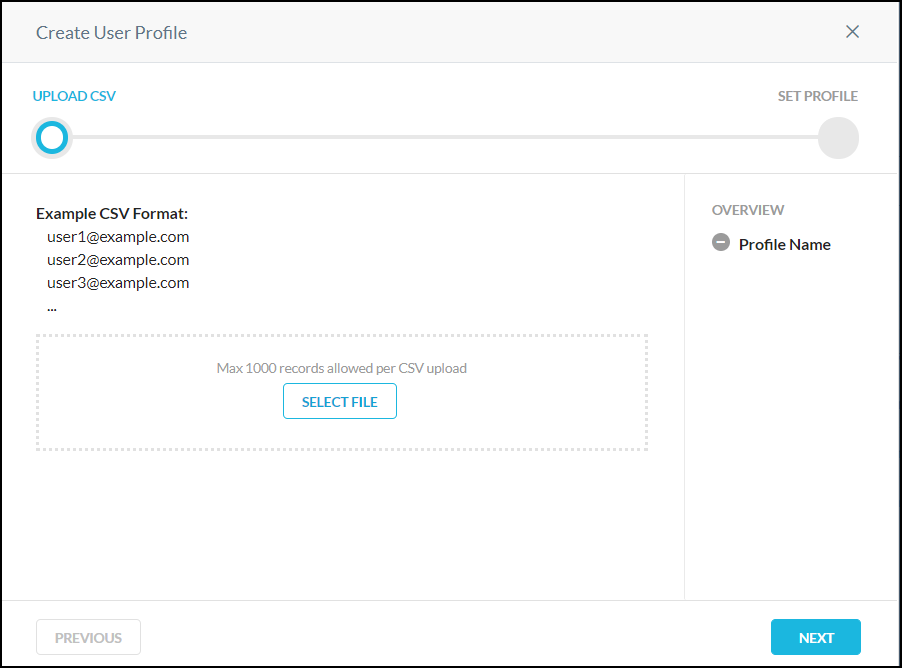
- Click Next, and then enter a name for the User profile. Click Save.
- Click Apply Changes.