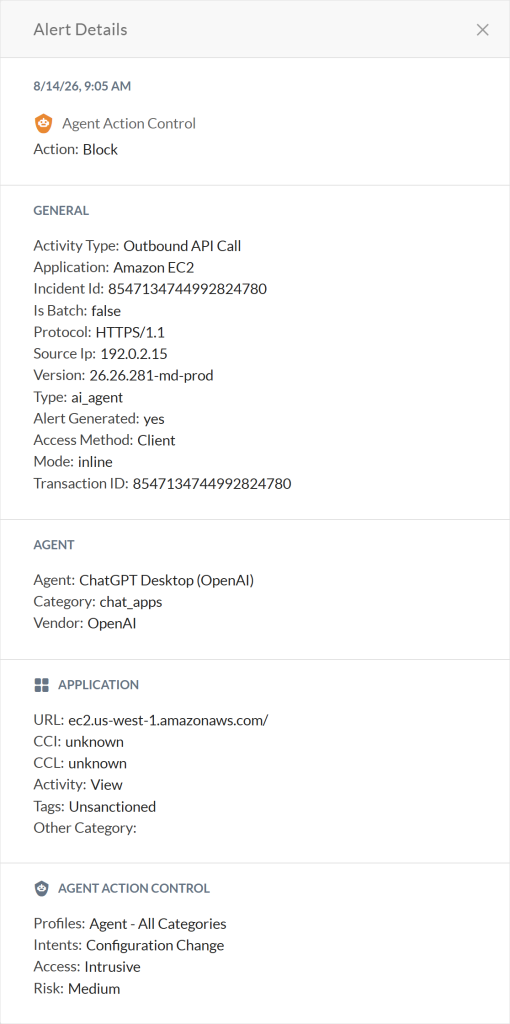
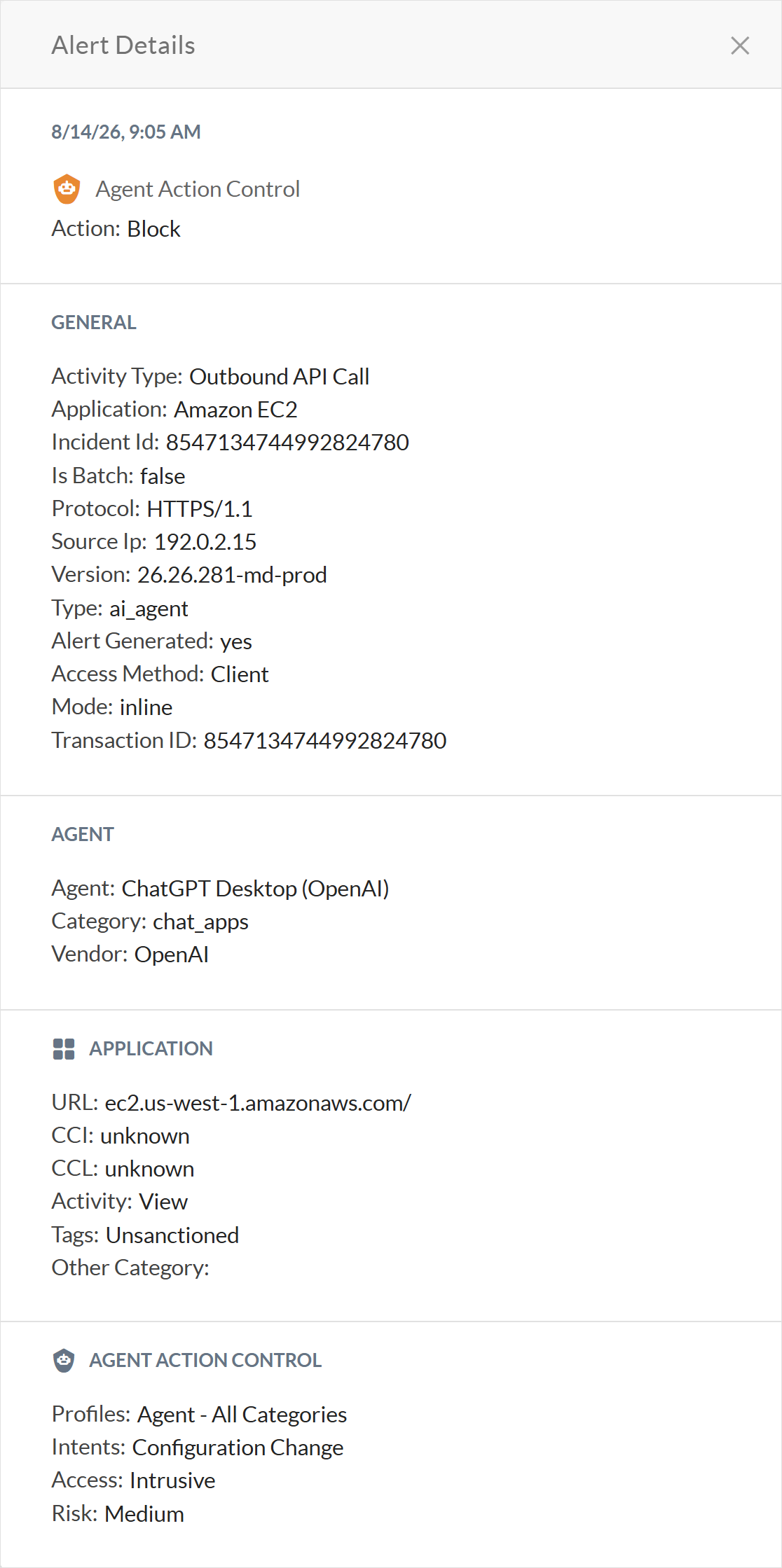
When users violate your Agent Action Control policy while using generative AI apps, Netskope triggers an alert in Skope IT where you can investigate these incidents.
To view Agent Action Control alerts:
-
Go to Skope IT > Alerts.
-
Choose a time frame.
-
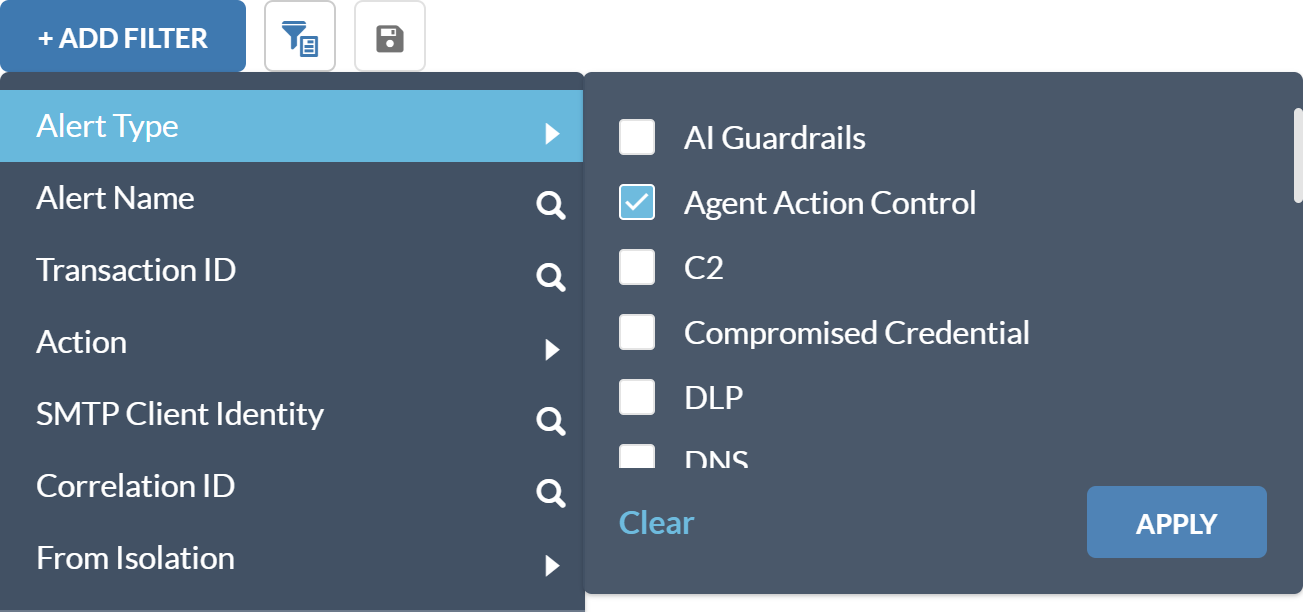
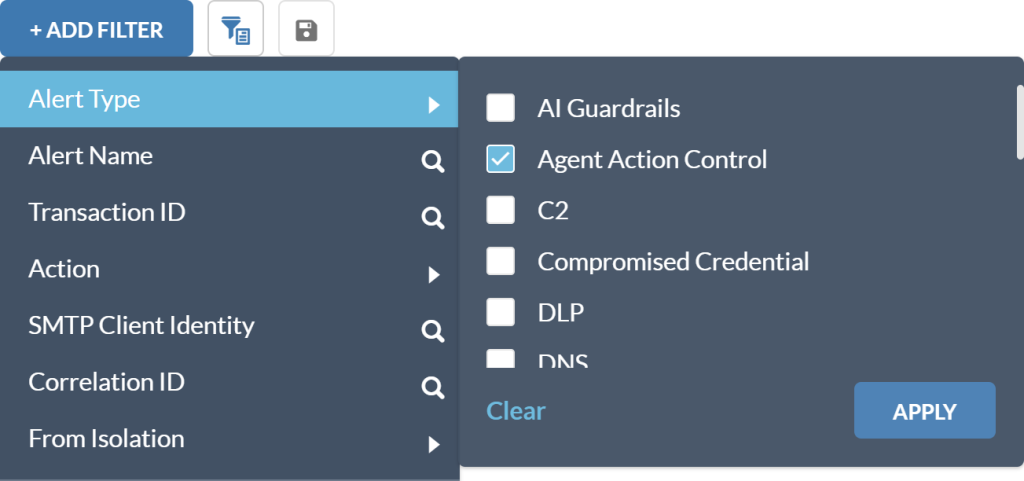
Click + Add Filter, and then click any of the following filters to see Agent Action Control related alerts:
-
Alert Type: Select Agent Action Control.
-
Alert Name: Enter AI Security.

-
Agent Action Control Profile: Select to view alerts associated with a specific Agent Action Control policy.
-
Agent Action Control Category: Select to view alerts for particular Agent Action Control category.
-
Cost Exposure
-
Source Code Changes
-
Infra Updates
-
External Communication
-
Click Apply. The Skope IT Alerts table refreshes with the results.
-
-
Click
 to view more information on the Agent Action Control alert.