

Read and write-access users can view the list of configured plugins and the status.
- Go to Exact Data Match and click Plugins.
- A list of configured plugins is displayed in the Configured Plugins section. Each plugin configuration is displayed as a box. There can be multiple plugin configurations for each vendor, each performing a task (pulling structured data, generating EDM hashes and sharing) a different way to the same or different vendor systems.
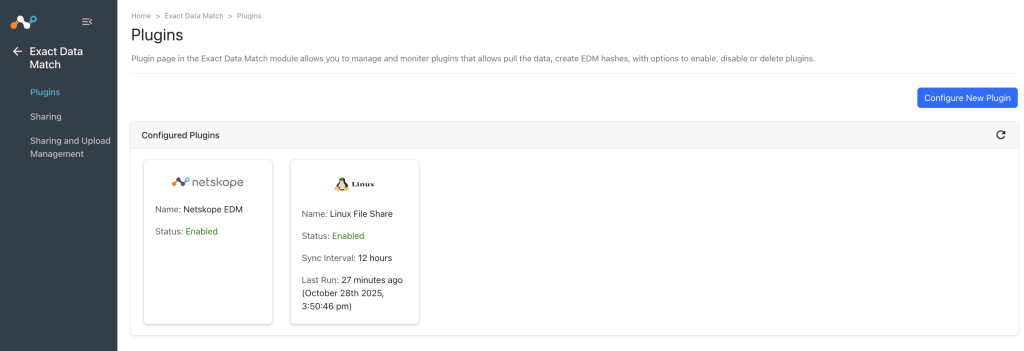

The following details are displayed on each box:
- Logo: Logo of the plugin vendor.
- Name: The configuration name provided while configuring that plugin.
- Status: Enabled or Disabled. If it is actively polling, the word running will be shown next to the arrow.
- Sync Interval: The interval between polls by Exact Data Match of the plugged-in system.
- Last Run: The last time the plugin configuration was successfully executed. NA is displayed before the first sync using that particular plugin.