

Write-access users can view the list of configured plugins and the status.
- Go to Ticket Orchestrator and click Plugins.
- A list of configured plugins is displayed in the Configured Plugins section. The plugin page allows you to manage and monitor plugins that pull alerts and events from a Netskope tenant or create tickets, notifications, and incidents in third-party platforms, with options to enable, disable, or delete plugins.
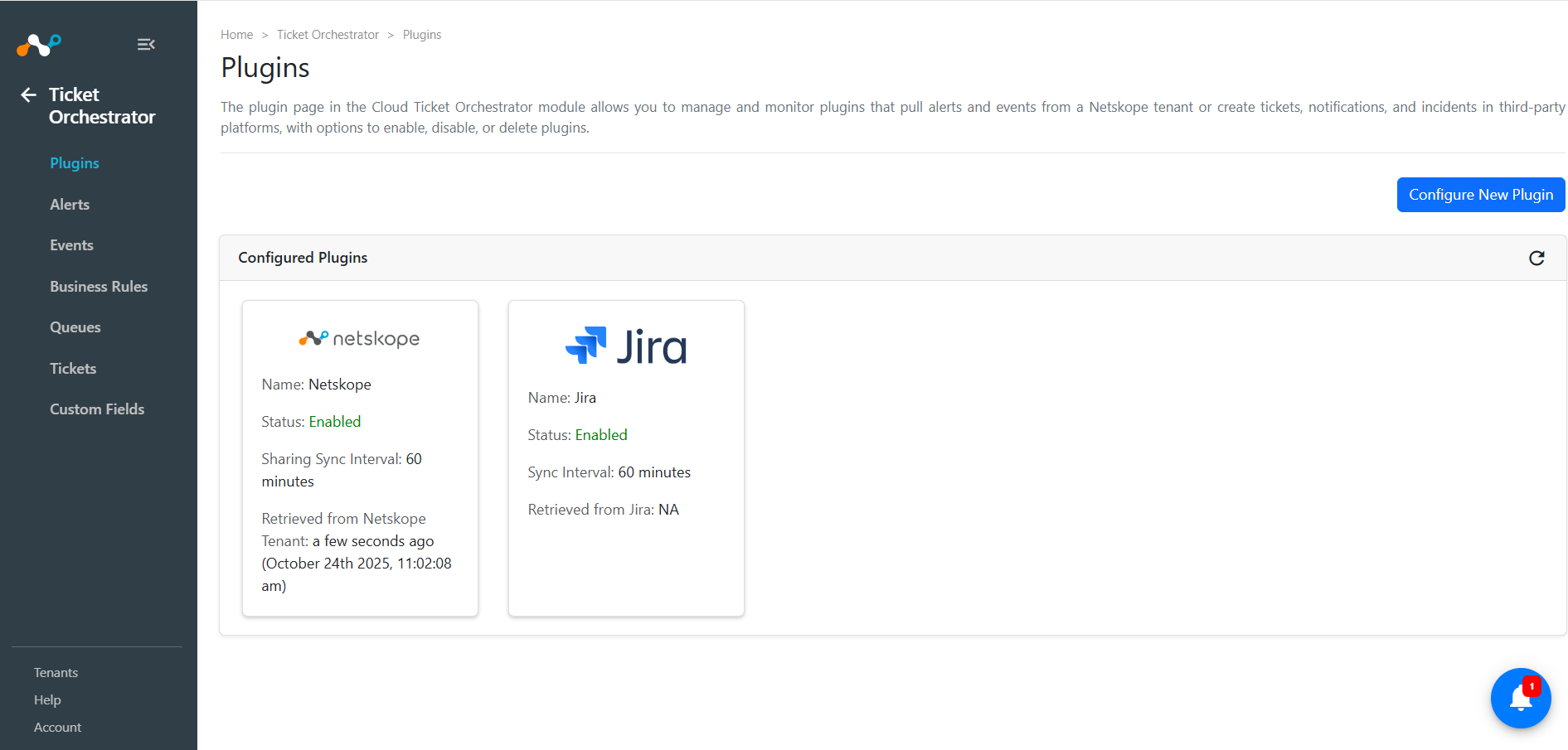
The following details are displayed on each tile:
- Logo of the plugin vendor.
- Name: The configuration name provided while configuring that plugin.
- Plugin Status: Enabled or Disabled. If it is actively polling, the word running will be shown next to the arrow.
- Sync Interval: The interval to fetch data from the plugin source.