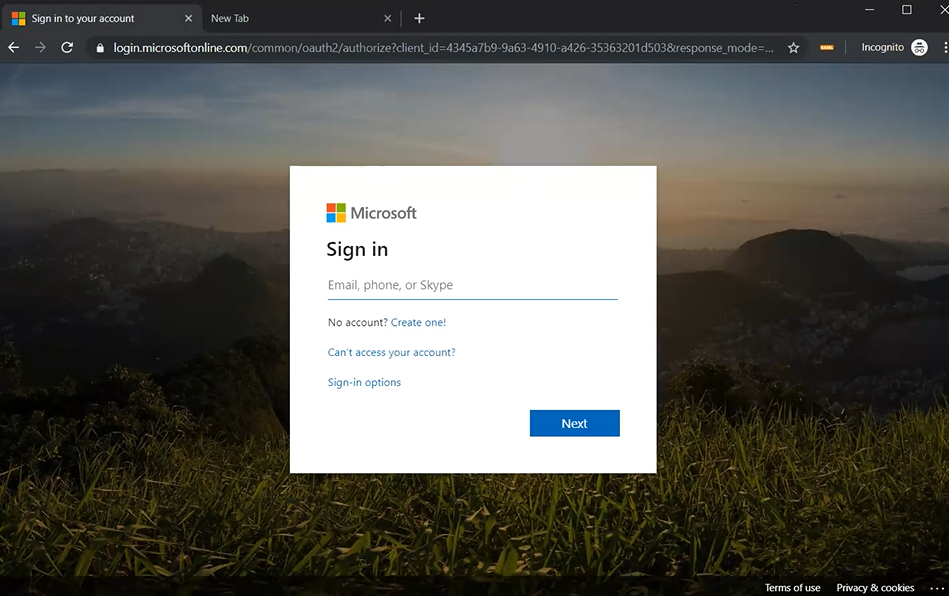
- Connectez-vous au portail Microsoft Azure : https://portal.azure.com
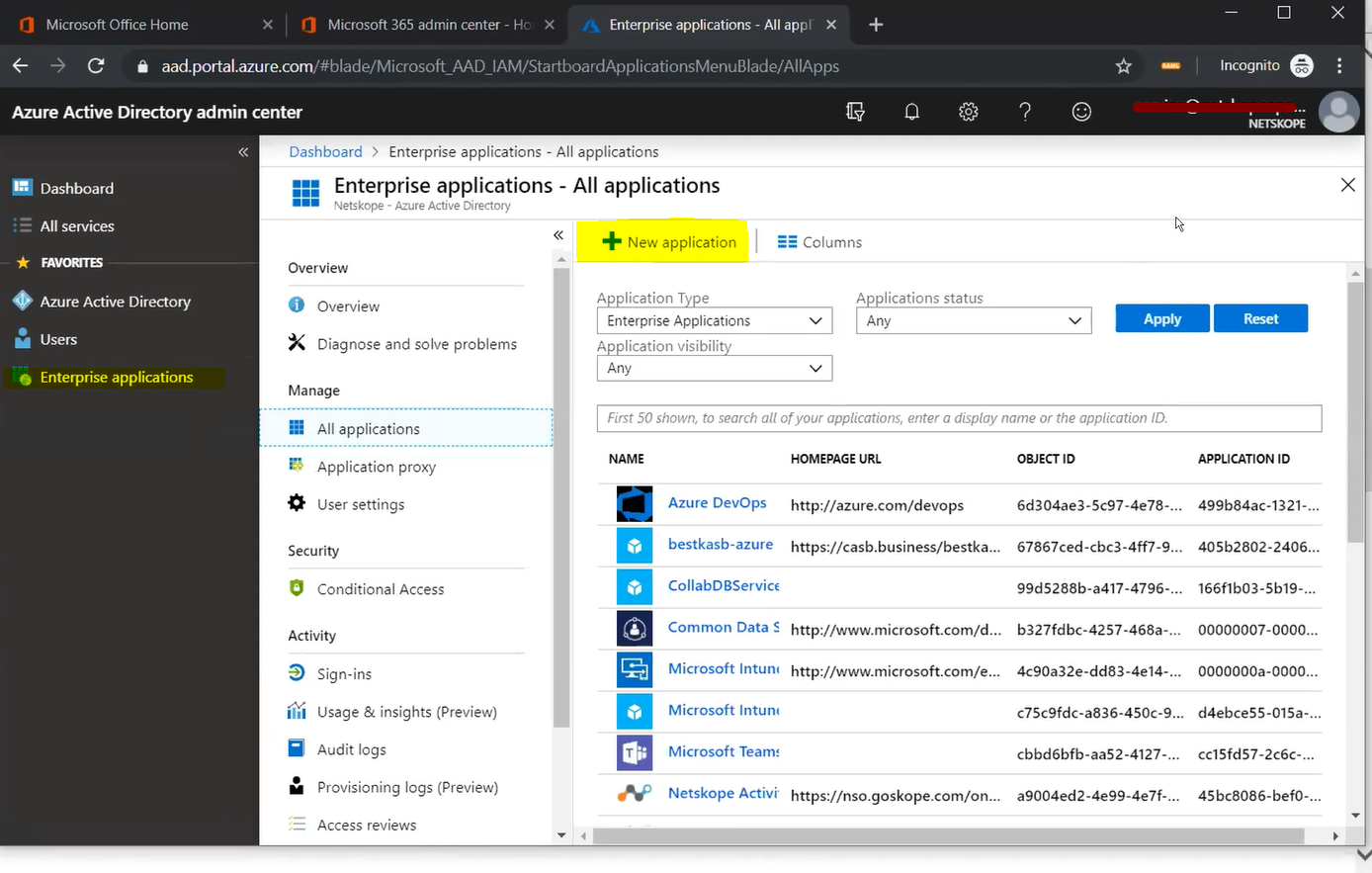
- Allez à Azure Active Directory > Enterprise Applications > All Applications et cliquez sur New application.
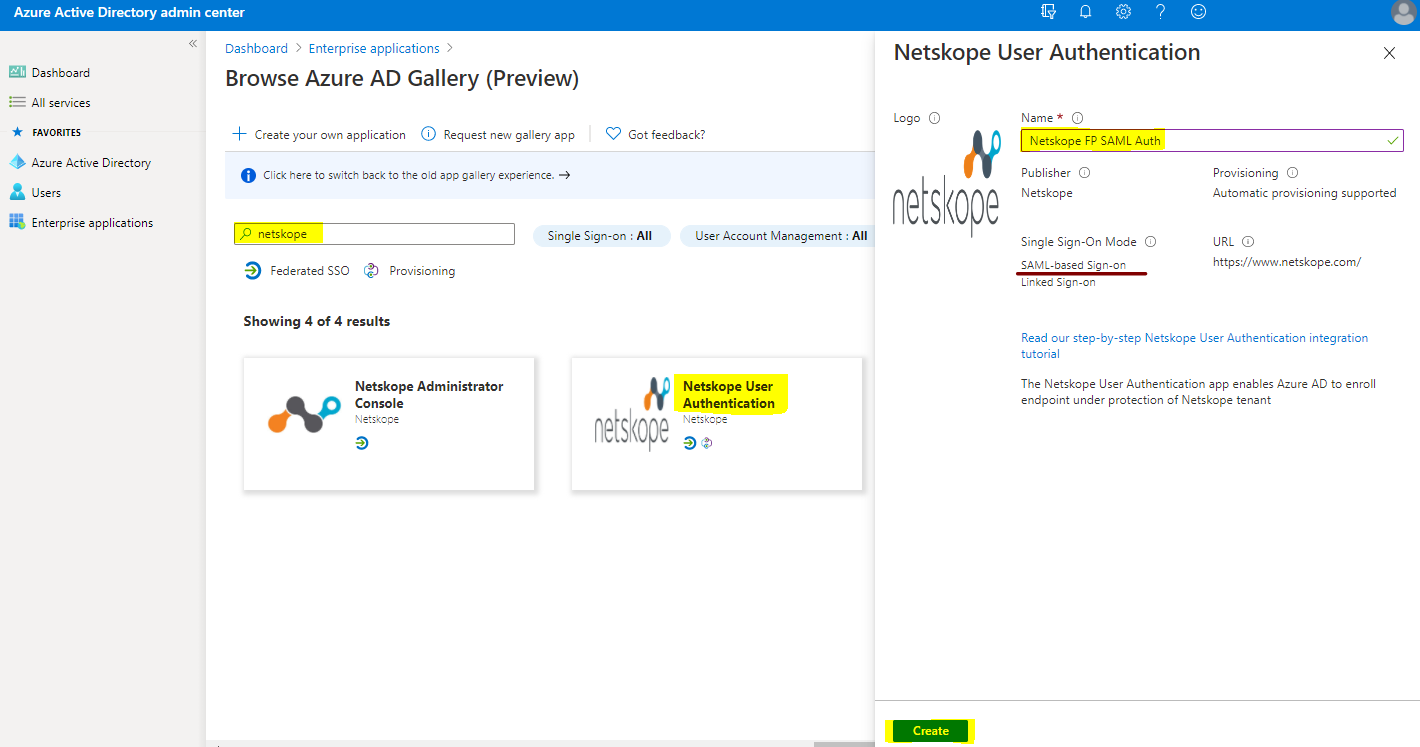
- Enter Netskope in the search bar. Select Netskope User Authentication. Enter a name, like Netskope FP SAML Auth, (for example). Click Create.
Note
Si vous utilisez toujours l'ancienne galerie d'applications, alors.. :
- Select Netskope User Authentication.
- Enter a name, like Netskope FP SAML Auth, (for example).
- Cliquez sur Add.

- Select Single sign-on > SAML.

- Click Edit to enter the Basic SAML Configuration parameters.

- Enter Netskope Entity ID and Netskope ACS URL copied from the Netskope UI in the required fields, and then click Save.


Cliquez sur l'icône x pour fermer la section SAML.
- Vous serez invité à tester l'authentification unique (SSO). Select No, I’ll test later.

- Go to and edit User Attributes & Claims section.

Supprimez toutes les créances supplémentaires par défaut. Vous n'avez besoin que de la déclaration obligatoire.
- Select la valeur pour modifier le champ Identifiant unique de l'utilisateur (Name ID).

- Set the Source attribute as user.mail and click Save.

- user.mail is set as the claim value for Name ID. Click on the x to close this section.

- Download the certificate in Certificate (Base64) format, and copy the Login URL and Azure AD Identifier values. These need to be entered into the Netskope Forward Proxy – SAML settings page later on.

- Attribuez ensuite les utilisateurs qui se connecteront à l'aide de la fonction Azure SAML Auth.
Allez sur Users and groups > Add user/group.

- Select Users and groups.
Select the users, and then click Select.

- Cliquez sur Assign.
Si vous souhaitez utiliser les attributions de groupe, vous devez disposer d'une licence Microsoft P2 ou supérieure. Cela pourrait ne plus être le cas à l'avenir si Microsoft mettait à jour ses modèles de licences logicielles.

- L'utilisateur a été assigné avec succès à l'application SAML Auth.

- Déconnectez-vous du portail Azure.



