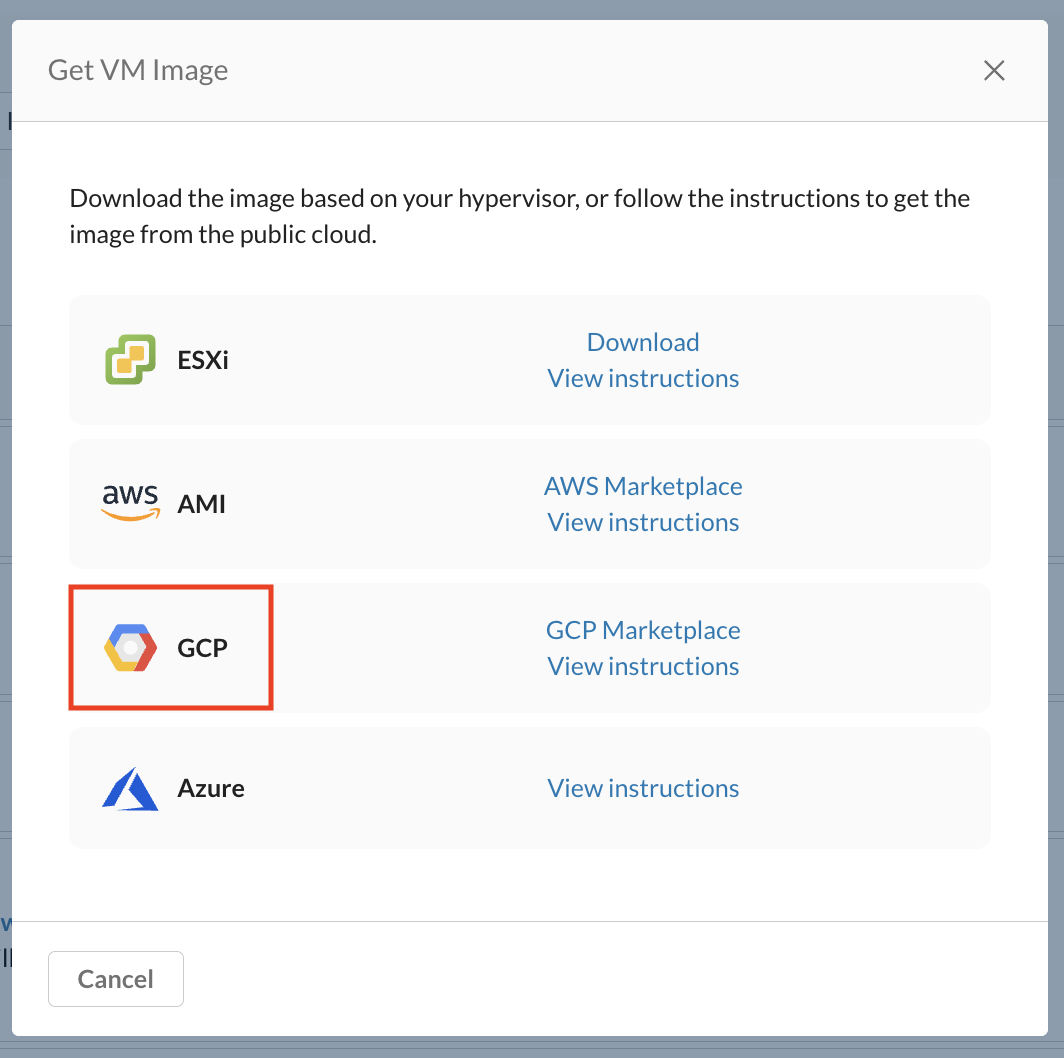
To download the Google Cloud Platform (GCP) image, follow the steps below:
- Log in to the Netskope tenant UI
- Allez à Settings > Security Cloud Platform > VM Onboarding.
- Sur la page VM Onboarding , cliquez sur Deploy VM > Get VM Image.
- Repérez la section AWS AMI et cliquez sur GCP Marketplace.
Pour connaître les étapes de déploiement détaillées après avoir localisé l'image, consultez Deploying GCP Image