

Admins can enable/disable the required modules from General Settings. You can take a module tour to get started with each modules from the Product Tours section. Code versions of the Core, UI, and Database are displayed here. You can also edit the email of the account.

Plugin Updates
The Periodically check for plugin updates toggle periodically checks every plugin repository for updates and notifies you when migrations are available for plugins.

Run Diagnose and Download
Les administrateurs peuvent générer et télécharger un pack de diagnostic depuis Settings > General Settings > Other Settings pour aider au dépannage.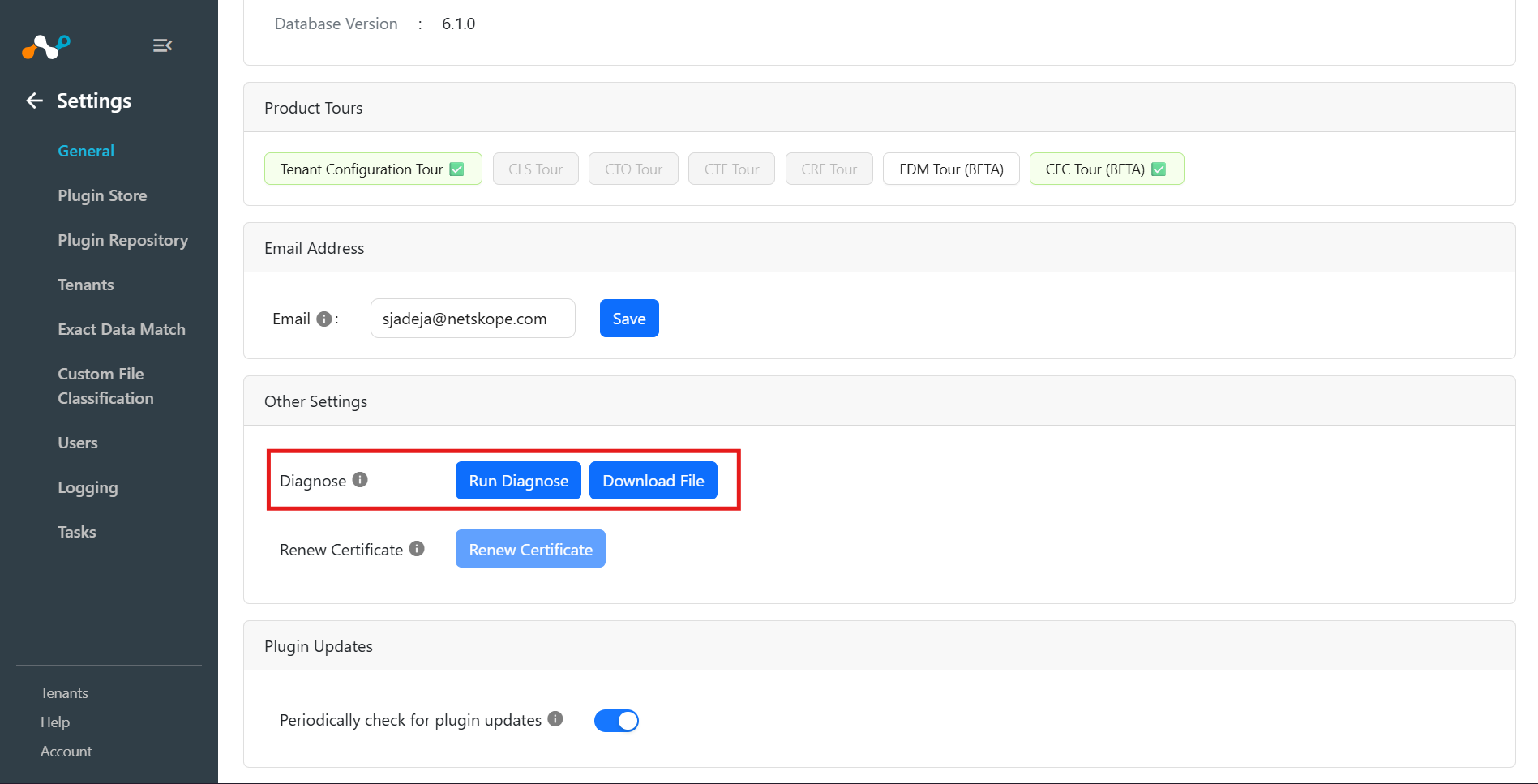
- Click Run Diagnose to start collecting diagnostic logs.
- While the diagnosis is running, the Run Diagnose button shows Running… and remains disabled.
- Le bouton « Download File » n'est disponible que lorsque le pack de diagnostic est prêt.
- Cliquez sur Download File pour ouvrir une boîte de dialogue de confirmation.
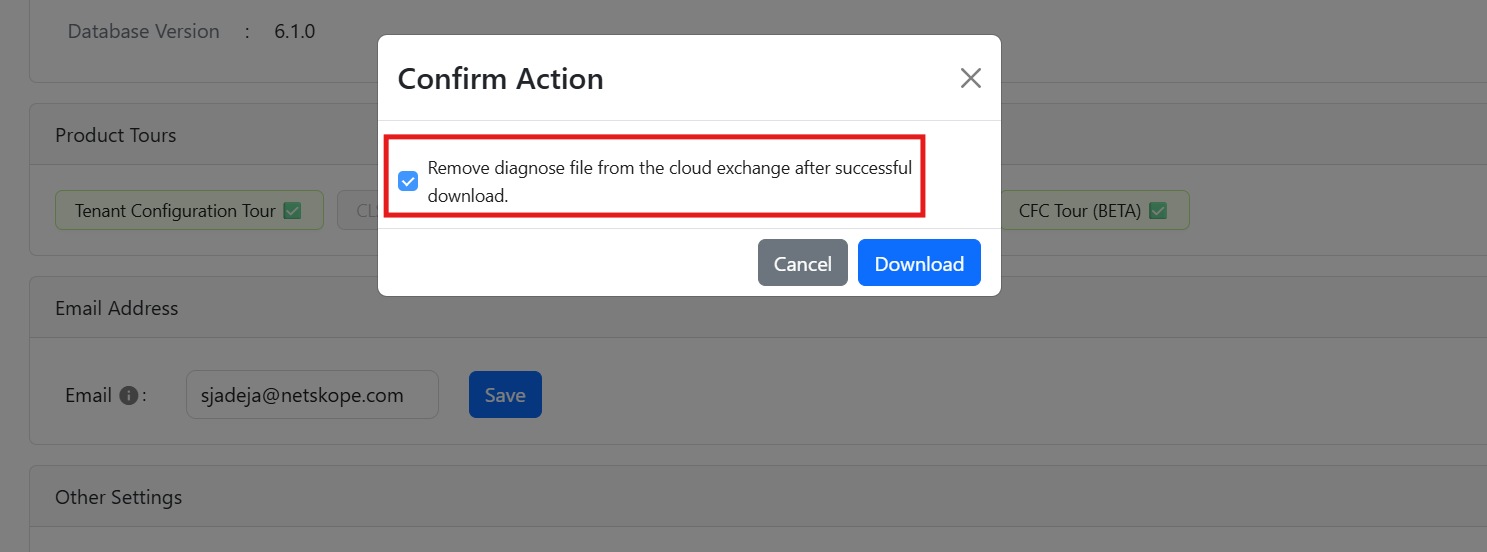
- Optionally, you can select Remove diagnose file from the cloud exchange after successful download to delete the generated bundle from Cloud Exchange storage after download.
- If no diagnostic job exists, or the diagnosis is still in progress, Cloud Exchange shows a status message and prompts to run or wait before downloading.
- The diagnostic file name is automatically derived from the server response and is downloaded as a
.zipfile.
Renew Certificate
Vous pouvez renouveler les certificats SSL sur les serveurs Cloud Exchange avant leur expiration. L'interface utilisateur affiche une bannière lorsqu'un certificat est sur le point d'expirer dans moins de 30 jours, et le bouton Renew Certificates sera activé sous Settings > General Settings.


- A Warning banner appears in Cloud Exchange when the certificates are within 30 days of expiration.
- By default the Renew Certificate toggle is disabled; it becomes enabled only when the certificates are within 30 days of expiry.
- Cloud Exchange generates certificates with a validity of 365 days.
- Cloud Exchange regenerates only those certificates that were originally generated by Cloud Exchange.
- After you click Regenerate Certificate, Cloud Exchange will restart with the newly generated certificates and user might see a Network Error. After a few minutes Cloud Exchange will be up and running again.