-
Log in to your tenant WebUI
-
Allez à Settings > Security Cloud Platform > Forward Proxy > SAML.
-
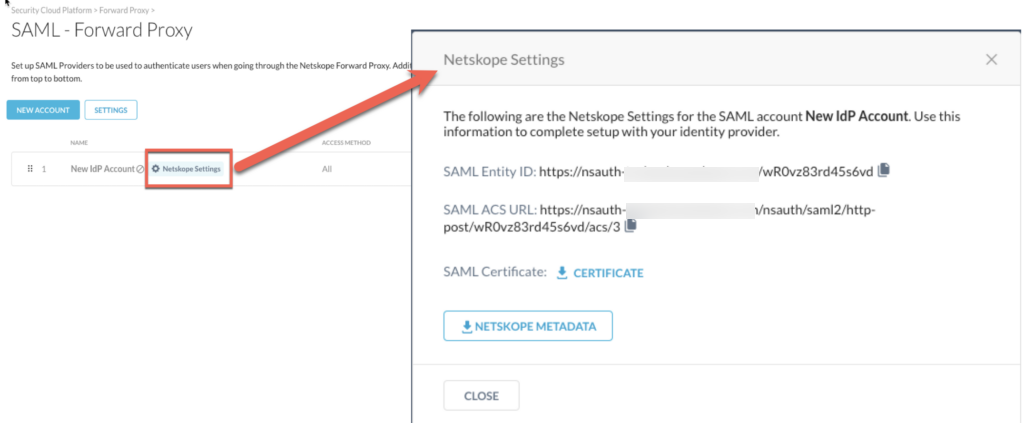
Click the Netskope Settings button to view and copy the Entity ID, Proxy ACS URL and SAML Certificate details of the IdP account.


Log in to your tenant WebUI
Allez à Settings > Security Cloud Platform > Forward Proxy > SAML.
Click the Netskope Settings button to view and copy the Entity ID, Proxy ACS URL and SAML Certificate details of the IdP account.
