

The Universal Schema Builder lets you combine the data that Cloud Exchange already collects in separate modules into a single, unified set of records, and then act on those records. Threat Exchange stores indicators, and Risk Exchange stores entities like users, applications, and hosts. Each works well on its own, but the relationships between them, the user who was seen with a malicious file hash, or the application associated with a flagged domain, are only visible when the data is brought together.
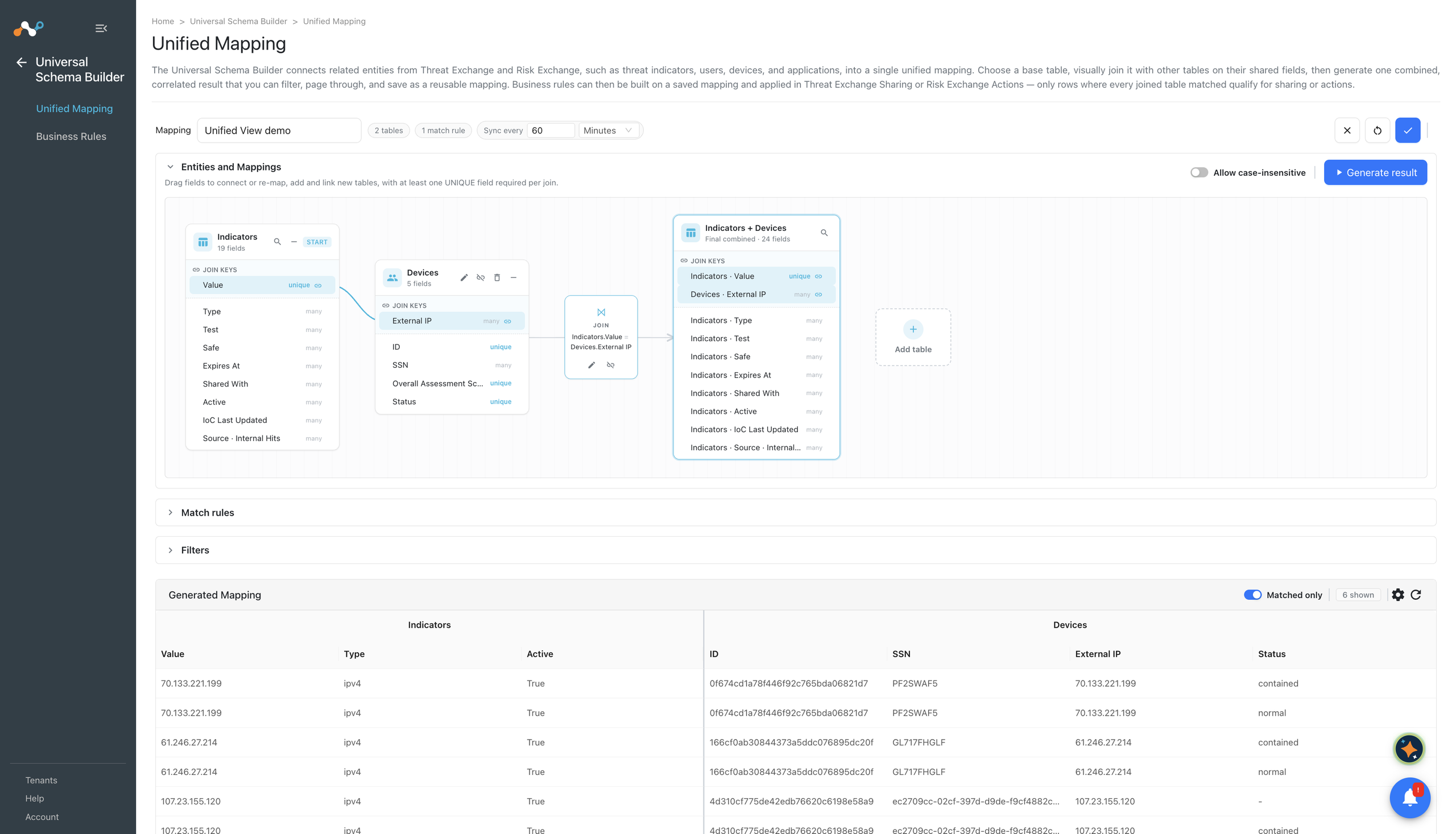
With the Universal Schema Builder, you join these entities on the fields they have in common, review the combined result, and then create business rules that filter the joined records and share or act on them.
The Universal Schema Builder contains two pages:
| Page | Description |
|---|---|
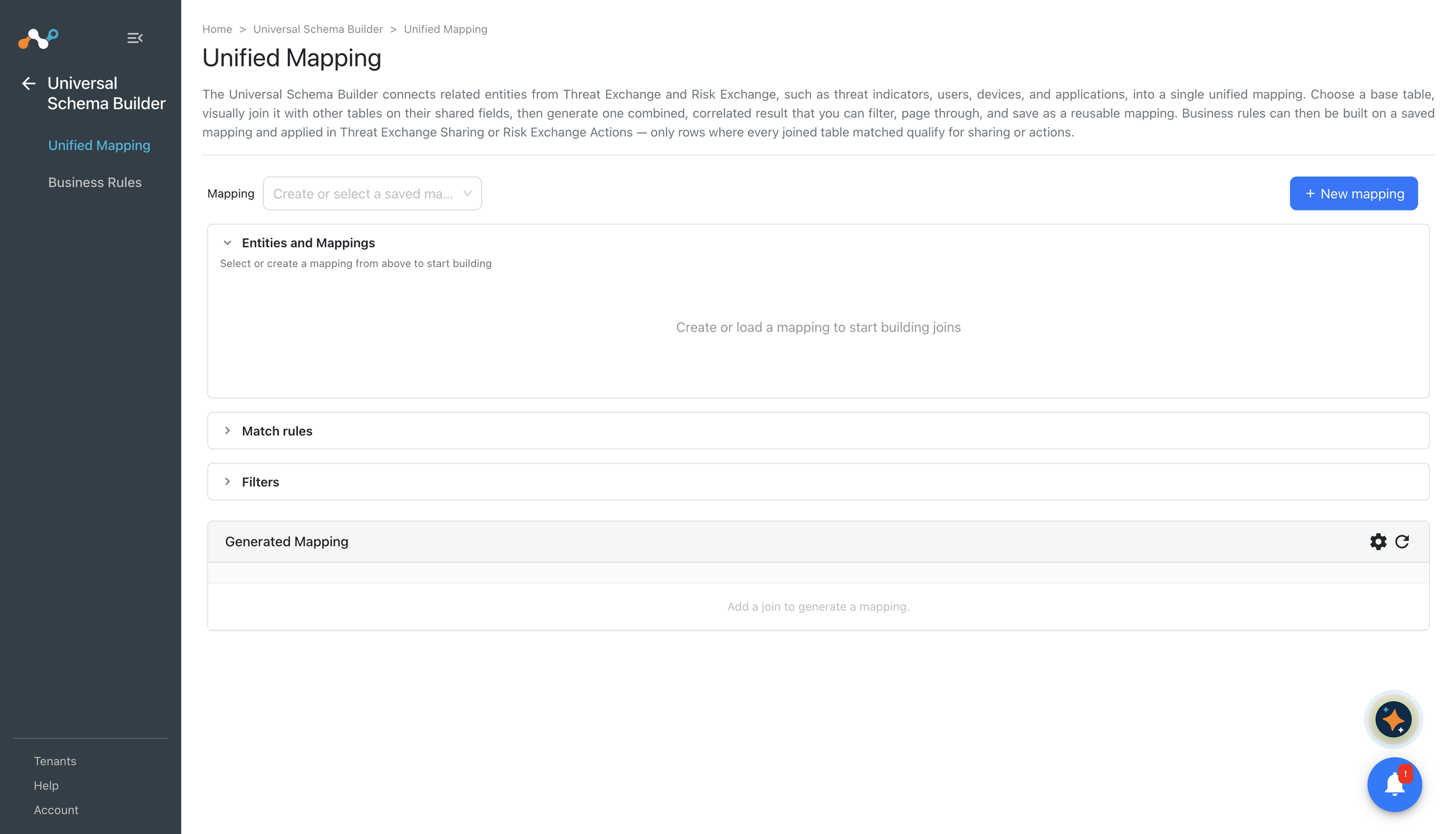
| Unified Mapping | Select a base table, join additional Threat Exchange and Risk Exchange entities onto it, apply filters, and save the result as a named mapping. |
| Business Rules | Filter the joined records of a saved mapping and configure what happens to the records that match, like share them to a Threat Exchange destination, perform Risk Exchange actions on them, or both. |
How It Works
A mapping is a definition, not a copy of your data. When you save a mapping, Cloud Exchange stores the base table, the joins, and the filters that describe how to combine the entities. It does not store the joined records themselves. Every time you preview a mapping, execute it, or evaluate a business rule against it, the records are rebuilt from the current contents of the source entities. Your unified data is therefore always current, and enabling the module does not duplicate storage.
Joins are performed two tables at a time, in the order you create them. The first join combines the base table with a second table; the next join combines that result with a third table, and so on. Every join is a left outer join, which means a record from the left side appears in the result whether or not a matching record is found on the right side. Fields from an unmatched table are simply empty for that record.
Joins match on equality only. You select a field from each side, and records are combined where those field values are equal.
A saved mapping by itself does not move data or perform any action. It defines the view. To act on what it produces, create a business rule on the Business Rules page.
Prerequisites
To complete this configuration:
- The Risk Exchange module must be enabled in Settings > General. The Universal Schema Builder is part of Risk Exchange, and while the module is turned off, the pages are unavailable and existing business rules are disabled and cannot be modified or run.
- The Universal Schema Builder is available to users with the Risk Exchange read permission (
cre_read). Creating, editing, and deleting mappings and rules requires the Risk Exchange write permission (cre_write). - To include the Threat Exchange indicators entity in a mapping, the Threat Exchange module must be enabled in Settings > General, and your user must also have the Threat Exchange read permission (
cte_read). Without it, the indicators entity is not offered when you build a mapping, and saved mappings that use it are hidden. - Saving, editing, or deleting a mapping that joins the indicators entity requires the Threat Exchange write permission (
cte_write). - To join two Risk Exchange entities, no Threat Exchange permission is needed.
- Configure the plugins that populate your indicators and entities before you build a mapping, so there is data to join and preview.
Get Started
- Go to Universal Schema Builder > Unified Mapping and create a mapping that joins the entities you want to combine. See Unified Mapping.
- Go to Universal Schema Builder > Business Rules and create a rule that filters that mapping and defines what to do with the matching records. See Business Rules.