

Netskope REST APIs use an auth token to make authorized calls to the API. Netskope REST APIs provide access to resources via URI paths. The token must be used in every REST API call for the tenant. The token can be created for use with specified APIs in the Netskope UI by going to Settings > Administration > Administrators & Roles > Administrators and clicking Service Account. For instructions to create a new token, go here.
Important
If your Netskope tenant is hardened using IP Allowlist (Settings > Administration > IP Allowlist), then ensure that you add the respective source IP addresses of your integrated REST API V2 services to the Custom IP list.
Swagger API Documentation
To see API parameters information, click the API Documentation link on the REST API v2 page, which opens the Swagger UI. Available endpoints, methods, and parameters are displayed.
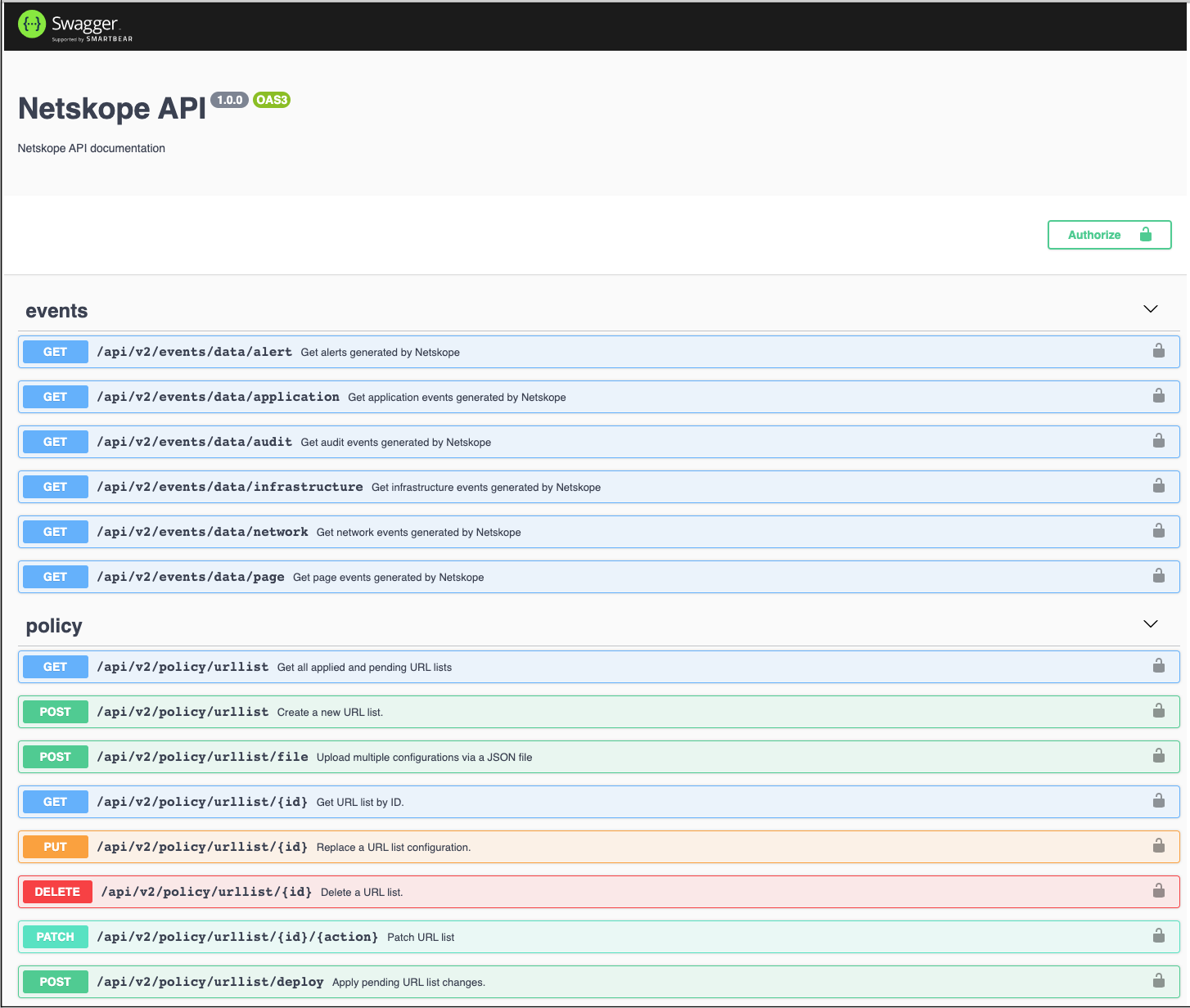 |
To view endpoint payload information in Swagger:
- Click on one of the endpoints, like
/api/v2/events/dataexport/alerts/dlp, to see the parameters available and responses.
- Parameter descriptions provide information about the available values, format requirements, and factors related to use with other parameters. Some parameters provide dropdown lists for supported options, other parameters use text field entries.
- Copy the endpoint Request URL and parameters to use in your API calls. Make sure the token is added to the Netskope-API-Token header before sending requests; otherwise, you will get an error.
