

The Exact Data Match (EDM) module is a part of Cloud Exchange’s Data Protection (DLP) suite, designed to help organizations protect structured sensitive data. It works by generating cryptographic hashes of structured data (like from CSV files or database queries) and securely shares these hashes with the Netskope Tenant. These hashes are used to create real-time DLP policies that prevent sensitive data from leaving your network.
The module is designed exclusively for deployment within Standalone containers on RHEL and Ubuntu systems and is not supported on medium stack instances or high-availability (HA) clusters. These deployment restrictions are now enforced.
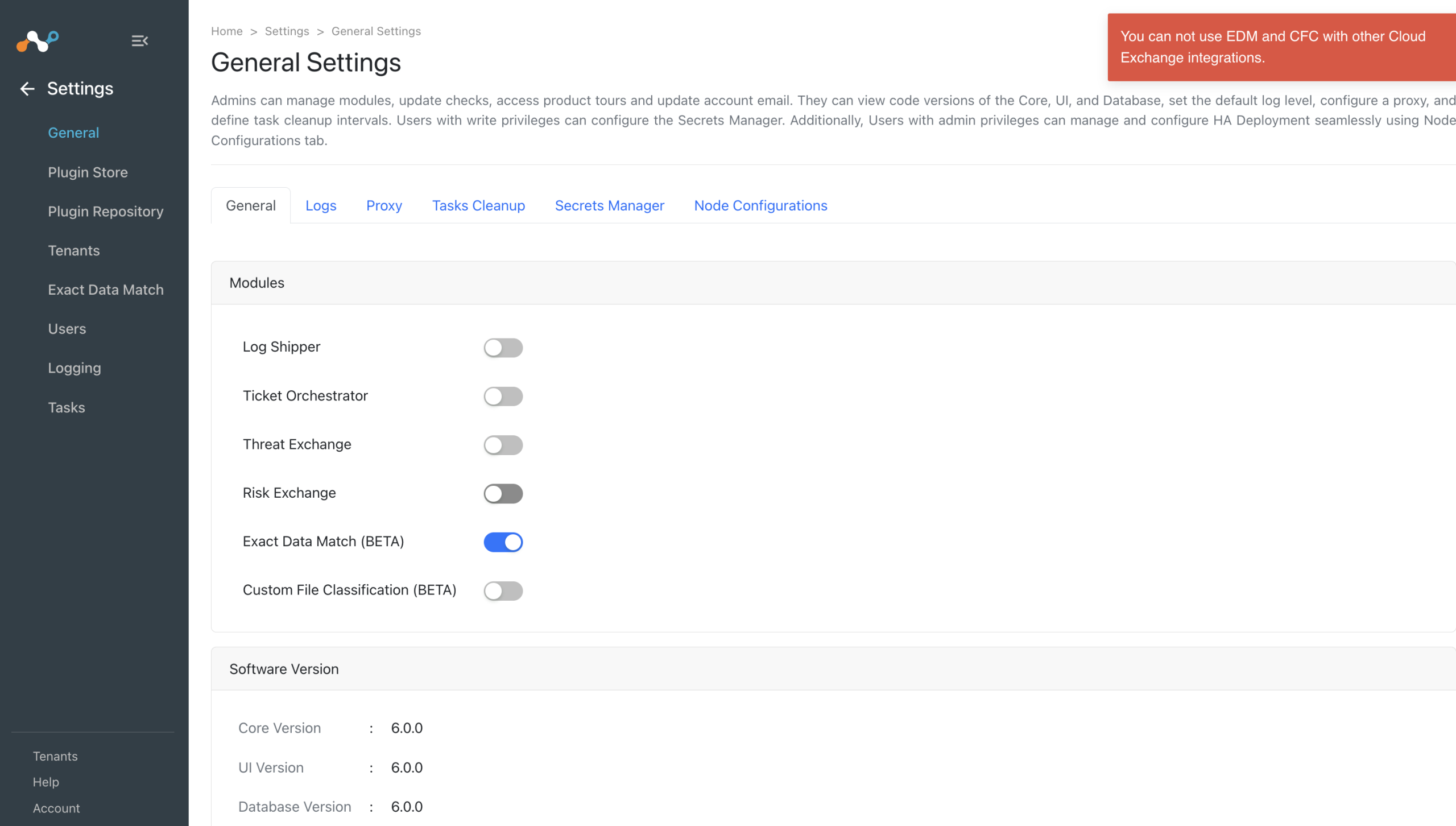
For optimal operation, the Exact Data Match module should be utilized in an isolated environment. Enabling the Exact Data Match module precludes the simultaneous use of additional modules.
For optimal operation, the Exact Data Match module should be utilized in an isolated environment. Enabling the Exact Data Match module precludes the simultaneous use of additional modules.
For existing deployments undergoing upgrade or migration, the current state of the Exact Data Match module is preserved. If the module is already enabled, it will remain enabled after the upgrade. However, once the Exact Data Match module is disabled on Medium stack or HA deployments, it cannot be re-enabled.
In Cloud Exchange, go to Settings > General and enable the Exact Data Match (EDM) module.
Click play to learn how to set up Exact Data Match.
Exact Data Match Global Settings
Only write-access users of Cloud Exchange can change the Exact Data Match settings.
- Go to Settings > Exact Data Match. Sensitive metadata collected from different sources are preserved for 7 days, by default. The file metadata that are older than the number of days specified will be deleted during the automatic cleanup.
- You can change the time duration to keep the metadata per your requirements. When finished, click Save.

